
Design, distribute, and analyze surveys online or via email with real-time insights using Survey Monkey.
38M visits/mo-3.9%#2 Business & Marketing

A ChatGPT-powered assistant that uploads, analyzes, and answers questions about your data with high accuracy.
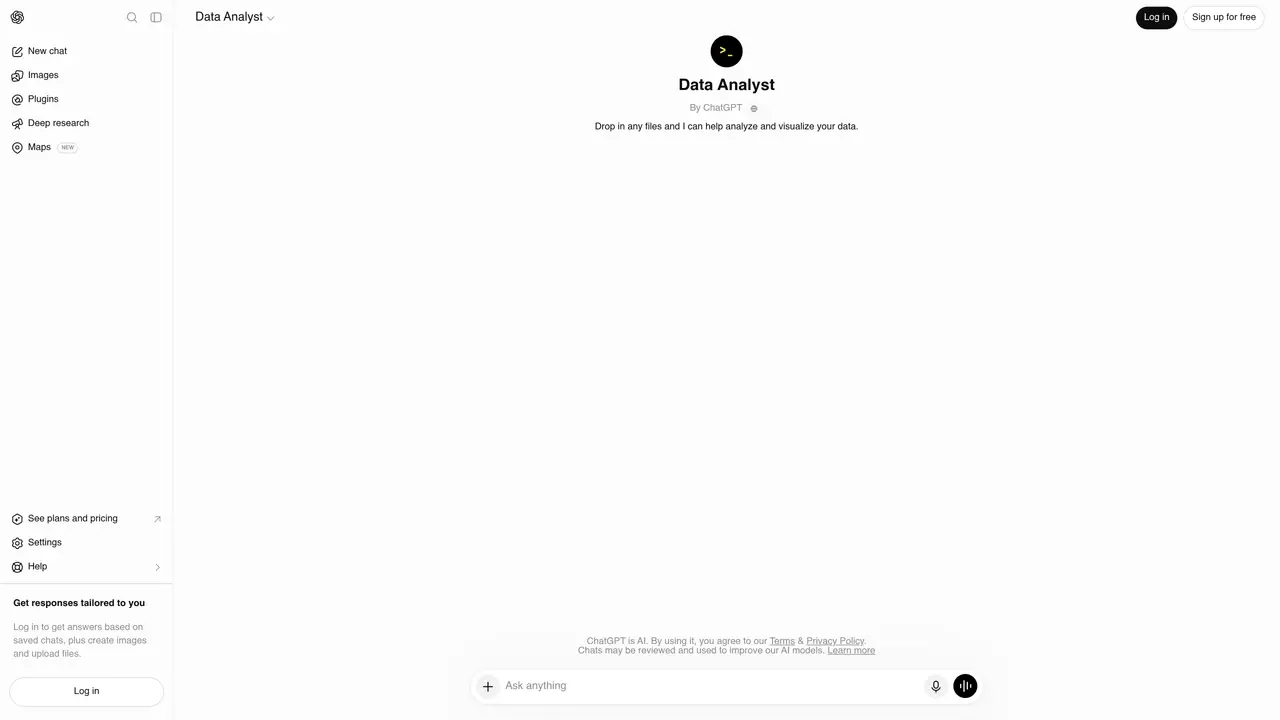
Developed by OpenAI, Data Analysis GPT is a chatbot designed to simplify data analysis for users without requiring advanced technical skills. It allows you to upload datasets in formats like spreadsheets or text documents and then pose questions or requests in plain language. The tool performs calculations on existing tables and fields, returning computed results directly. While it can generate graphs, users must explicitly request visualizations. Its conversational interface makes it accessible to professionals such as data analysts and researchers who need quick insights without writing code. The tool relies on a ChatGPT subscription, which is required to access its capabilities. It streamlines workflows by automating routine analysis tasks and providing immediate answers, reducing the time spent on manual calculations or data exploration.
OpenAI
San Francisco, California, US · Founded 2015
Data Analysis GPT is a specialized version of ChatGPT designed to assist with data analysis tasks. Users can upload datasets in formats like spreadsheets or text documents and interact with the tool using plain language queries to perform calculations, generate insights, and request visualizations.
The tool is suitable for professionals such as data analysts, researchers, and business users who need to analyze data without requiring advanced technical skills like coding. It is particularly useful for those seeking quick insights and automated analysis.
Yes, access to Data Analysis GPT requires a ChatGPT subscription, as it operates within the ChatGPT platform. Users must log in to utilize its capabilities, including file uploads and tailored responses.
Yes, the tool can generate graphs and charts, but users must explicitly request visualizations as part of their queries. It does not automatically produce visual outputs without direct instruction.
Users can upload datasets in common formats such as spreadsheets (e.g., CSV, Excel) or text documents. The tool processes these files to perform calculations and provide insights based on the uploaded data.
To get started, log in to ChatGPT, navigate to the Data Analysis GPT interface, and upload your dataset. You can then ask questions or provide instructions in plain language to begin analyzing the data and receiving computed results.
We use essential cookies to run aitoolnavio™, and optional cookies to analyze traffic and measure our marketing. You choose what we use — optional cookies stay off unless you turn them on. See our Privacy Policy.
One short email a week: fresh tools worth trying, honest takes and the updates that actually matter. No spam, unsubscribe any time.
Design, distribute, and analyze surveys online or via email with real-time insights using Survey Monkey.
Create targeted campaigns, automate email campaigns, and analyze performance for maximum ROI.
Discover keywords, analyze competitors' SEO strategies, and make data-driven decisions for website performance.
Analyze website performance, track competitors' tactics, and access comprehensive analytics and optimization features.
YouTube and Instagram growth toolkit with AI-powered optimization and analytics
Develop, run data jobs, transform datasets, leverage ML algorithms for actionable insights.
Streamline hiring, monitor job performance, and choose flexible pricing plans.
Unified AI-powered platform for real-time monitoring, analytics, and security across cloud infrastructure, applications, and services.
Securely store, analyze, and scale data while enhancing security and performance with encryption and automated backups.
AI-powered customer feedback platform for mid-market businesses to run conversational surveys and extract insights.
Automate review requests, analyze sentiment, and monitor ratings with a streamlined dashboard for improved customer feedback.
Monitor brand performance, create content for social media, and gain insights with deep analytics.
Matched on what this tool does — grouped by the job you would be replacing.
matches Upload and analyze spreadsheets or text documents · Answer questions about your data in natural language · Perform calculations on existing tables and fields
Build a private AI knowledge base from your databases and apps and chat with your data using natural language.
An AI assistant that lets users upload CSV files and ask questions to analyze data, generate charts, and save conversations.
Access and export data metrics instantly with an intuitive chatbot that understands your needs and eliminates manual searches.
Generate automated insights, identify trends, patterns, visualize data with powerful dashboard and tools.
matches Upload and analyze spreadsheets or text documents · Answer questions about your data in natural language · Delivers computed results directly
Summarize PDFs, extract topics, and get answers effortlessly.
Upload documents, ask questions, save time with AI, access information effortlessly.
AI assistant that analyzes documents like PDFs and contracts, answers questions in plain language, and extracts insights for faster understanding.
Automatically process and search PDFs by loading them into ChatGPT, and gain insights through simple natural language questions.