

AI chatbot for conversation, work, research, coding, and content creation.
5.9B visits/mo+5%#1 Chatbots & Assistants
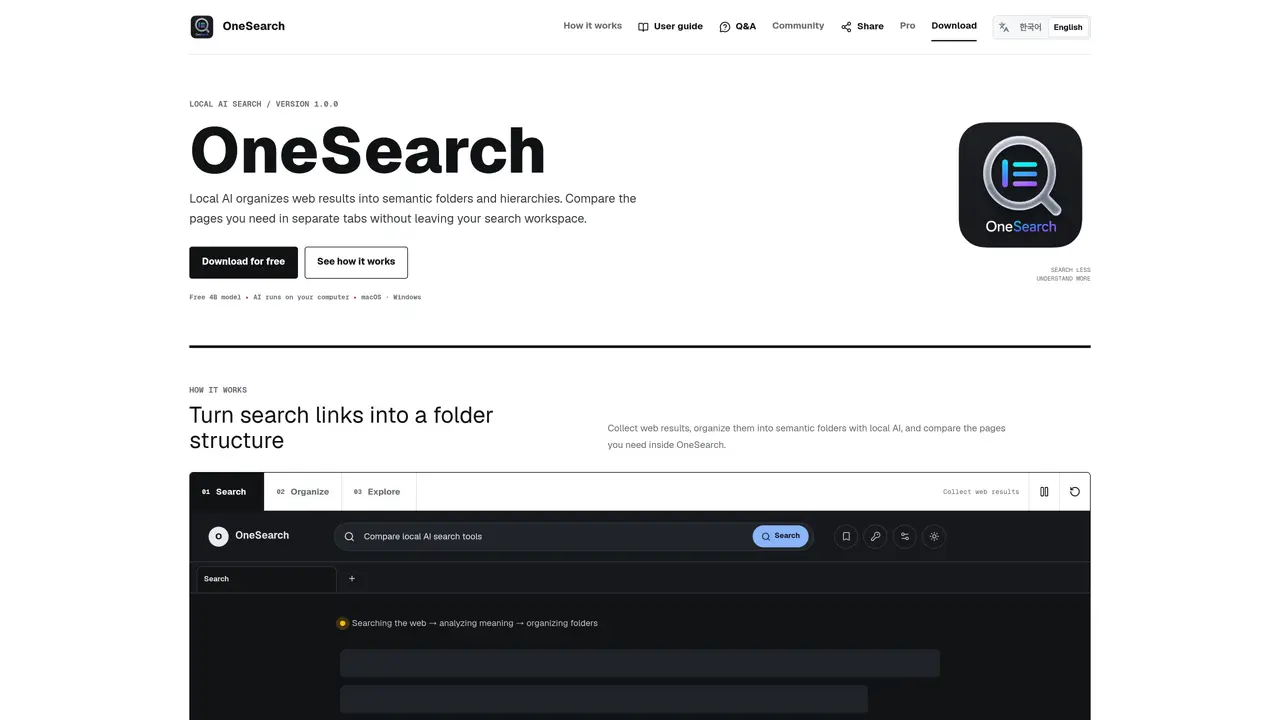
OneSearch is a desktop application designed to streamline web research by collecting search results and organizing them into structured, meaningful folders and hierarchies using a local AI model. The tool is compatible with both macOS and Windows systems, requiring users to set up the Ollama service and install a local AI model as a prerequisite. Within the application, users can perform searches, view results grouped by topic, and open individual web pages in separate tabs directly from the interface, enabling efficient comparison without leaving the app. The free version leverages a lightweight 4B model for quick categorization of search results, while the Pro version provides access to larger 8B or 14B models for more detailed and nuanced analysis. Results can be exported in Markdown or CSV formats for further use or documentation. The Pro version also includes a built-in archive feature, allowing users to store and manage research materials across multiple devices seamlessly. This makes OneSearch particularly useful for researchers, students, and professionals who need to conduct in-depth online research while maintaining organization and accessibility of their findings.
OneSearch is a desktop application that collects web search results and uses a local AI model to organize them into meaningful folders and hierarchies. Users perform searches within the app, and the AI categorizes results by topic for easier exploration and comparison.
OneSearch is designed for individuals who need to organize and analyze web search results efficiently, such as researchers, students, or professionals conducting comparative analysis or literature reviews.
The free version uses a lightweight 4B model for quick categorization, while the Pro version offers larger 8B or 14B models for more detailed analysis. The Pro version also includes a built-in archive for storing research materials and supports exporting results to Markdown or CSV files.
On macOS, download the DMG file, move OneSearch to the Applications folder, and follow the on-screen setup to install the required AI model. On Windows, run the installer and complete the AI model installation during the first run.
OneSearch uses models from Ollama, such as 'nomic-embed-text' and 'qwen3:4b' for the free version. Pro users can select larger models like 8B or 14B for enhanced analysis.
Yes, search results can be exported to Markdown or CSV files for further use, which is a feature available in the Pro version.
We use essential cookies to run aitoolnavio™, and optional cookies to analyze traffic and measure our marketing. You choose what we use — optional cookies stay off unless you turn them on. See our Privacy Policy.
One short email a week: fresh tools worth trying, honest takes and the updates that actually matter. No spam, unsubscribe any time.
AI chatbot for conversation, work, research, coding, and content creation.
Efficiently answer research queries, translate natural language to SQL, and utilize OpenAI WebGPT and larger language models.
Search privately, customize interface, track search history, and stay in control of online activities.
Transforms queries into real-time, customized pages with expert insights.
Search scientific papers, discover relevant publications, and enhance understanding of academic literature.
Access research, sort data, and get insights with predictive analytics.
Access hundreds of millions of answers powered by AI technology.
Create research report with references
Search a large knowledge base for verified articles, facts, opinions, and multimedia to answer questions across any topic.
Chat with many top models for everyday tasks.
Centralized AI industry news aggregator with curated daily selections, model rankings, and trending topics.
A free AI platform that answers questions, searches across languages, and generates slides, mind maps, docs, images, and webpages.
Matched on what this tool does — grouped by the job you would be replacing.
matches Local AI-powered folder organization · Built-in web browser tabs for comparison · Markdown and CSV export
Chrome extension that extends Google NotebookLM with capture, organization, and export features
AI-powered bookmark manager that automatically organizes links into folders
Chrome extension that summarizes and stores web pages, PDFs and documents locally
matches Local AI-powered folder organization · Markdown and CSV export · Ollama integration for model management
Self-hosted AI platform running locally with user-owned data and models
Local AI assistant for Windows and Linux that reads files, views screen content and writes documents entirely
Local document AI for querying PDFs, Markdown, and text files with citations