
Automate customer service, track interactions, gather insights for improving customer support performance.
5.2M visits/mo-12.1%#17 Chatbots & Assistants

AI-powered in-app help platform for SaaS teams that delivers contextual tooltips, walkthroughs, and chat support from a knowledge base to reduce tickets.
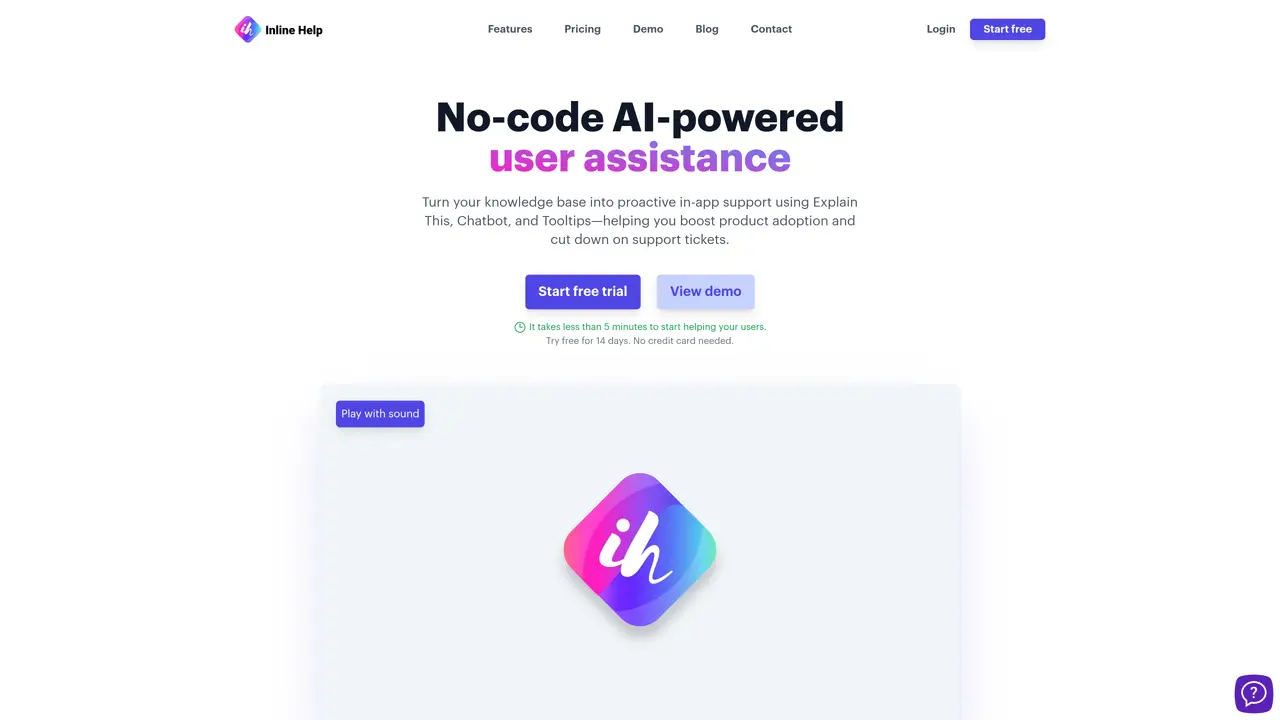
Inline Help is a web-based SaaS platform designed for B2B software companies to embed real-time, contextual assistance directly within their products. It transforms existing knowledge bases into proactive in-app support, enabling teams to reduce support tickets by providing instant explanations, guided walkthroughs, and embedded help widgets. The platform supports AI-driven tooltips and in-app tutorials that guide users through tasks without requiring code-heavy setups. A centralized help widget consolidates articles, announcements, and ticket submission options, allowing users to access support without leaving their workflow. Its chatbot responds using the same knowledge base and supports multilingual interactions across seven languages, including English, German, French, Spanish, Italian, Portuguese, and Japanese. Inline Help emphasizes security and compliance, holding ISO 27001 certification, which is particularly valuable for teams with stringent data protection requirements. The tool is structured to integrate seamlessly into existing workflows, making it a practical solution for SaaS teams aiming to enhance user onboarding and ongoing support efficiency.
Inline Help is a no-code SaaS platform that transforms existing knowledge bases into proactive in-app support. It enables teams to embed real-time, contextual assistance such as AI-driven tooltips, guided walkthroughs, and a centralized help widget directly within their software products.
The tool is designed for B2B software companies looking to enhance user onboarding and reduce support tickets by providing instant explanations and guided assistance without requiring users to leave their workflow.
Yes, Inline Help supports multilingual interactions across seven languages, including English, German, French, Spanish, Italian, Portuguese, and Japanese, ensuring precise and understood interactions for global users.
Inline Help integrates seamlessly into existing workflows with no-code setups, allowing teams to embed AI-powered tooltips, chatbots, and help widgets directly into their applications without requiring extensive development work.
Inline Help emphasizes security and compliance, holding ISO 27001 certification, which is particularly valuable for teams with stringent data protection requirements.
Users can start a free trial of Inline Help, which takes less than 5 minutes to set up. No credit card is required, and full access to all features is available during the trial period.
inlinehelp.com · third-party estimates from Similarweb
Last 3 months · grows by one month every month
Share of visits · estimated visits
Chatbots & Assistants · Sep 2026
Traffic figures are third-party estimates, good for scale and trends; they can differ from a company's own numbers. Updated monthly.
We use essential cookies to run aitoolnavio™, and optional cookies to analyze traffic and measure our marketing. You choose what we use — optional cookies stay off unless you turn them on. See our Privacy Policy.
One short email a week: fresh tools worth trying, honest takes and the updates that actually matter. No spam, unsubscribe any time.
Automate customer service, track interactions, gather insights for improving customer support performance.
Web-based CRM that unifies WhatsApp, Instagram, email, and calls into one inbox for sales teams to manage leads and automate conversations.
Automate support, target customers, gather insights – all with AI-powered tools.
Automate tailored conversations, analyze customer behavior, and automate lead gen, customer service, and sales.
Real-time customer support with personalized service, accessible through a mobile app.
Automate review requests, analyze sentiment, and monitor ratings with a streamlined dashboard for improved customer feedback.
AI-powered lead generation and customer communication platform for local businesses to capture, respond to, and convert leads across text, email, web chat, and calls.
Gorgias is an AI-driven Ecommerce customer experience enhancer that integrates major platforms.
Unify communication channels, automate customer service, track customer inquiries with advanced analytics.
Identify pain points, generate reports, and monitor customer sentiment in real-time.
Automate customer responses, personalize messages, and create an AI-powered chatbot for 24/7 customer service.
Automatically summarize chat transcripts, comprehend key components, and accelerate transcript analysis.
Matched on what this tool does — grouped by the job you would be replacing.
Paid placement · similar tools from listings that support aitoolnavio™
Instant lead response for home-service pros: your phone rings on every new lead, plus 14 days of follow-up
matches Contextual tooltips and in-app explanations triggered by user interactions · AI-driven walkthroughs to guide users through tasks without coding · Centralized help widget for articles, announcements, and ticket submission
Shorten response time, reduce costs by 30%, find answers quickly in technical documentation.
A ChatGPT-powered support chatbot platform that helps B2B teams answer website and documentation questions with self-service chat, lead forms, and analytics.
Multilingual AI platform for SaaS onboarding and support in 14 languages
Find answers, get assistance, and enhance user experience with conversation, widget, and documentation search.