
Automate customer service, track interactions, gather insights for improving customer support performance.
5.2M visits/mo-12.1%#17 Chatbots & Assistants

AI assistant that joins meetings, drafts follow-ups, schedules tasks, and updates CRM records automatically.
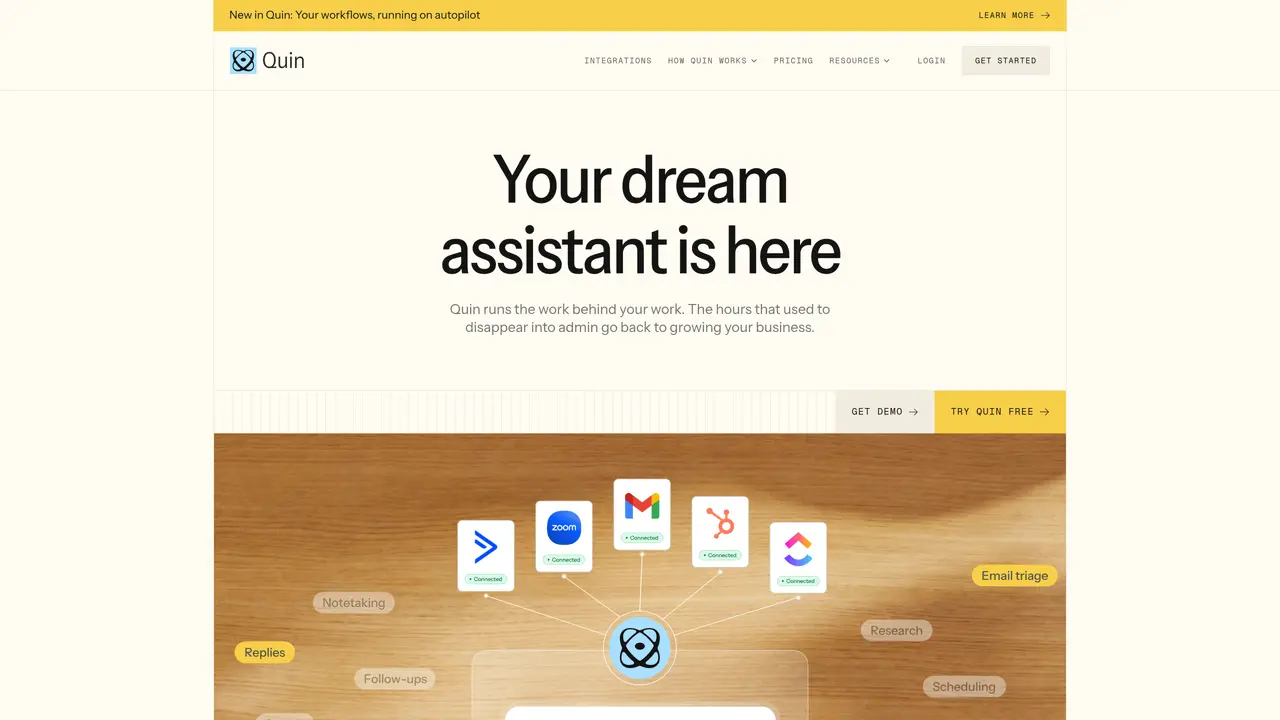
Quin is a web-based AI personal assistant designed for professionals, including financial advisors, who need to automate routine post-meeting tasks. The tool joins virtual or in-person meetings, processes audio transcripts, and extracts key decisions, opportunities, and action items. It drafts follow-up emails in the user’s tone and style, learned from previous correspondence, and schedules tasks and calendar reminders based on meeting outcomes. Quin also automates CRM administration by updating contact records, creating new entries, adding notes, uploading documents, and generating new deals from product lines. The assistant operates via in-app messaging, SMS, email, Slack, and Microsoft Teams, with integrations for Wealthbox CRM and other common productivity tools. It supports teams and individuals seeking to reduce manual administrative work while maintaining context across workflows.
Quin is a digital human assistant that automates administrative tasks across inbox, calendar, CRM, and documents. It is designed for professionals, particularly financial advisors, who want to reduce manual work and focus on client relationships.
Quin joins virtual or in-person meetings, processes audio transcripts, extracts key decisions and action items, and drafts follow-up emails in the user’s tone. It also schedules tasks and calendar reminders based on meeting outcomes.
Quin integrates with productivity tools like Slack, Microsoft Teams, and email providers, as well as CRMs such as Wealthbox, Dex, AgencyZoom, MyCase, and OnePage CRM. It also supports custom automations and workflows.
Quin updates contact records, creates new entries, adds notes, uploads documents, and generates new deals from product lines without manual input. It ensures CRM data remains current and aligned with meeting outcomes.
Yes, Quin organizes files and acts on them based on extracted information from meetings or communications. It helps users quickly search and take action on documents within their workflow.
Users can start with Quin by signing up for a plan or requesting a demo. The tool offers a free trial to explore its features before committing to a subscription.
heyquin.io · third-party estimates from Similarweb
Last 4 months · grows by one month every month
Share of visits by channel
No measurable traffic from Social, Paid Referrals or Search.
Share of visits · estimated visits
Chatbots & Assistants · Sep 2026
Traffic figures are third-party estimates, good for scale and trends; they can differ from a company's own numbers. Updated monthly.
We use essential cookies to run aitoolnavio™, and optional cookies to analyze traffic and measure our marketing. You choose what we use — optional cookies stay off unless you turn them on. See our Privacy Policy.
One short email a week: fresh tools worth trying, honest takes and the updates that actually matter. No spam, unsubscribe any time.
Automate customer service, track interactions, gather insights for improving customer support performance.
Web-based CRM that unifies WhatsApp, Instagram, email, and calls into one inbox for sales teams to manage leads and automate conversations.
Automate support, target customers, gather insights – all with AI-powered tools.
Automate tailored conversations, analyze customer behavior, and automate lead gen, customer service, and sales.
Real-time customer support with personalized service, accessible through a mobile app.
Automate review requests, analyze sentiment, and monitor ratings with a streamlined dashboard for improved customer feedback.
AI-powered lead generation and customer communication platform for local businesses to capture, respond to, and convert leads across text, email, web chat, and calls.
Gorgias is an AI-driven Ecommerce customer experience enhancer that integrates major platforms.
Unify communication channels, automate customer service, track customer inquiries with advanced analytics.
Identify pain points, generate reports, and monitor customer sentiment in real-time.
Automate customer responses, personalize messages, and create an AI-powered chatbot for 24/7 customer service.
Automatically summarize chat transcripts, comprehend key components, and accelerate transcript analysis.
Matched on what this tool does — grouped by the job you would be replacing.
Paid placement · similar tools from listings that support aitoolnavio™
Instant lead response for home-service pros: your phone rings on every new lead, plus 14 days of follow-up
matches Joins meetings and processes transcripts · Automates CRM record updates and creation · Uploads PDFs and documents to CRM
matches Drafts follow-up emails in user’s tone · Schedules tasks and calendar reminders · Supports multiple communication channels (SMS, email, Slack, Teams)
AI CRM that auto-populates from email history and handles pipeline tracking via natural language queries.
AI sales assistant that captures expertise, auto-updates CRMs, summarizes calls, creates documents, and provides coaching.
AI sales assistant that listens during calls, answers product questions, takes notes, and updates CRM records in real time.
AI CRM that automatically joins calls, writes notes, and updates pipelines for solopreneurs and small sales teams.
AI-powered email assistant that organizes inboxes, drafts replies, and automates routine tasks for professionals.
AI executive assistant that automates Gmail workflows, drafts replies, schedules meetings, and coordinates actions across tools with approval.
AI email assistant that drafts personalized emails from voice commands while learning your writing style.
AI-powered inbox and sales assistant that centralizes messages, drafts replies and schedules meetings