

AI-powered video messaging tool that records, shares, and manages video messages with AI-generated titles, summaries, and tasks.
16M visits/mo-3.4%#5 Chatbots & Assistants
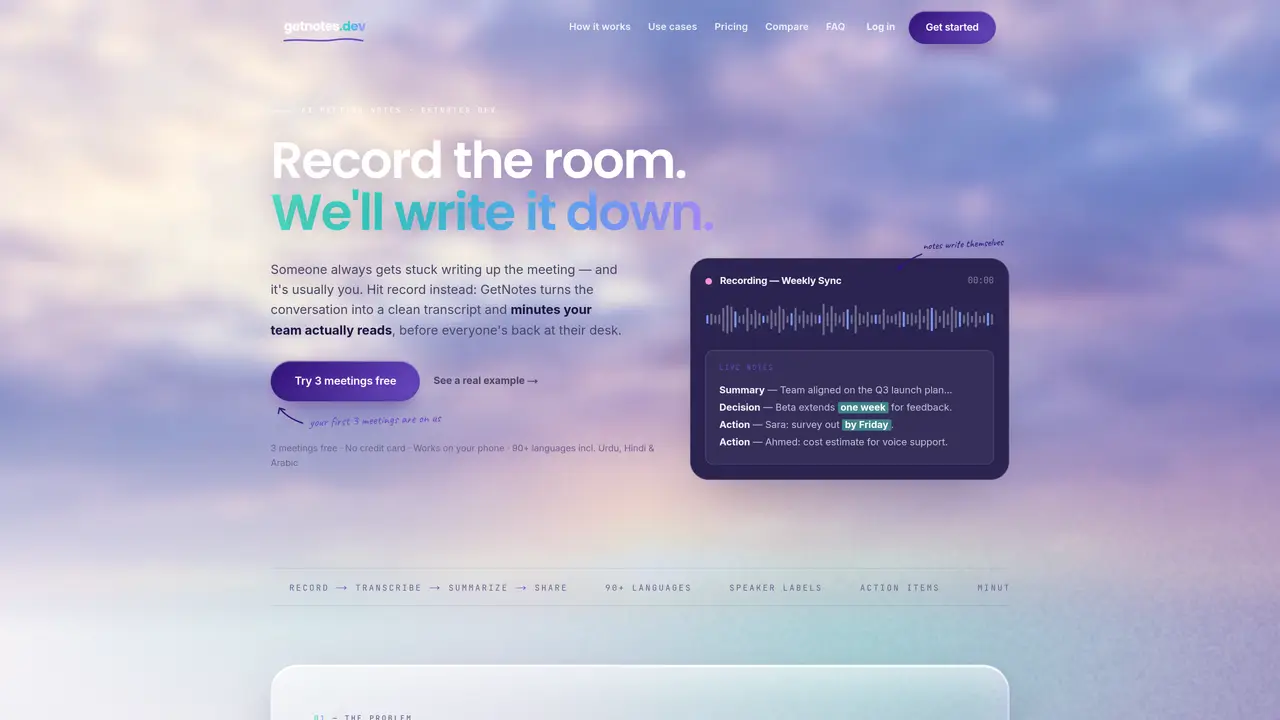
GetNotes records meetings and automatically generates transcripts, summaries, decisions, and action items. Users can record meetings directly in a browser or upload audio files afterward. The tool transcribes speech with speaker labels and produces structured minutes that highlight key points, decisions, and assigned tasks. Minutes are shareable via link or exported as PDF and Markdown. The system supports over 90 languages, including Urdu, Hindi, and Arabic, and can handle code-switching within the same conversation. Search functionality allows users to find specific discussions across meetings. The output is designed to be concise and readable, condensing lengthy meetings into brief, actionable summaries.
GetNotes is an AI meeting-notes tool that turns spoken meetings into written minutes. Users record a meeting in the browser or upload an audio file, and GetNotes transcribes every word, labels each speaker, and generates structured notes including a summary, decisions, and action items with owners.
GetNotes works in three steps: record the meeting in your browser or upload an audio file, transcribe the audio with AI speech recognition and label each speaker, and then an AI writer distills the transcript into structured minutes ready to share in one tap.
GetNotes transcribes more than 90 languages, including Urdu, Hindi, Arabic, English, Spanish, French, German, and Chinese. It automatically detects the spoken language and writes the minutes in that language by default, handling code-switching within the same conversation.
New users can start with three free meetings, each up to 30 minutes, with no credit card required. After that, paid plans are available for unlimited meetings and longer recordings.
Yes, GetNotes uses studio-grade speech-to-text technology designed to perform well in noisy rooms, across accents, and during heavy cross-talk, ensuring nothing said in the meeting gets lost.
Yes, GetNotes allows users to search every meeting for specific discussions or decisions, enabling quick retrieval of key points across past meetings.
We use essential cookies to run aitoolnavio™, and optional cookies to analyze traffic and measure our marketing. You choose what we use — optional cookies stay off unless you turn them on. See our Privacy Policy.
One short email a week: fresh tools worth trying, honest takes and the updates that actually matter. No spam, unsubscribe any time.
AI-powered video messaging tool that records, shares, and manages video messages with AI-generated titles, summaries, and tasks.
Hardware device that records conversations and converts them into searchable transcripts, summaries, and notes.
Automate transcription, generate summaries, identify speakers, and timestamps for video-conferencing conversations.
AI-powered meeting recorder and summarizer that captures, transcribes, and generates actionable insights from conversations.
Automatically record, transcribe, take notes, and create summaries with key insights during meetings.
Transforms audio/video to summarized text, instantly, across platforms.
Automatically transcribe meetings, create summaries, and securely store audio files in a searchable format.
Automatically turn meetings into searchable notes and tasks.
Wearable AI device that captures conversations and meetings, then auto-generates transcripts, summaries, action items, mind maps, and searchable notes.
Record, transcribe, and share key insights from virtual trainings, online meetings, and content creation.
Record, transcribe, and summarize online meetings from Google Meet and Zoom with AI, then share insights across collaboration tools.
Transform audio/video to text with precision, supporting 1500+ platforms, enriched by AI features.
Matched on what this tool does — grouped by the job you would be replacing.
matches Browser-based recording or audio file upload · Studio-grade speech-to-text transcription · Automatic speaker labeling
AI note-taking and meeting transcription app that records audio, generates transcripts, summaries, and action items.
AI-powered meeting transcription, summarization and action-item extraction
Online AI tool to transcribe video and audio to searchable text with timestamps
Converts meeting audio into structured notes, decisions, and action items