Discover personalized fashion, receive expert advice, and enjoy convenient shopping with free shipping and returns.
6.8M visits/mo+15.2%#5 Lifestyle & Education

Optimize scheduling, enhance communication, boost productivity with Sidekick's AI-driven tool.
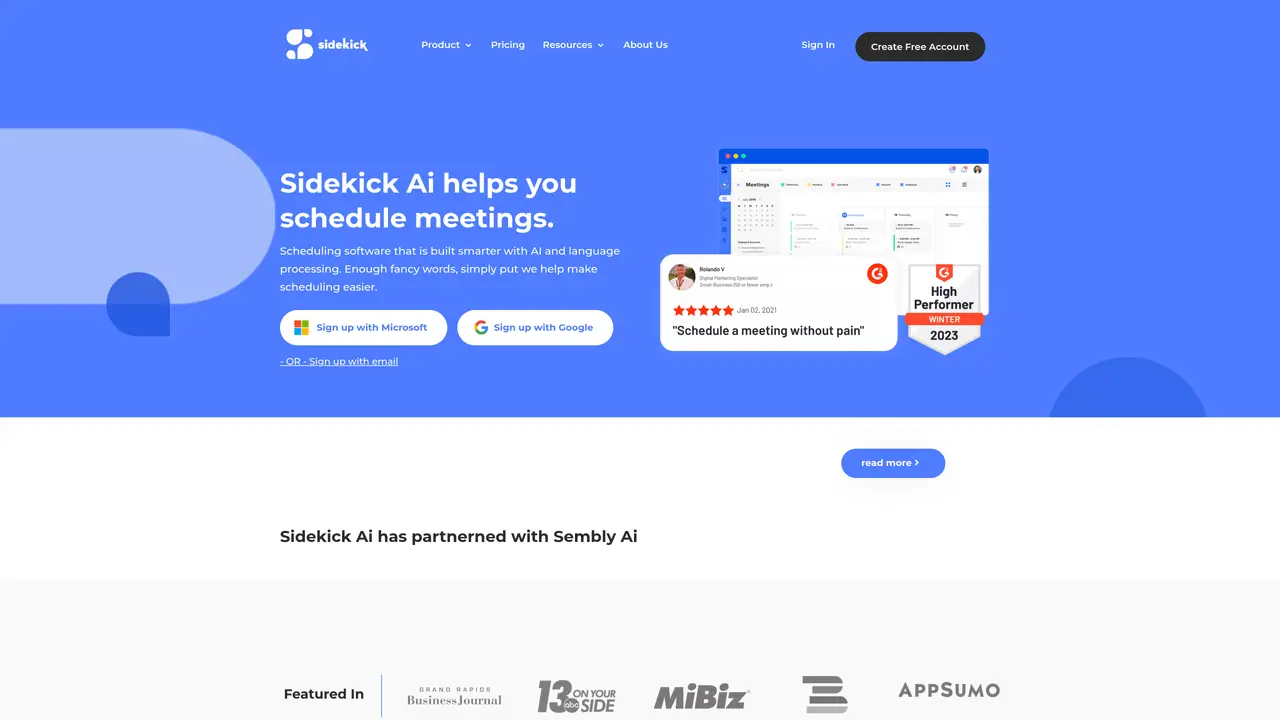
Sidekick is an AI-driven tool designed to optimize scheduling and communication for professionals across various industries. With its robust features, Sidekick aims to streamline the tedious tasks of managing appointments, meetings, and reminders, allowing users to focus on their core responsibilities. Tailored for busy individuals, from executives to freelancers, Sidekick enhances productivity by automating the coordination of engagements with smart, user-friendly technology. Key Features: Smart Scheduling: Automatically finds the best meeting times by analyzing calendars and preferences. Email Integration: Seamlessly works with popular email services to manage invitations and responses without leaving your inbox. Customizable Reminders: Set up personalized reminders for appointments to ensure you never miss a meeting. Multi-Timezone Support: Ideal for global teams, providing clear scheduling across different time zones to avoid confusion. Sidekick stands out with its AI-powered smart scheduling capabilities, a game-changer for professionals dealing with high volumes of meetings. Its ability to integrate smoothly with multiple platforms sets it apart, providing a versatile tool that adapts to various business needs. Compatibilities and Integrations: Google Calendar Integration: Sidekick syncs with Google Calendar for real-time scheduling updates. Outlook Compatibility: Connects effortlessly with Microsoft Outlook to streamline appointment management. Zoom Integration: Directly integrates with Zoom to schedule and manage virtual meetings. API Access: Offers API integration for developers to customize and extend functionality. Sidekick Tutorials: Explore detailed tutorials on the Sidekick website, covering everything from basic setup to advanced features to maximize your scheduling efficiency.
Sidekick is an AI-powered scheduling tool designed to simplify meeting coordination by automating the process of finding suitable times, sending invites, and managing reminders. It offers multiple ways to schedule meetings, including email forwarding, personal scheduling pages, and team-based coordination.
Sidekick is suitable for professionals across industries, including executives, freelancers, and teams, who need to streamline meeting scheduling and reduce manual coordination tasks. It is particularly useful for those managing high volumes of appointments or working with global teams.
Yes, Sidekick integrates with popular platforms such as Google Calendar, Microsoft Outlook, and Microsoft Teams. It also supports Zoom for virtual meetings and offers API access for custom integrations.
Sidekick allows users to remove its branding from scheduling pages, but this is a paid feature. The tool provides options for both individual and team scheduling pages.
Sidekick automatically sends reminders prior to scheduled meetings and creates calendar events for users. It also handles sending meeting invites to all participants.
Sidekick offers a free version that allows users to try the tool with basic scheduling features. Additional features, such as removing branding, may require a paid plan.
sidekickai.com · third-party estimates from Similarweb
Last 4 months · grows by one month every month
Share of visits · estimated visits
Chatbots & Assistants · Sep 2026
Traffic figures are third-party estimates, good for scale and trends; they can differ from a company's own numbers. Updated monthly.
We use essential cookies to run aitoolnavio™, and optional cookies to analyze traffic and measure our marketing. You choose what we use — optional cookies stay off unless you turn them on. See our Privacy Policy.
One short email a week: fresh tools worth trying, honest takes and the updates that actually matter. No spam, unsubscribe any time.
Discover personalized fashion, receive expert advice, and enjoy convenient shopping with free shipping and returns.
Personal assistant that coordinates tasks across apps and devices via text or call
Quickly narrow searches by category, control results by country or language, and find relevant, accurate results with ease.
Optimizes schedules by auto-organizing tasks and meetings.
AI assistant that drafts, reviews, and researches legal documents for lawyers and law firms.
Real-time task tracking, project management, collaboration, and task assignment.
An AI voice assistant that delivers emotionally intelligent, context-aware conversations with natural timing and personal engagement.
Identify technologies, analyze data, and refine search criteria with AI-powered tools for patent research and trend analysis.
Automate audio and video transcription, timestamps, speaker labels, diarization, and export with customizations.
An AI chat platform for immersive, personalized interactions with virtual companions, including image generation.
Customer relations assistant in Gmail
AI-driven app personalizing adaptive workouts for continuous improvement.
Matched on what this tool does — grouped by the job you would be replacing.
matches Smart Scheduling · Google Calendar Integration · Outlook Compatibility
Tailor your booking page, sync availability with calendars, set recurring events, and avoid double-booking with reminders.
Unified Calendar, Scheduling Links, and Task Manager for efficient organization.
An AI calendar app that creates, updates, and answers questions about events using natural language with Google Calendar sync.
Automate tasks, manage multiple calendars, and prioritize tasks effortlessly.
matches Email Integration · Customizable Reminders · API Access
matches Zoom Integration
AI-powered personal assistant that automates daily tasks like calendar management, email, and reminders to boost productivity.
AI-powered assistant that automates email follow-ups and meeting scheduling by reading thread context and proposing availability across calendars.
Personal AI assistant that proactively manages email, calendar and daily tasks
Automate meeting transcription, keyword search, and AI-based notes for efficient retrieval and summary distribution.
Ask, summarize and impress with meeting AI summaries and follow-up emails created in seconds.
AI Chief of Staff that automates interconnected tasks like scheduling, meeting notes, and task management to boost team productivity.
Generate meeting summaries, capture and share insights, access vital information for data-driven decisions.