Generate content, correct spelling, suggest synonyms to enhance writing.
173M visits/mo+0.1%#1 Productivity & Office

Automate tasks, manage multiple calendars, and prioritize tasks effortlessly.
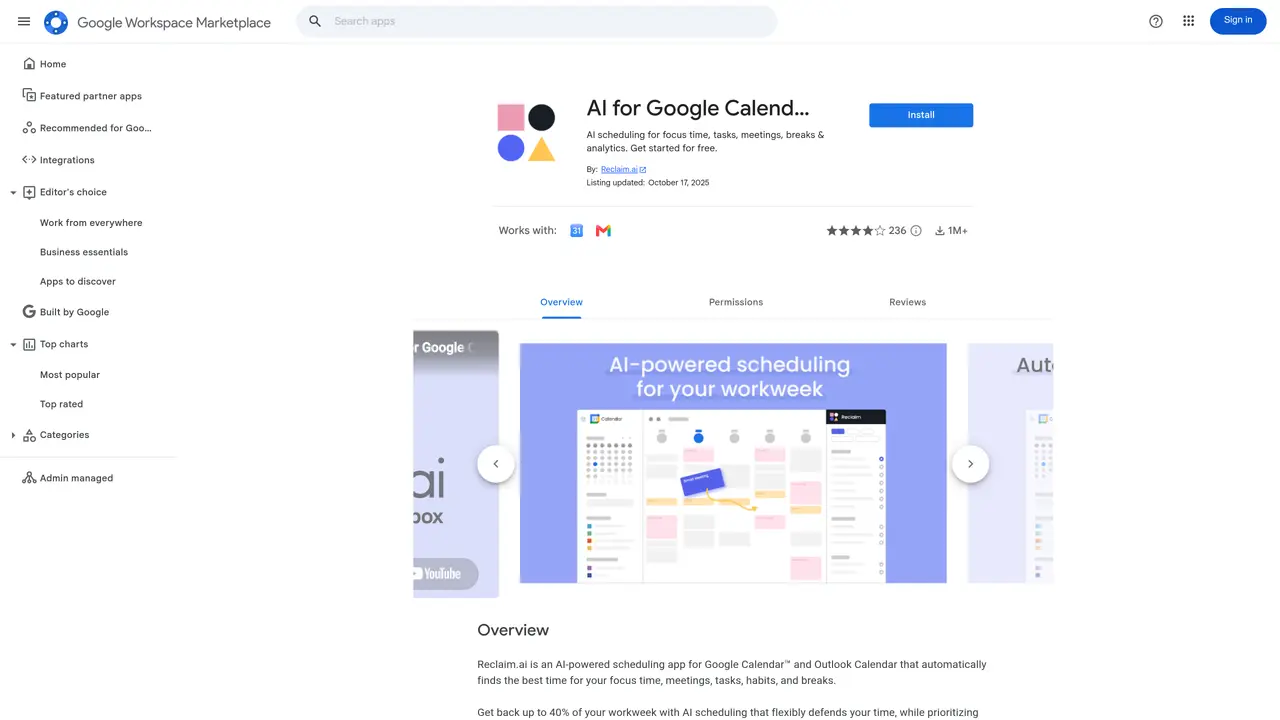
Reclaim Google Calendar is an intuitive, comprehensive calendar management system that helps you make the most of your time. It streamlines the way you schedule, organize, and prioritize tasks and events. This powerful tool allows you to quickly and easily create, update, and manage your calendar with a few clicks. You can easily customize and personalize your calendar to fit your unique needs. Reclaim gives you total control over how you manage your personal and professional life.Reclaim Google Calendar helps you reduce stress and save time by automating the most tedious, time-consuming tasks. It is equipped with smart features that automatically schedule and remind you of upcoming events, tasks, and deadlines. This tool also provides powerful analytics to help you understand your schedule better. With Reclaim, you can easily manage multiple calendars, so you never miss an important event.Reclaim Google Calendar is the perfect tool for busy professionals and entrepreneurs who want to make the most of their time and be more productive.
Reclaim.ai integrates with Google Calendar to automate scheduling, manage tasks, and optimize time by intelligently blocking time for priorities, meetings, and deep work.
Reclaim.ai is designed for busy professionals, entrepreneurs, and teams who want to streamline their calendar management and improve productivity through AI-driven scheduling.
Reclaim.ai connects directly to Google Calendar via the Google Workspace Marketplace, allowing it to access and manage calendar events, tasks, and reminders seamlessly.
Yes, Reclaim.ai supports managing multiple calendars, ensuring users can coordinate personal and professional schedules without conflicts.
Yes, Reclaim.ai provides analytics features to help users gain insights into their scheduling patterns and optimize their time management.
To get started, install Reclaim.ai from the Google Workspace Marketplace, grant necessary permissions, and follow the setup instructions to connect your Google Calendar.
We use essential cookies to run aitoolnavio™, and optional cookies to analyze traffic and measure our marketing. You choose what we use — optional cookies stay off unless you turn them on. See our Privacy Policy.
One short email a week: fresh tools worth trying, honest takes and the updates that actually matter. No spam, unsubscribe any time.
Generate content, correct spelling, suggest synonyms to enhance writing.
Turn messy team ideas into actionable plans with Miro's visual workspace.
Leverage analytics, automate tasks, share documents, and coordinate projects.
Integrates AI into Airtable to analyze data, summarize insights, draft content, and automate workflows without prior AI experience.
Cloud accounting software that automates bookkeeping, invoicing, and financial reporting for small and growing businesses.
Streamline teamwork, manage projects, automate tasks efficiently.
Automate code, research, and documents using agents.
AI assistant for safe, reliable productivity with code, collaboration, and integrations.
Create customizable tables, databases, and spreadsheets, share data securely with team members.
Easy-to-use CRM platform that automates lead capturing, prioritizes tasks, and provides sales pipeline analytics for businesses of all sizes.
Transforms thoughts into actions, enhancing productivity and efficiency.
Write & run code in 50+ languages, auto-complete with AI, and code faster with an intuitive interface.
Matched on what this tool does — grouped by the job you would be replacing.
Paid placement · similar tools from listings that support aitoolnavio™
Instant lead response for home-service pros: your phone rings on every new lead, plus 14 days of follow-up
matches Automate tedious tasks · Manage multiple calendars · Create, update, and prioritize tasks
matches Smart features for scheduling and reminders · Customizable and personalized calendar
matches Powerful analytics for understanding your schedule
Optimizes schedules by auto-organizing tasks and meetings.
Create personalized schedules, prioritize tasks, set goals, and track progress with reminders and ease.
Simplify scheduling with automated meeting invites, daily calendar summaries, and easy tracking of important dates.
Tailor your booking page, sync availability with calendars, set recurring events, and avoid double-booking with reminders.
Schedule meetings, manage calendars, and collaborate with colleagues in real-time for efficient project management.
Schedule meetings, customize invitations, and sync your schedule with popular calendar and email services.
Automate scheduling, assign tasks, and gain insights into team performance with advanced analytics.
All-in-one AI productivity platform that automates tasks, schedules meetings, and generates reports from a single app.