
Automates software development tasks like coding, debugging, and project management to boost productivity and accelerate development cycles.
2.5M visits/mo+8.5%#54 Coding & Development

CLI coding agent that generates and shows a plan before making any code changes
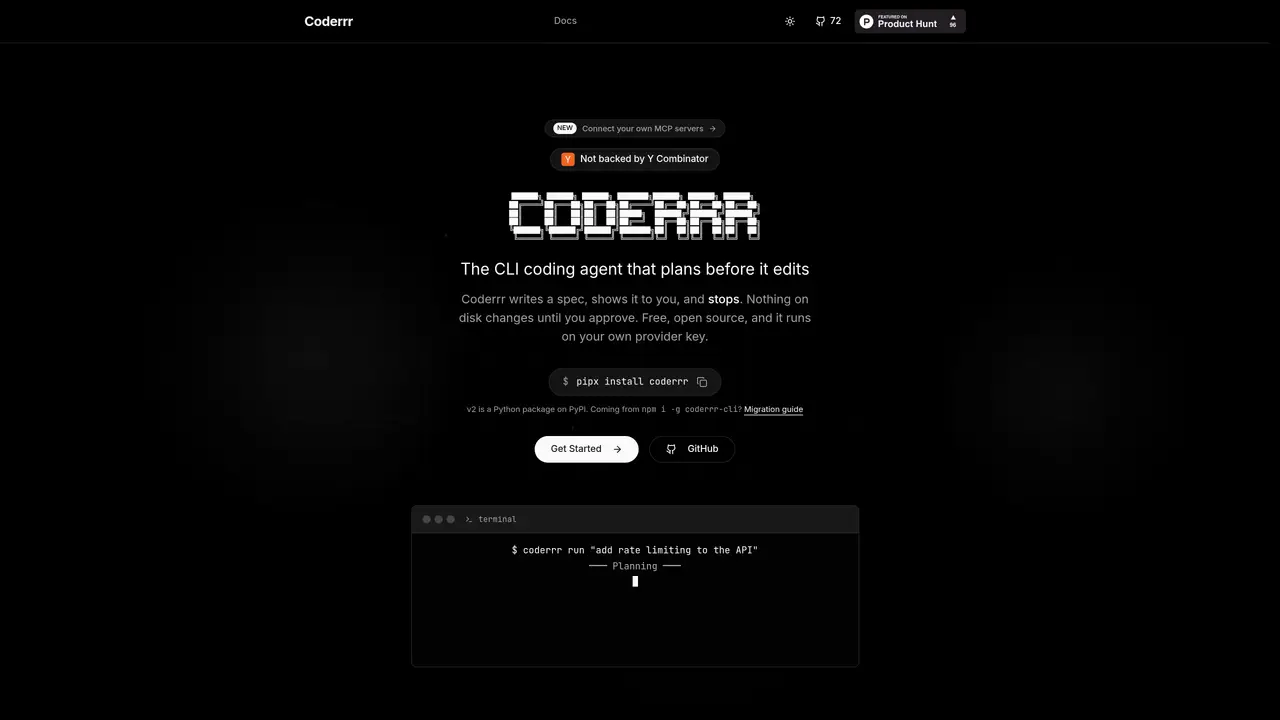
Coderrr is a command-line coding agent that plans changes before executing them. It reads the codebase, drafts a specification in three files—requirements.md, design.md, and tasks.md—and presents the plan for review. No files are modified until the user approves the plan. The tool supports multiple providers through plain HTTP, including local options like Ollama, and integrates with custom MCP servers for additional functionality. It operates in a sandboxed environment, running commands in a scratch copy or container to prevent unintended disk changes. Users can connect their own MCP servers, such as Figma or Linear, and control tool access during planning and execution. The agent’s workflow consists of three commands: install, configure, and describe, with execution gated by user approval at each step. Specifications are stored as documentation, enabling future sessions to reference prior work without replaying chat logs.
Coderrr is a command-line coding agent that plans code changes before executing them. It generates a specification in three files—requirements.md, design.md, and tasks.md—shows the plan to the user for review, and only modifies files after approval.
Coderrr is designed for developers who want to safely and transparently plan and execute code changes. It is particularly useful for those who prefer working in a CLI environment and value control over automated modifications.
Coderrr operates in a sandboxed environment, running commands in a scratch copy or container to prevent unintended disk changes. No files are modified until the user explicitly approves the generated plan.
Yes, Coderrr supports connecting custom MCP servers, such as Figma or Linear, allowing their tools to be used during planning and execution. These integrations are controlled via OAuth 2.1 with tokens stored in the OS keyring.
Coderrr supports multiple providers through plain HTTP, including local options like Ollama, as well as Anthropic, OpenAI, Google, and OpenRouter. No provider SDKs or vendor lock-in are required.
To get started, install Coderrr using pipx (pipx install coderrr), configure your preferred provider and model (coderrr config), and then describe the change you want (coderrr run '...'). The tool guides you through the process step-by-step.
We use essential cookies to run aitoolnavio™, and optional cookies to analyze traffic and measure our marketing. You choose what we use — optional cookies stay off unless you turn them on. See our Privacy Policy.
One short email a week: fresh tools worth trying, honest takes and the updates that actually matter. No spam, unsubscribe any time.
Automates software development tasks like coding, debugging, and project management to boost productivity and accelerate development cycles.
Control your computer through natural language commands
Turns plain-English ideas into engineering-grade specs, scoped tasks, and production-ready prompts by analyzing codebases and generating tests.
CodeFlying enables full-stack app creation via chat in minutes.
AI software engineer for automated coding solutions
An AI coding agent that analyzes GitHub codebases, drafts code changes, and opens pull requests for human review.
Turn product ideas into prioritized, implementation-ready tickets.
An open-source AI coding agent that autonomously analyzes, modifies, and manages local codebases while keeping all data private and secure.
AI coding agent that writes, reviews, and automates code across IDEs, CLI, and team workflows.
Autonomous AI coding loop that turns plain-English requests into merged pull requests
Turns AI coding agents into persistent coders that repeatedly refine code until tasks are fully completed.
Matched on what this tool does — grouped by the job you would be replacing.
matches Generates requirements, design, and tasks specifications before editing · Stores specifications as documentation for future sessions
Open-source, model-agnostic platform for autonomous cloud coding agents that plan, edit, test, debug, and apply real code changes across software projects.
Task orchestration tool for coding agents
Terminal-based AI coding agent that reads, edits and runs code with user-controlled permissions
An open-source AI coding agent that autonomously analyzes, modifies, and manages local codebases while keeping all data private and secure.
matches Sandboxed command execution in scratch copies or containers · User-controlled tool access with allowed_tools and denied_tools
Terminal-based coding agent that executes locally or via remote models
Desktop app for multi-agent coding sessions with AI PR review and CI debugging
Local collaboration workspace for models and ACP agents to share work and complete tasks