
OpenAI builds and deploys advanced AI models like GPT-4o for autonomous agents and workflows.

AI Engineering Orchestrator
0Popularity
About AI Engineering Orchestrator
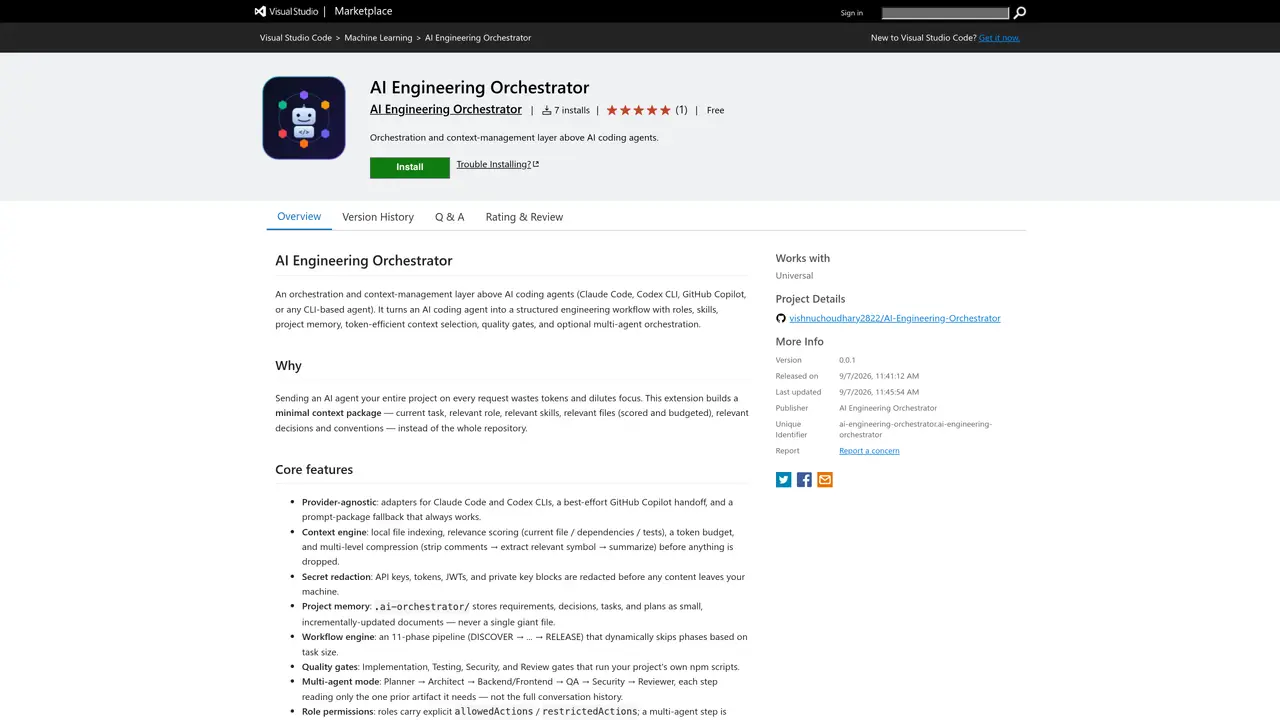
AI Engineering Orchestrator is a Visual Studio Code extension that sits above AI coding agents such as Claude Code, Codex CLI, GitHub Copilot, or other CLI-based agents. It transforms unstructured agent interactions into structured engineering workflows by introducing roles, skills, project memory, and quality gates. The tool builds minimal context packages for each task rather than sending entire repositories, using relevance scoring, token budgeting, and multi-level compression to reduce noise. It supports provider-agnostic operation through adapters for multiple agents and includes features like secret redaction, local project memory storage, and a 11-phase workflow engine that dynamically adjusts based on task complexity. Quality gates run project-specific npm scripts for implementation, testing, security, and review stages, while multi-agent mode enables specialized roles to collaborate sequentially with limited shared context.
Key features
- Provider-agnostic adapters for multiple AI agents
- Local file indexing and relevance scoring
- Token budgeting and multi-level context compression
- Secret redaction for API keys and tokens
- Project memory stored locally in .ai-orchestrator/
- 11-phase workflow engine with dynamic phase skipping
- Quality gates for implementation, testing, security, and review
- Multi-agent mode with role permissions and approval levels
Use cases
- Converting natural language requirements into structured implementation plans
- Managing AI agent workflows for large codebase changes
- Enforcing quality gates and security checks in automated workflows
Pros
- Provider-agnostic support for multiple AI coding agents
- Local processing with no external data sharing except through selected provider
- Token-efficient context selection with relevance scoring and budgeting
- Structured workflow engine with quality gates and approval levels
- Secret redaction for sensitive data before processing
Cons
- Requires Visual Studio Code environment
- Limited to CLI-based AI agents
- No explicit support for non-JavaScript/TypeScript projects mentioned
Frequently asked questions about AI Engineering Orchestrator
What is AI Engineering Orchestrator?
AI Engineering Orchestrator is a Visual Studio Code extension that acts as an orchestration and context-management layer above AI coding agents like Claude Code, Codex CLI, or GitHub Copilot. It transforms unstructured agent interactions into structured engineering workflows by introducing roles, skills, project memory, and quality gates.
Who should use AI Engineering Orchestrator?
The tool is designed for developers and engineering teams who want to integrate AI coding agents into structured workflows while maintaining control over context, permissions, and task execution. It suits teams working on complex projects requiring multi-agent collaboration and quality assurance.
How does AI Engineering Orchestrator manage context efficiently?
It builds minimal context packages for each task by selecting only relevant files, roles, skills, and decisions using relevance scoring, token budgeting, and multi-level compression. This avoids sending entire repositories and reduces noise in AI agent prompts.
Does AI Engineering Orchestrator support multiple AI providers?
Yes, it is provider-agnostic and includes adapters for Claude Code, Codex CLI, and a best-effort GitHub Copilot handoff, with a prompt-package fallback for broader compatibility.
What are quality gates in AI Engineering Orchestrator?
Quality gates are project-specific npm scripts that run during the workflow pipeline to enforce implementation, testing, security, and review stages. They ensure tasks meet predefined standards before proceeding.
How do I get started with AI Engineering Orchestrator?
Open a workspace folder in Visual Studio Code, run the 'Initialize Project' command to scaffold the project structure, then use commands like 'Analyze Requirement' or 'Create Plan' to begin structured AI-assisted workflows.