

Collaboration and version control platform for software development and AI model hosting.
645M visits/mo-0.6%#1 Coding & Development
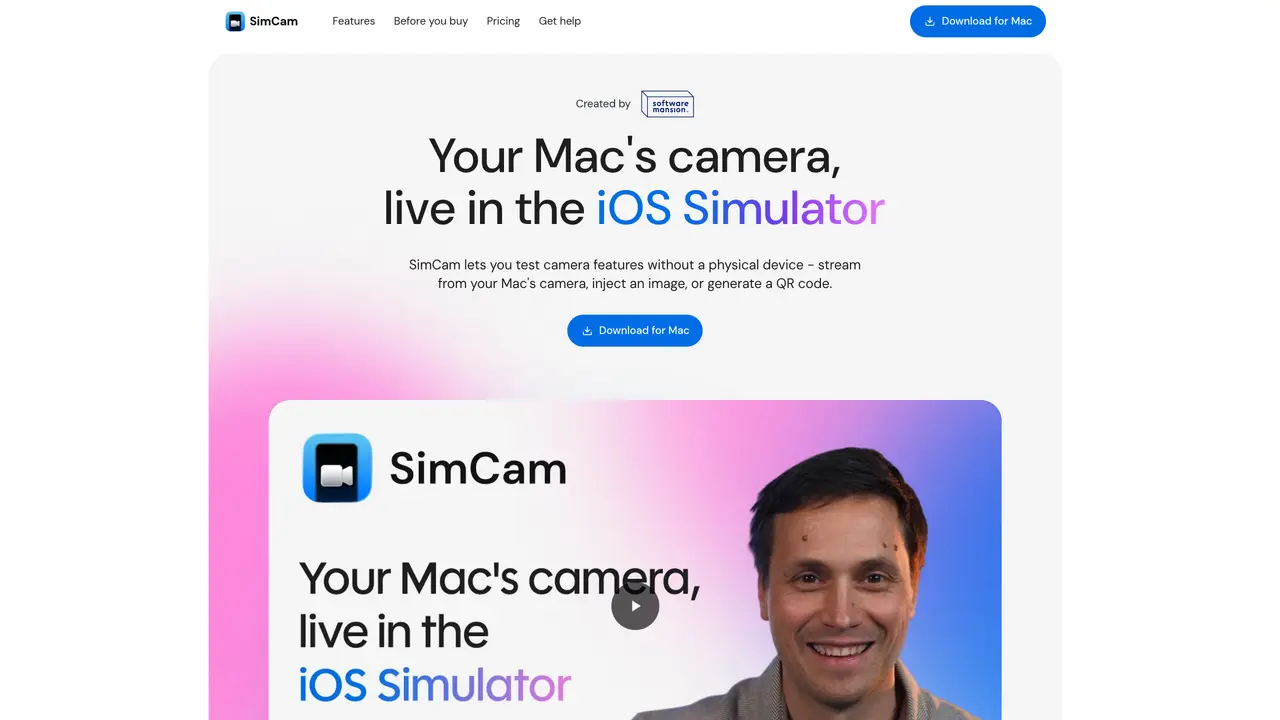
SimCam is a macOS tool that brings a live, controllable camera feed into the iOS Simulator. It registers as a virtual camera that iOS apps see through standard AVFoundation APIs, so most camera code runs unmodified. Developers can stream from the Mac’s own camera, inject static images or videos, or pipe in QR codes, and they can drive all of this programmatically through a CLI, which makes it very friendly for automation and AI agent workflows. Key Features: Virtual camera inside the iOS Simulator: Registers as a system-level camera, including front and back views, so simulator builds can be tested as if they were on real hardware. Multiple source types: Switch between the Mac’s camera, image files, video clips, and generated QR codes to cover anything from login flows to credit card or barcode scanning. QR code generation and injection: Create QR codes from strings or tokens and inject them directly into the camera feed, removing the need to point a phone at a monitor. CLI for automation and AI agents: The simcamctl command lets scripts and AI agents change sources, generate QR codes, and read diagnostics without human clicks.
SimCam is a macOS tool that provides a live, controllable camera feed inside the iOS Simulator by registering as a virtual camera. It allows developers to test camera-based features without a physical device.
SimCam is designed for iOS developers who need to test camera functionality in the simulator, including QR code scanning, image recognition, and barcode reading, without relying on real hardware.
No, SimCam registers as a system-level virtual camera and works through standard AVFoundation APIs, so most camera code runs unmodified in the simulator.
SimCam supports streaming from the Mac’s built-in camera, injecting static images or videos, and generating QR codes programmatically for testing purposes.
Yes, SimCam includes a CLI tool called simcamctl that allows scripts and AI agents to programmatically switch camera sources, generate QR codes, and control the camera feed for automated testing.
SimCam offers a Pro license for single-seat desktop use and an Agent/CI license for CI and cloud agent deployments, both available as one-time purchases with no subscriptions.
We use essential cookies to run aitoolnavio™, and optional cookies to analyze traffic and measure our marketing. You choose what we use — optional cookies stay off unless you turn them on. See our Privacy Policy.
One short email a week: fresh tools worth trying, honest takes and the updates that actually matter. No spam, unsubscribe any time.
Collaboration and version control platform for software development and AI model hosting.
A cloud platform for deploying, scaling, and managing web apps and AI workloads with Git-based CI/CD and edge functions.
Unified platform to access and switch between hundreds of AI models like ChatGPT, Claude, and Gemini via a single API.
xAI builds Grok frontier AI models for reasoning, coding, voice, images, video, enterprise workflows, and developer APIs.
Meta AI enhances machine learning, NLP, and computer vision capabilities.
AI-powered coding platform that uses agents to plan, write, and test software with real-time feedback and verifiable artifacts.
Open-source backend platform providing Postgres, authentication, APIs, and real-time features to build scalable apps quickly.
Chat, build, and explore with open AI models.
Standardize application packaging and execution with portable containers for consistent local and cloud workflows.
Cloud communications platform that lets developers embed SMS, voice, WhatsApp, email, video, verification, and conversational AI via APIs.
Revolutionize AI application development, monitoring, and deployment with LangChain.
Run open-source chatbots locally on your PC without internet, keeping conversations private and offline.
Matched on what this tool does — grouped by the job you would be replacing.
matches Virtual camera inside the iOS Simulator · Multiple source types: Mac’s camera, image files, video clips, and QR codes · QR code generation and injection
Open-source AI platform that lets LLMs directly control Android and iOS devices to automate mobile app interactions via structured UI text and self-correcting loops.
Remote control of a developer’s Mac from a mobile device