Summarizes, extracts, and rewrites content from files.
89M visits/mo+8.7%#2 Productivity & Office

Automate paper and email receipt management, sync with accounting apps for expense tracking.
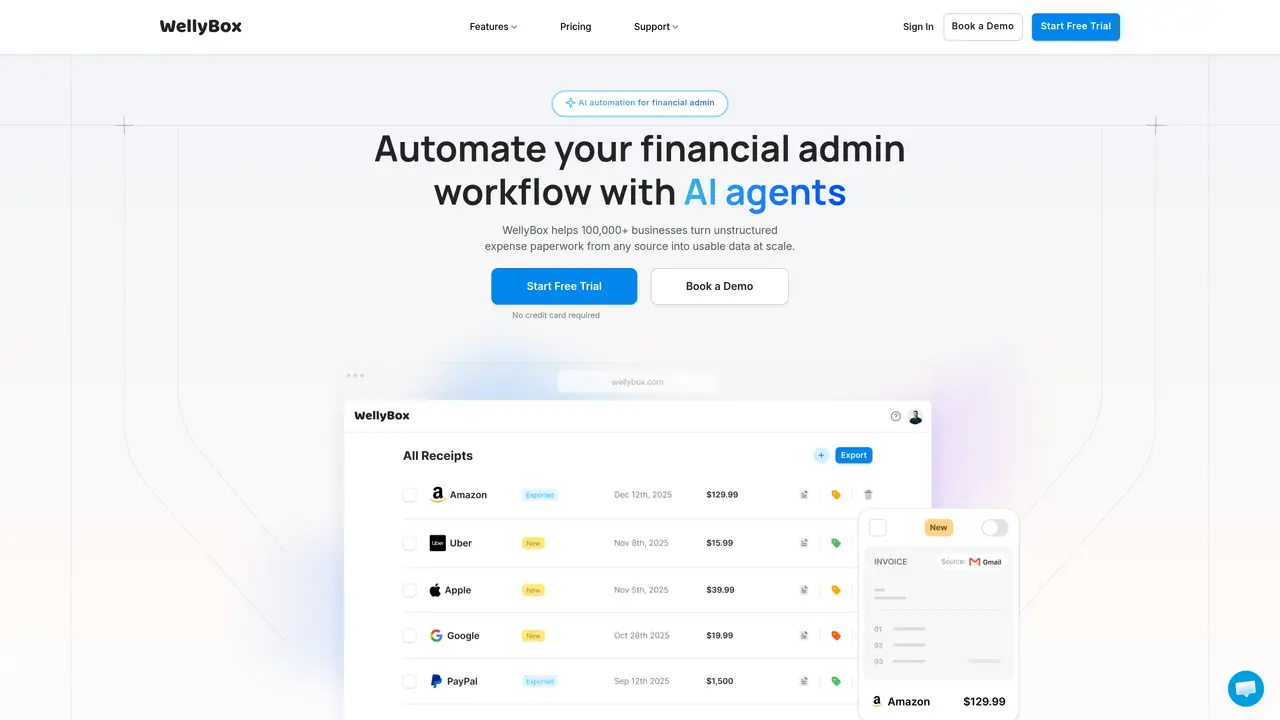
Wellybox is an AI-powered receipt management tool designed to streamline and simplify the process of organizing, tracking, and managing business receipts and invoices. With Wellybox, you can scan and upload paper receipts, auto-download receipts from your email, and easily sync everything with accounting apps. This comprehensive suite of tools is designed with the busy business owner in mind, and includes a receipt scanner app, receipt organizer software, expense tracker software, expense report software, and expense management software, as well as a receipt app, receipt keeper, and receipt tracker app. Put an end to the tedious process of managing your business receipts and invoices, and let Wellybox save you time, energy, and money. The tool is designed for busy business owners who need to manage their expenses efficiently. It works by allowing users to scan and upload paper receipts, auto-download receipts from email, and sync everything with accounting apps. This helps businesses to track their expenses accurately and make informed financial decisions. Wellybox can be used in various industries, including retail, hospitality, and services.
Wellybox automates financial admin workflows by using AI agents to turn unstructured expense paperwork from emails, paper receipts, and other sources into structured, usable data. It organizes receipts, invoices, and expense reports, syncing them with accounting software to streamline financial management.
Wellybox is designed for business owners, accountants, and finance teams who need to efficiently manage receipts, invoices, and expense reports. It is particularly useful for those handling large volumes of financial documents or working across multiple industries such as retail, hospitality, and services.
Wellybox connects with accounting apps and platforms to sync organized receipts and invoices, making it easier to export data to Excel or share reports with accountants. It supports integration with email services like Gmail and messaging platforms like WhatsApp to auto-download documents.
Yes, Wellybox supports 39 languages, allowing it to process and organize receipts and invoices from diverse linguistic sources. This feature is particularly useful for businesses operating internationally or dealing with multilingual documentation.
Users can start a free trial without requiring a credit card. The onboarding process is supported by customer service, which guides users through setup and ensures they can begin automating their financial admin workflows quickly and efficiently.
Wellybox provides attentive, patient, and efficient customer support throughout the onboarding and usage process. Users highlight the responsiveness and clarity of the support team, which helps resolve issues and ensures smooth adoption of the tool.
wellybox.com · third-party estimates from Similarweb
Last 4 months · grows by one month every month
Share of visits · estimated visits
Other countries: 17.4%
Productivity & Office · Sep 2026
Traffic figures are third-party estimates, good for scale and trends; they can differ from a company's own numbers. Updated monthly.
We use essential cookies to run aitoolnavio™, and optional cookies to analyze traffic and measure our marketing. You choose what we use — optional cookies stay off unless you turn them on. See our Privacy Policy.
One short email a week: fresh tools worth trying, honest takes and the updates that actually matter. No spam, unsubscribe any time.
Summarizes, extracts, and rewrites content from files.
Automate citation and reference management, aid research with text and data mining, and securely store and share documents.
Capture, organize, and share ideas, notes, and documents effortlessly.
Headless CMS that lets developers manage structured content and deliver it anywhere via flexible APIs and real-time collaboration tools.
Efficiently create and manage cases, streamline workflows, securely store and share documents, and collaborate with colleagues.
Access files, collaborate, and secure your data with unbeatable customizable system.
An AI-powered PDF editor and converter for editing, OCR, signing, annotating, merging, and chatting with documents across devices.
Browser-based PDF editor that edits, signs, converts, merges, compresses, and shares files, with AI for form filling, document chat, and PDF creation.
Securely store, access, and search documents from any device with ease.
Create and customize legal documents, consult lawyers, and access legal guides all in one platform.
Centralize brand assets, automate approvals, and collaborate with external partners in a single digital asset management platform.
AI diagramming and documentation tool for engineering teams to create and update cloud architecture, ERDs, and flowcharts from prompts, code, and CI/CD workflows.
Matched on what this tool does — grouped by the job you would be replacing.
matches Automatically scan and upload paper receipts · Auto-download receipts from email · Sync with accounting apps for expense tracking
A bookkeeping automation platform that captures receipts, invoices, and statements, extracts data, and syncs to accounting software for SMBs and accounting firms.
AI receipt scanner and expense tracker that extracts receipt data, auto-categorizes spend, matches bank transactions, and exports tax-ready reports.
Streamline receipt management with AI: Extract, categorize, analyze expenses effortlessly.
Receipt scanner and expense tracker using AI for invoices and receipts