Summarizes, extracts, and rewrites content from files.
89M visits/mo+8.7%#2 Productivity & Office

Automate document processing with advanced recognition and ensure compliance and data security.
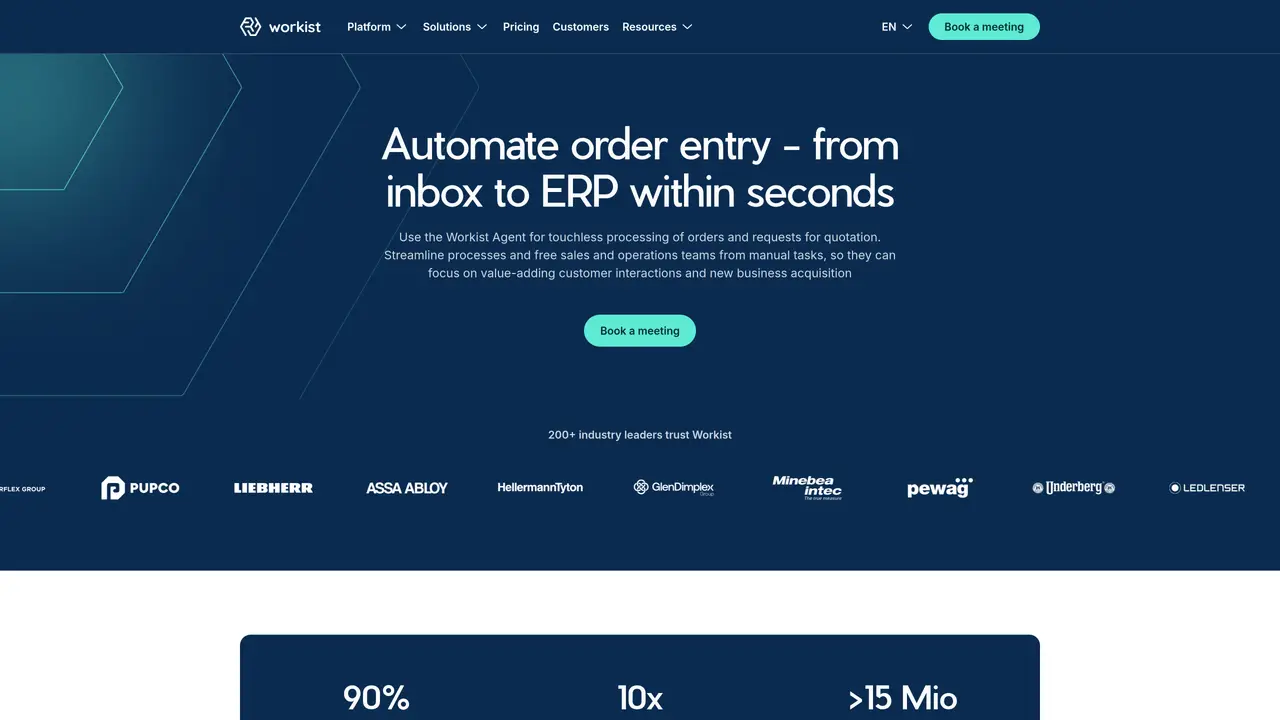
Workist is an AI-powered document processing automation service that makes document processing efficient and stress-free. With Workist, you can spend less time on tedious tasks and more time on the meaningful work that matters. With advanced document recognition and automated data extraction technology, Workist helps you quickly and accurately convert files into usable formats—all without sacrificing security. It’s easy to set up and use, and you can be processing documents in no time. Plus, Workist is highly secure and compliant with industry standards, so you can be sure that your documents are safe and secure. Workist is a great choice for businesses of all sizes looking to streamline their document processing operations and free up resources to focus on their core activities.
Workist automates document processing for businesses by using AI to extract, validate, and transfer data from emails and PDFs directly into ERP systems. It handles tasks like order processing, quote generation, and inquiry management to reduce manual work and errors.
Workist is designed for businesses of all sizes, particularly those struggling with manual ERP data entry, high order volumes, or staff shortages. It benefits sales back offices, manufacturers, and wholesale distributors looking to streamline administrative tasks.
Workist connects to ERP systems such as SAP, Microsoft, Oracle, or industry-specific solutions via standard APIs or EDI. It adapts to existing workflows without requiring complex IT projects or template training.
Workist reduces errors, speeds up processing by up to 10 times, and allows teams to focus on customer-facing activities. It scales with business needs, handles peak loads without additional staff, and improves data accuracy before ERP transfer.
Yes, Workist supports custom logic and industry-specific rules, such as those in construction or manufacturing. It validates data against customer-specific parameters and escalates only ambiguous cases to human experts.
You can schedule a meeting with Workist to discuss your needs and see a live demonstration. The platform is designed for quick setup with no complex IT projects required, delivering immediate value.
workist.com · third-party estimates from Similarweb
Last 4 months · grows by one month every month
Share of visits · estimated visits
Productivity & Office · Sep 2026
Traffic figures are third-party estimates, good for scale and trends; they can differ from a company's own numbers. Updated monthly.
We use essential cookies to run aitoolnavio™, and optional cookies to analyze traffic and measure our marketing. You choose what we use — optional cookies stay off unless you turn them on. See our Privacy Policy.
One short email a week: fresh tools worth trying, honest takes and the updates that actually matter. No spam, unsubscribe any time.
Summarizes, extracts, and rewrites content from files.
Automate citation and reference management, aid research with text and data mining, and securely store and share documents.
Capture, organize, and share ideas, notes, and documents effortlessly.
Headless CMS that lets developers manage structured content and deliver it anywhere via flexible APIs and real-time collaboration tools.
Efficiently create and manage cases, streamline workflows, securely store and share documents, and collaborate with colleagues.
Access files, collaborate, and secure your data with unbeatable customizable system.
An AI-powered PDF editor and converter for editing, OCR, signing, annotating, merging, and chatting with documents across devices.
Browser-based PDF editor that edits, signs, converts, merges, compresses, and shares files, with AI for form filling, document chat, and PDF creation.
Securely store, access, and search documents from any device with ease.
Create and customize legal documents, consult lawyers, and access legal guides all in one platform.
Centralize brand assets, automate approvals, and collaborate with external partners in a single digital asset management platform.
AI diagramming and documentation tool for engineering teams to create and update cloud architecture, ERDs, and flowcharts from prompts, code, and CI/CD workflows.
Matched on what this tool does — grouped by the job you would be replacing.
matches Automate document processing · Advanced document recognition · Automated data extraction technology
AI platform for automating data labeling, document processing, and multi-modal data extraction to enhance productivity.
Transform paper and digital documents into structured, actionable data with AI-driven robotic digitization for HR and beyond.
Automate document processing with OCR, custom models, and secure data handling for industries like insurance and logistics.
Automate document processing, extract text, tables, forms, transform into structured data, integrate with other AWS services.