Generate content, correct spelling, suggest synonyms to enhance writing.
173M visits/mo+0.1%#1 Productivity & Office

Chrome extension that enhances Google NotebookLM with citations, Anki export, cross-notebook search and bulk
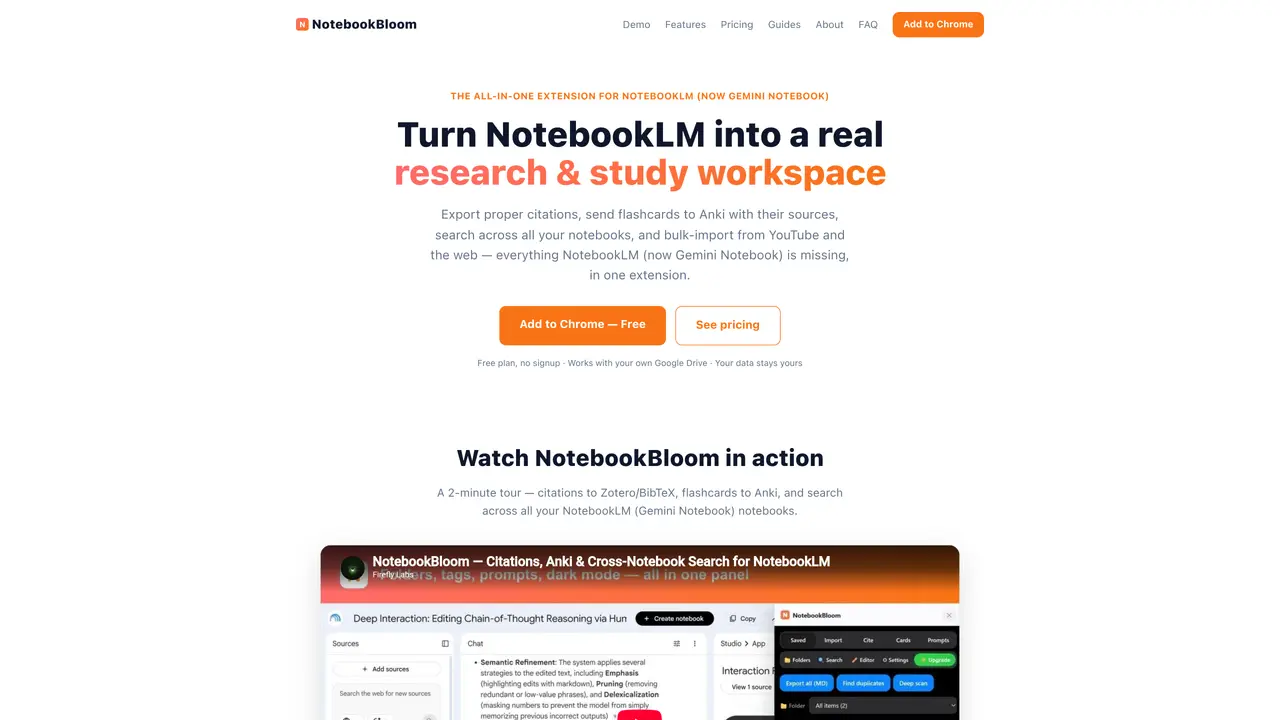
NotebookBloom is a Chrome extension designed to extend the functionality of Google NotebookLM (now Gemini Notebook) for research and study purposes. It enables users to export proper academic citations in formats such as APA, MLA, Chicago, and BibTeX, which can be directly pasted into papers. The tool also facilitates the transfer of AI-generated flashcards to Anki while preserving source attribution on each card. Users can perform cross-notebook searches across all notebooks, sources, citations, and prompts, eliminating the siloed nature of individual notebooks. Bulk import capabilities allow adding multiple links, YouTube playlists, channels, search results, or RSS feeds in one action. Additional features include folder and tag organization, reusable prompts via shortcodes, editable output, deduplication of sources, cloud sync via Google Drive, and dark mode. The extension operates entirely within the browser and does not store user data on external servers.
NotebookBloom is a free Chrome extension that enhances Google NotebookLM (now Gemini Notebook) by adding research and study-focused features such as proper academic citation export, Anki flashcard integration, cross-notebook search, and bulk-import capabilities.
The tool is designed for researchers, students, and academics who use NotebookLM for study or research and need advanced features like citation formatting, flashcard management, and cross-notebook organization.
Yes. NotebookBloom is compatible with both Google NotebookLM and its renamed version, Gemini Notebook, as they are the same product with a different name.
No. NotebookBloom is an independent third-party extension and is not affiliated with or endorsed by Google.
NotebookBloom integrates with Anki for flashcard export, Google Drive for cloud sync, and supports bulk imports from YouTube playlists, channels, search results, and RSS feeds.
Install the Chrome extension from the Chrome Web Store, then open it within NotebookLM to access its features such as citation export, Anki integration, and cross-notebook search.
notebookbloom.com · third-party estimates from Similarweb
Last 2 months · grows by one month every month
Share of visits by channel
Share of visits · estimated visits
Productivity & Office · Sep 2026
Traffic figures are third-party estimates, good for scale and trends; they can differ from a company's own numbers. Updated monthly.
We use essential cookies to run aitoolnavio™, and optional cookies to analyze traffic and measure our marketing. You choose what we use — optional cookies stay off unless you turn them on. See our Privacy Policy.
One short email a week: fresh tools worth trying, honest takes and the updates that actually matter. No spam, unsubscribe any time.
Generate content, correct spelling, suggest synonyms to enhance writing.
Markdown-based note-taking and personal knowledge management app that turns notes into a connected system of ideas.
Capture, organize, and share ideas, notes, and documents effortlessly.
Easily create and track training courses, design learning environments, and access from any device with an intuitive interface.
An AI-powered note-taking app for students and professionals to write, sketch, annotate PDFs, record audio, and generate summaries, quizzes, and flashcards.
Handwritten note-taking app with searchable ink, PDF annotation, synced audio, and AI-powered study tools.
AI-powered process documentation tool that captures workflows into visual step-by-step guides with screenshots, editing, and exports.
AI web app that transcribes audio, video, and YouTube links into text in 98 languages with summaries, mind maps, and export formats for students and teams.
A note-taking and spaced-repetition flashcard app for students and learners, with PDF annotation plus AI tools for generating cards, quizzes, and study summaries.
AI-powered research assistant for organizing, analyzing, and synthesizing information from notes and documents.
Capture thoughts, create documents, and access on any device for convenient organization and productivity.
AI-powered PDF editor with built-in agents for summarization, translation, and document analysis.
Matched on what this tool does — grouped by the job you would be replacing.
matches Real citation export (APA, MLA, Chicago, BibTeX) · Anki export with source attribution on each card · Cross-notebook search across all notebooks
Chrome extension that extends Google NotebookLM with capture, organization, and export features
Chrome extension that bulk-uploads sources to Google NotebookLM from JSON, chats, tickets or YouTube
A Chrome extension that exports NotebookLM chats, notes, and reports to PDF, Word, or Markdown in one click.
matches Real citation export (APA, MLA, Chicago, BibTeX) · Anki export with source attribution on each card
matches Bulk import from YouTube playlists, channels, and RSS feeds
An AI study agent for students that drafts essays, builds presentations, generates flashcards, and creates citations in a chat interface.
An AI essay writer for students that generates plagiarism-free essays with citations and formatting options.
AI essay generator that produces high-quality, plagiarism-free essays with real academic citations in seconds.
Turn prompts into citation-rich thesis drafts fast.
Revolutionize transcription with unmatched accuracy, speed, and language support.
AI assistant that summarizes webpages, videos, PDFs, and audio into structured notes and saves them to a searchable knowledge base.
An AI repurposing platform that transcribes podcasts and videos, then generates summaries, blogs, social posts, and audiograms for creators and teams.
Transcribes Twitch VODs, podcasts, YouTube videos and audio files into timestamped, speaker-labeled text