Summarizes, extracts, and rewrites content from files.
89M visits/mo+8.7%#2 Productivity & Office

Convert, edit, and sign PDFs with ease—securely and efficiently, all in one place.
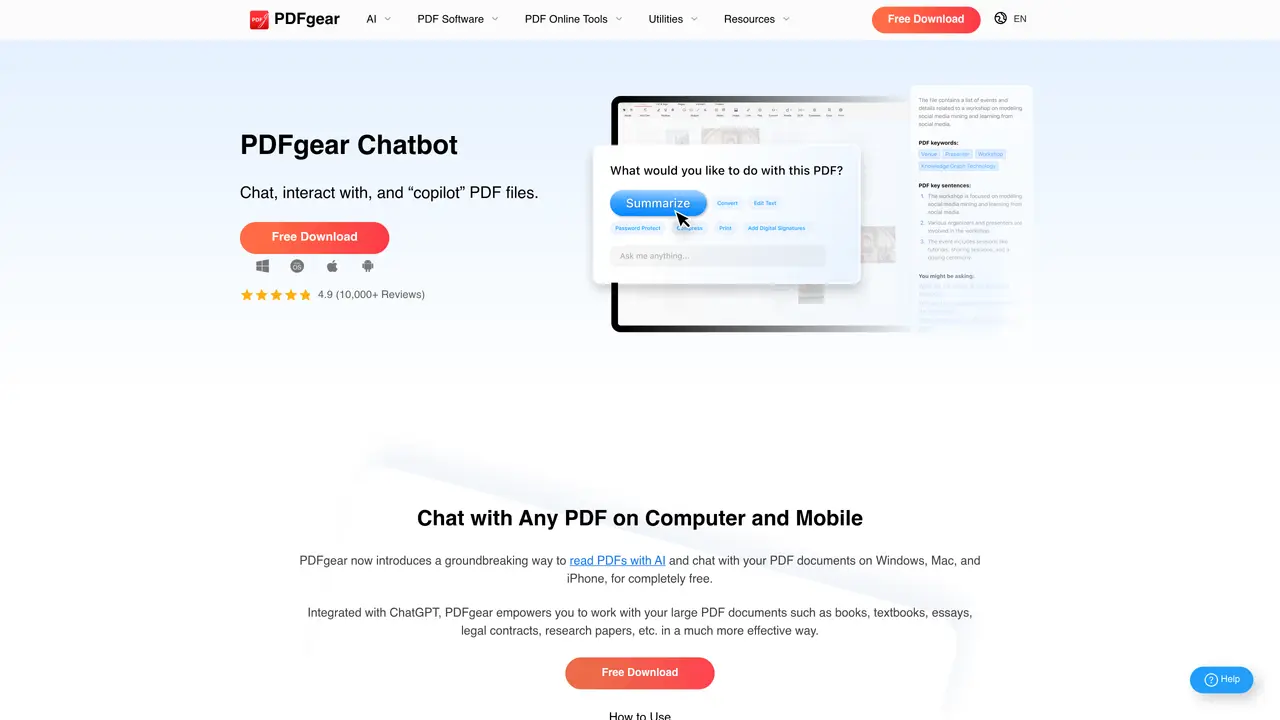
PDFgear Chatbot is an innovative and powerful tool for transforming and managing PDF documents. With this service, users can easily create, edit, and sign PDF documents directly from their chat conversations. The intuitive interface makes it simple to control, edit, and manage PDFs without any technical knowledge. PDFgear Chatbot is perfect for anyone who needs to quickly and easily create, edit, and sign PDF documents. The tool offers a wide range of features, including the ability to convert documents to PDFs, edit text, add images, and more. Additionally, users can securely sign PDF documents with a digital signature. This service is especially useful for businesses and professionals who need to produce high-quality PDF documents in a timely manner. With PDFgear Chatbot, users can quickly and easily create, edit, and sign documents, saving them time and energy. Overall, PDFgear Chatbot is a powerful and efficient tool for transforming and managing PDF documents.
Yes. PDFgear and its Chatbot are available for use completely free of charge during the current phase, as the developers seek user feedback for rapid improvements.
PDFgear Chatbot supports more than 100 languages, including English, Spanish, French, German, Italian, Chinese, Japanese, Arabic, and many others.
PDFgear Chatbot works on both desktop and mobile devices, including Windows, Mac, iPhone, and iPad. Support for Android is coming soon.
PDFgear Chatbot integrates ChatGPT-3.5-Turbo, which is the most advanced and extensively trained AI model available. The model is regularly updated to newer versions.
PDFgear Chatbot uses natural language processing and AI, incorporating word embedding techniques, to interact with PDF documents by analyzing content and creating a semantic index of every paragraph.
Yes. PDFgear processes images in PDFs using OCR technology, allowing the texts within images to be analyzed during chat interactions.
We use essential cookies to run aitoolnavio™, and optional cookies to analyze traffic and measure our marketing. You choose what we use — optional cookies stay off unless you turn them on. See our Privacy Policy.
One short email a week: fresh tools worth trying, honest takes and the updates that actually matter. No spam, unsubscribe any time.
Summarizes, extracts, and rewrites content from files.
Free tool to collect, organize, cite and share research sources
An AI-powered PDF editor and converter for editing, OCR, signing, annotating, merging, and chatting with documents across devices.
Browser-based PDF editor that edits, signs, converts, merges, compresses, and shares files, with AI for form filling, document chat, and PDF creation.
Streamline PDF interaction with AI summarization, batch processing, and secure Q&A.
Efficiently find data, extract key topics, map entities, analyze sentiment, and highlight important points in your PDF documents.
All-in-one AI platform for writing, image, music, and analysis.
AI-powered PDF editor with built-in agents for summarization, translation, and document analysis.
Obtain information, navigate documents, and customize responses with an AI-powered chatbot and user-friendly interface.
Summarize, chat with, and clean up PDFs.
Find sections, analyze & extract content, and interact with documents efficiently using AI-powered technology.
Generate comprehensive PDF reports, leverage NLP and ML to understand documents, save time and money with faster decision-making.
Matched on what this tool does — grouped by the job you would be replacing.
matches Convert documents to PDFs · Easily edit text, add images · Securely sign PDFs with a digital signature
Convert PDFs to Word, Excel, PowerPoint, HTML, merge multiple PDFs, and extract images.
An AI-powered PDF editor and converter for editing, OCR, signing, annotating, merging, and chatting with documents across devices.
Quickly summarize documents, identify key themes, and analyze for insights.
AI-powered PDF editor with built-in agents for summarization, translation, and document analysis.