AI assistant for safe, reliable productivity with code, collaboration, and integrations.
Arc PDF
$22.99 / moStarting price
0Popularity
About Arc PDF
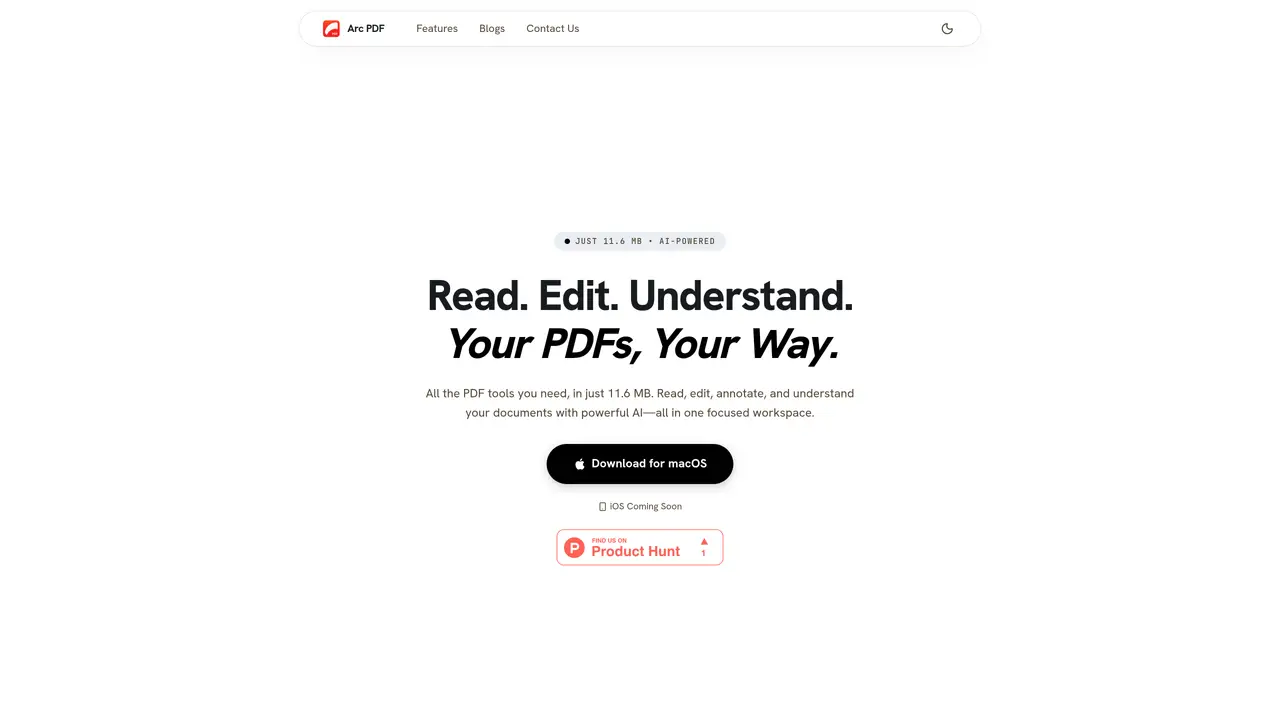
Arc PDF is a desktop application designed for macOS that provides a comprehensive set of tools for reading, editing, and understanding PDF documents entirely on-device. The software integrates AI capabilities to enable features such as document summarization, mind map generation, table extraction, and translation across multiple languages. It supports direct text and image editing within PDFs, annotation tools, page organization, and OCR recognition for scanned documents in over a dozen languages. All processing occurs locally, ensuring files remain private and never leave the user’s device. The application emphasizes privacy by storing the user’s AI API key securely in the macOS Keychain and avoiding cloud uploads or tracking mechanisms.
Key features
- AI-powered document summarization
- Mind map generation for document structure
- Table extraction to Markdown, CSV, or HTML
- Document translation in 40+ languages
- Direct text and image editing
- Annotation tools (highlighting, sticky notes)
- Page organization (merge, split, rotate, reorder)
- OCR recognition for scanned PDFs
Use cases
- Researching and summarizing long academic papers
- Editing and annotating textbooks or study materials
- Processing contracts or reports with quick edits and AI assistance
Pros
- AI-powered summarization and mind mapping
- On-device processing for privacy
- Supports 13+ languages for OCR
- Lightweight at 11.6 MB
- Direct text and image editing
Cons
- iOS version not yet available
- Requires user-provided AI API key
- macOS-only platform
Frequently asked questions about Arc PDF
What is Arc PDF and what does it do?
Arc PDF is a lightweight desktop application for macOS that enables users to read, edit, annotate, and understand PDF documents entirely on-device. It integrates AI capabilities such as summarization, mind map generation, table extraction, and translation across multiple languages.
Who is Arc PDF designed for?
Arc PDF is built for researchers, students, and professionals who need a private, fast, and on-device PDF toolkit. It adapts to workflows involving document analysis, study materials, contracts, reports, and collaborative editing.
How does Arc PDF handle privacy and data security?
All processing, editing, OCR, and rendering occur locally on the user’s device. Files never leave the device, and the user’s AI API key is stored securely in the macOS Keychain, ensuring no cloud uploads or tracking mechanisms are involved.
Can I use my own AI API key with Arc PDF?
Yes, Arc PDF allows users to bring their own AI API key, which is stored securely in the macOS Keychain. This enables unlimited AI processing without subscriptions or caps, and the key remains invisible to the application.
What AI features does Arc PDF offer?
Arc PDF includes AI-powered features such as document summarization, mind map generation, table extraction, and translation across over 40 languages. It also supports auto-outline generation and document chat for enhanced understanding.
How do I get started with Arc PDF?
Users can download Arc PDF from the official website for macOS. Once installed, they can import PDFs, use built-in tools for editing and annotation, and optionally configure their AI API key for advanced features.