Generate content, correct spelling, suggest synonyms to enhance writing.
173M visits/mo+0.1%#1 Productivity & Office

AI-powered platform for automating construction project planning, scheduling, and risk management to improve efficiency and reduce costs.
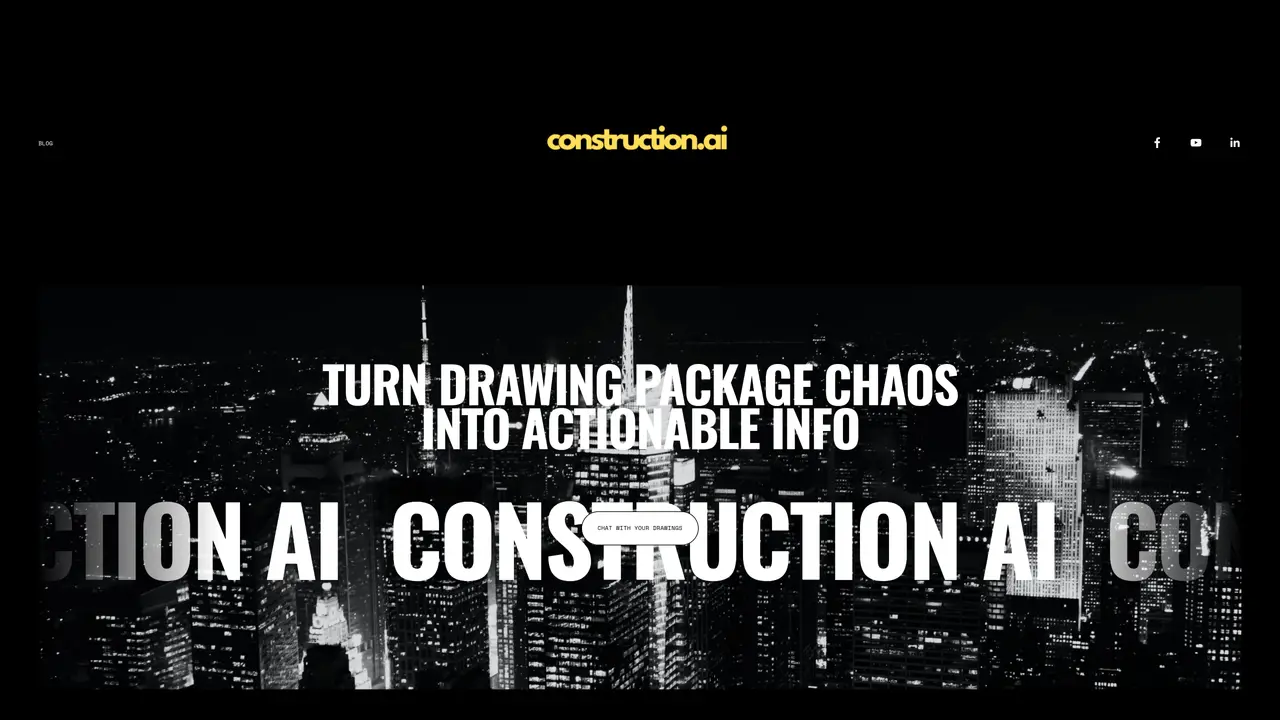
Construction AI is an AI-powered platform designed to automate repetitive and error-prone tasks in construction workflows by interpreting drawing sets and survey data with precision. The platform offers two core tools: a chat assistant that enables users to ask plain-language questions about drawing sets and receive accurate, receipt-backed answers for counts, schedules, areas, and volumes, and a conversion app that transforms vectorized survey PDFs into 3D point clouds and structured data formats such as DXF, XLS, and CSV, eliminating the need for manual tracing. Tailored for contractors, engineers, and estimators, Construction AI integrates seamlessly with existing workflows, including Procore, to highlight relevant information directly on drawings, accelerating decision-making and reducing manual effort during preconstruction and estimating phases. By automating tasks like cross-section analysis and data entry, the platform helps teams focus on higher-value activities while minimizing errors. Founded in 2016, Construction AI emphasizes precision and efficiency to streamline workflows and improve project outcomes. The platform is particularly useful for teams looking to reduce time spent on manual data extraction and interpretation. It supports faster project planning and more accurate estimates by providing structured, actionable insights from complex drawing sets.
Construction AI primarily processes vectorized PDFs and drawing sets. The conversion app specifically handles vectorized survey PDFs to generate 3D point clouds and structured data.
The platform is built for contractors, engineers, and estimators across various construction sectors who need to automate takeoffs, interpret drawing sets, and streamline preconstruction workflows.
Yes, Construction AI offers a Procore integration (currently in beta) that highlights relevant drawing data directly within Procore, aligning with existing project workflows.
The chat assistant reads uploaded drawing sets and answers questions in plain language, providing counts, schedules, areas, and volumes with receipts to verify the source of the data.
No training or setup is required for basic functionality. Users can upload files and start using the tools immediately.
The platform is designed to indicate when it cannot read or interpret specific elements rather than guessing, ensuring transparency and reliability in the results.
construction.ai · third-party estimates from Similarweb
Last 4 months · grows by one month every month
Share of visits · estimated visits
Productivity & Office · Sep 2026
Traffic figures are third-party estimates, good for scale and trends; they can differ from a company's own numbers. Updated monthly.
We use essential cookies to run aitoolnavio™, and optional cookies to analyze traffic and measure our marketing. You choose what we use — optional cookies stay off unless you turn them on. See our Privacy Policy.
One short email a week: fresh tools worth trying, honest takes and the updates that actually matter. No spam, unsubscribe any time.
Generate content, correct spelling, suggest synonyms to enhance writing.
Turn messy team ideas into actionable plans with Miro's visual workspace.
Leverage analytics, automate tasks, share documents, and coordinate projects.
Integrates AI into Airtable to analyze data, summarize insights, draft content, and automate workflows without prior AI experience.
Cloud accounting software that automates bookkeeping, invoicing, and financial reporting for small and growing businesses.
Streamline teamwork, manage projects, automate tasks efficiently.
Automate code, research, and documents using agents.
AI assistant for safe, reliable productivity with code, collaboration, and integrations.
Create customizable tables, databases, and spreadsheets, share data securely with team members.
Easy-to-use CRM platform that automates lead capturing, prioritizes tasks, and provides sales pipeline analytics for businesses of all sizes.
Transforms thoughts into actions, enhancing productivity and efficiency.
Write & run code in 50+ languages, auto-complete with AI, and code faster with an intuitive interface.
Matched on what this tool does — grouped by the job you would be replacing.
Paid placement · similar tools from listings that support aitoolnavio™
Instant lead response for home-service pros: your phone rings on every new lead, plus 14 days of follow-up
matches Chat assistant for querying drawing sets in plain language to retrieve counts, schedules, areas, and volumes · Conversion app for transforming vectorized survey PDFs into 3D point clouds and structured data (DXF, XLS, CSV) · Precision extraction of MasterFormat codes, quantities, geometry, and text from complex vector PDFs
matches Conversion app for transforming vectorized survey PDFs into 3D point clouds and structured data (DXF, XLS, CSV)
matches Procore integration to highlight relevant drawing data directly within existing project workflows · Designed for contractors, engineers, and estimators across multiple construction sectors
AI-powered construction takeoff software that automates measurements, counts, and plan organization for faster, error-reduced project estimates.
Automates electrical takeoffs by extracting and quantifying devices, fixtures, and circuits from PDF drawings for faster, more accurate estimating.
AI-powered preconstruction platform that delivers cited code answers, estimator-reviewed takeoffs, and clash-detected coordinated models for construction teams.
AI-powered platform to streamline construction workflows, extract data from plans, and automate project management tasks.
AI CAD assistant that lets engineers edit and generate 3D models by typing natural language commands inside existing CAD workflows.
Transform CAD models into interactive assembly instructions effortlessly.
Streamlines construction projects with AI-driven management.
AI-driven platform revolutionizing MEP preconstruction through automation and efficiency.