Generate content, correct spelling, suggest synonyms to enhance writing.
173M visits/mo+0.1%#1 Productivity & Office

Copy text from any document, customize settings, and save text snippets for later use.
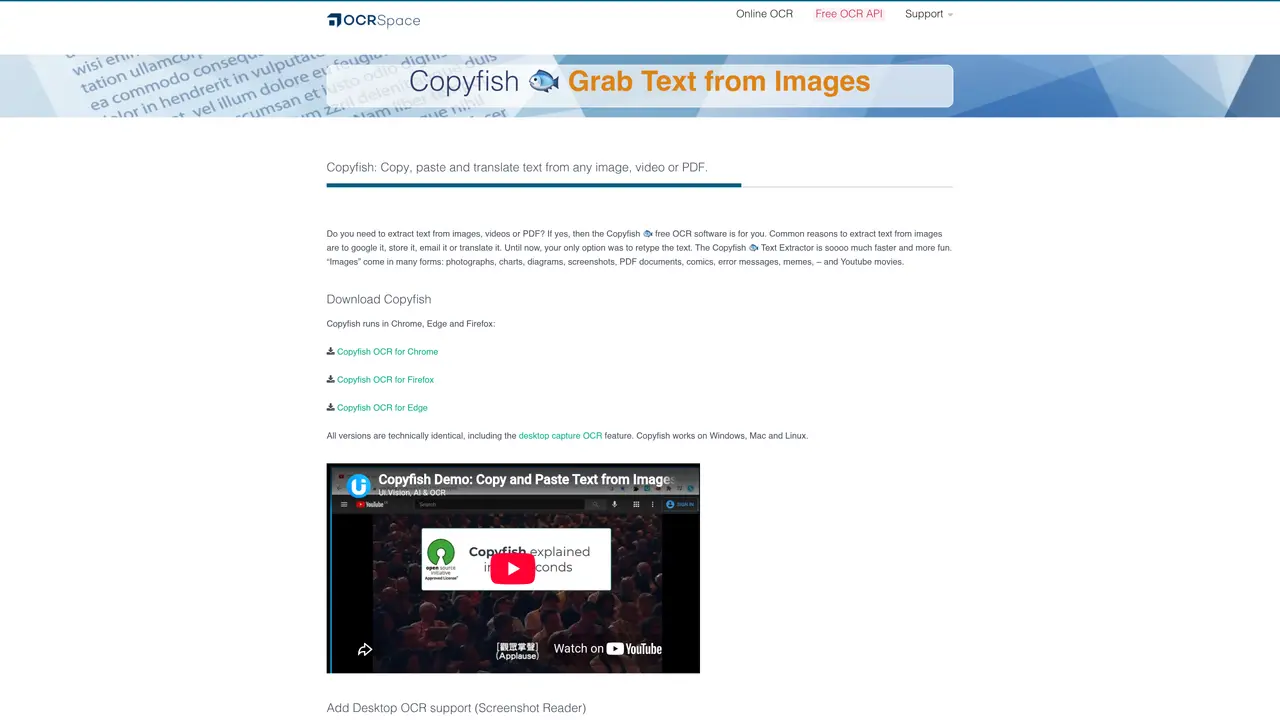
CopyFish is a free browser extension that enables users to extract text from images, PDFs, and screenshots using optical character recognition (OCR) technology. Designed for students, researchers, professionals, and anyone working with digital content, the tool allows for quick and accurate text extraction from any visual source on the web or stored locally. Once extracted, the text can be copied, edited, or formatted directly within the extension before being pasted into documents, emails, or other applications. The extension supports multiple languages and provides real-time OCR processing, making it useful for tasks such as transcribing notes, extracting quotes from articles, or digitizing printed materials. Users can also save frequently used snippets for future reference and adjust settings to optimize performance for their specific needs. CopyFish integrates seamlessly with popular browsers like Chrome and Firefox, offering a straightforward way to convert visual information into editable text without requiring advanced technical skills.
CopyFish is a free OCR (Optical Character Recognition) tool that extracts text from images, videos, PDFs, and screenshots, allowing users to copy, edit, and translate the extracted text. It works as a browser extension for Chrome, Edge, and Firefox, as well as a desktop capture tool for Windows, Mac, and Linux.
CopyFish is suitable for students, professionals, writers, researchers, and anyone needing to quickly extract text from visual content like screenshots, documents, or web pages. It is particularly useful for those who need to reuse text from images without manual retyping.
Yes, CopyFish supports a wide range of languages, including English, German, French, Spanish, Chinese, Japanese, Russian, and many others. It offers two OCR engines with varying language coverage to ensure accuracy across different scripts.
CopyFish can be installed as a browser extension for Chrome, Edge, or Firefox. For desktop capture OCR, users need to install the UI.Vision XModule, which is available for Windows, Mac, and Linux. Once installed, users can right-click the CopyFish icon to capture and extract text from their screen.
Yes, CopyFish can extract text from PDFs, images, and even videos by capturing frames or screenshots. It supports text extraction from documents, web pages, presentations, and other visual content.
CopyFish itself is primarily a manual OCR tool, but it is powered by OCR.Space technology, which is also used in the UI.Vision RPA software for automating browser tasks like web testing or form filling. Users can explore UI.Vision for more advanced automation workflows.
We use essential cookies to run aitoolnavio™, and optional cookies to analyze traffic and measure our marketing. You choose what we use — optional cookies stay off unless you turn them on. See our Privacy Policy.
One short email a week: fresh tools worth trying, honest takes and the updates that actually matter. No spam, unsubscribe any time.
Generate content, correct spelling, suggest synonyms to enhance writing.
Turn messy team ideas into actionable plans with Miro's visual workspace.
Leverage analytics, automate tasks, share documents, and coordinate projects.
Integrates AI into Airtable to analyze data, summarize insights, draft content, and automate workflows without prior AI experience.
Cloud accounting software that automates bookkeeping, invoicing, and financial reporting for small and growing businesses.
Streamline teamwork, manage projects, automate tasks efficiently.
Automate code, research, and documents using agents.
AI assistant for safe, reliable productivity with code, collaboration, and integrations.
Create customizable tables, databases, and spreadsheets, share data securely with team members.
Easy-to-use CRM platform that automates lead capturing, prioritizes tasks, and provides sales pipeline analytics for businesses of all sizes.
Transforms thoughts into actions, enhancing productivity and efficiency.
Write & run code in 50+ languages, auto-complete with AI, and code faster with an intuitive interface.
Matched on what this tool does — grouped by the job you would be replacing.
Paid placement · similar tools from listings that support aitoolnavio™
Instant lead response for home-service pros: your phone rings on every new lead, plus 14 days of follow-up
matches Quickly copy any text from the web or documents · Edit and format copied content before pasting · Save snippets of text for future use
AI-powered knowledge management tool that collects, organizes, and outputs information from diverse sources into structured content.
AI-powered organizer for links, notes and screenshots from any app
Browser extension that transfers AI conversation context between platforms