Generate content, correct spelling, suggest synonyms to enhance writing.
173M visits/mo+0.1%#1 Productivity & Office

AI-powered work intelligence platform that generates daily summaries of team activity for remote service teams
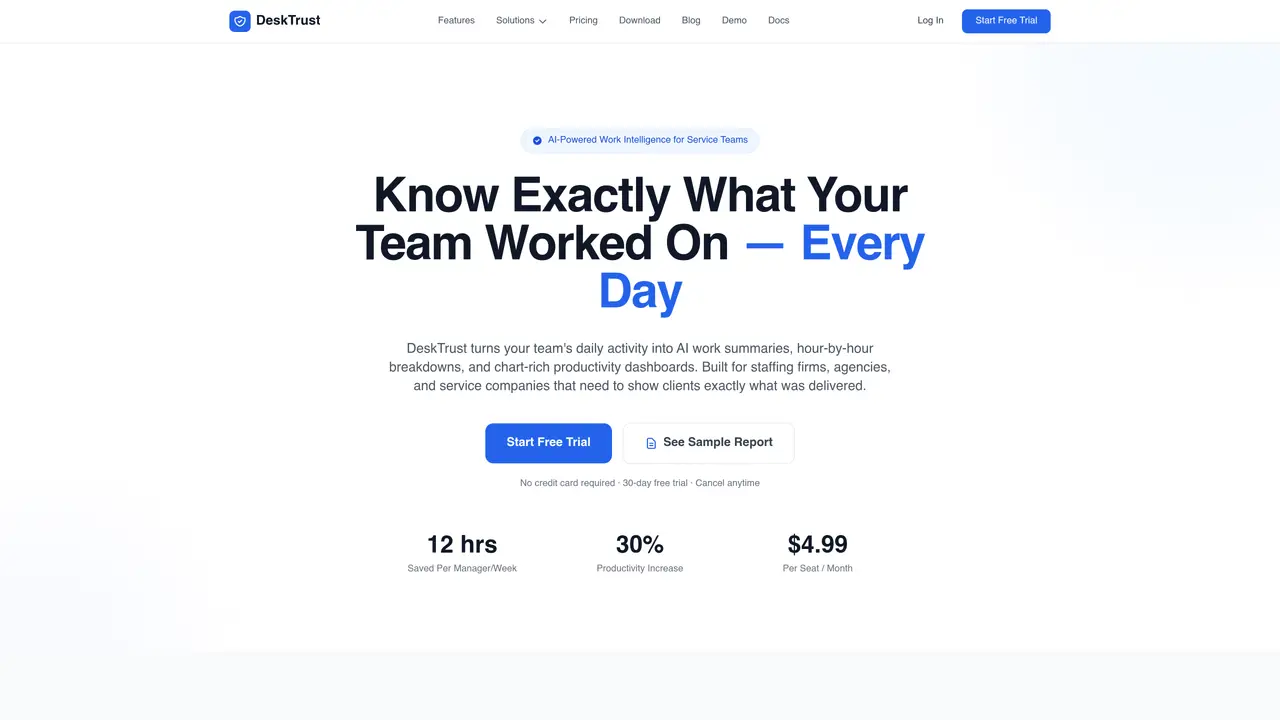
DeskTrust provides AI-generated work intelligence for remote teams, primarily targeting staffing firms, agencies, and service companies. The platform automatically tracks and analyzes daily work activity, producing plain-English summaries, hour-by-hour breakdowns, and productivity dashboards. Reports include app usage analytics, productivity trends, and key deliverables, designed to be shared with clients or used internally for performance assessment. The system operates via a lightweight desktop agent that runs silently in the background, capturing work patterns without manual input. Features include automatic timesheet generation, idle time detection, and employee portals for transparency. DeskTrust supports team organization by department, project, or client, enabling per-client reporting and verification of contractor hours. The platform emphasizes executive-ready visual dashboards and data-driven insights rather than manual status updates or vague estimates.
DeskTrust provides AI-generated work intelligence for remote teams by automatically tracking and analyzing daily work activity. It produces plain-English summaries, hour-by-hour breakdowns, and productivity dashboards to show exactly what team members worked on.
The platform is built for staffing firms, agencies, and service companies that need to demonstrate to clients what their teams delivered. It supports teams of varying sizes, from small groups to larger organizations.
DeskTrust operates via a lightweight desktop agent that runs silently in the background, capturing work patterns without manual input. AI analyzes the activity data overnight to generate daily work reports, productivity trends, and visual dashboards.
Yes, DeskTrust automatically generates timesheets based on actual work activity, providing verifiable data for contractor hours. This helps eliminate guesswork when billing clients or paying contractors.
Employees have access to their own portal where they can view their hours, manage timesheets, and pause tracking for personal time. This transparency helps build trust within the team.
Getting started involves downloading and installing the lightweight desktop agent, which takes under two minutes. Once installed, DeskTrust runs in the background and begins generating reports automatically.
desktrust.com · third-party estimates from Similarweb
Share of visits · estimated visits
Traffic figures are third-party estimates, good for scale and trends; they can differ from a company's own numbers. Updated monthly.
We use essential cookies to run aitoolnavio™, and optional cookies to analyze traffic and measure our marketing. You choose what we use — optional cookies stay off unless you turn them on. See our Privacy Policy.
One short email a week: fresh tools worth trying, honest takes and the updates that actually matter. No spam, unsubscribe any time.
Generate content, correct spelling, suggest synonyms to enhance writing.
Turn messy team ideas into actionable plans with Miro's visual workspace.
Leverage analytics, automate tasks, share documents, and coordinate projects.
Integrates AI into Airtable to analyze data, summarize insights, draft content, and automate workflows without prior AI experience.
Cloud accounting software that automates bookkeeping, invoicing, and financial reporting for small and growing businesses.
Streamline teamwork, manage projects, automate tasks efficiently.
Automate code, research, and documents using agents.
AI assistant for safe, reliable productivity with code, collaboration, and integrations.
Create customizable tables, databases, and spreadsheets, share data securely with team members.
Easy-to-use CRM platform that automates lead capturing, prioritizes tasks, and provides sales pipeline analytics for businesses of all sizes.
Transforms thoughts into actions, enhancing productivity and efficiency.
Write & run code in 50+ languages, auto-complete with AI, and code faster with an intuitive interface.
Matched on what this tool does — grouped by the job you would be replacing.
Paid placement · similar tools from listings that support aitoolnavio™
Instant lead response for home-service pros: your phone rings on every new lead, plus 14 days of follow-up
matches AI Daily Work Reports with plain-English summaries · Hour-by-hour AI breakdown of work activity · Productivity trend reports with comparisons
Automate employee time tracking, monitor productivity in real-time, and identify areas of improvement with analytics.
AI-powered time tracking and productivity analytics for teams
AI time tracking for professional services teams that auto-generates timesheets from real work activity and supports invoicing, expenses, and billing integrations.
AI assistant for workforce insights and employee productivity analysis