Generate content, correct spelling, suggest synonyms to enhance writing.
173M visits/mo+0.1%#1 Productivity & Office

AI assistant for tracking footage metadata and organizing media assets to streamline editing workflows.
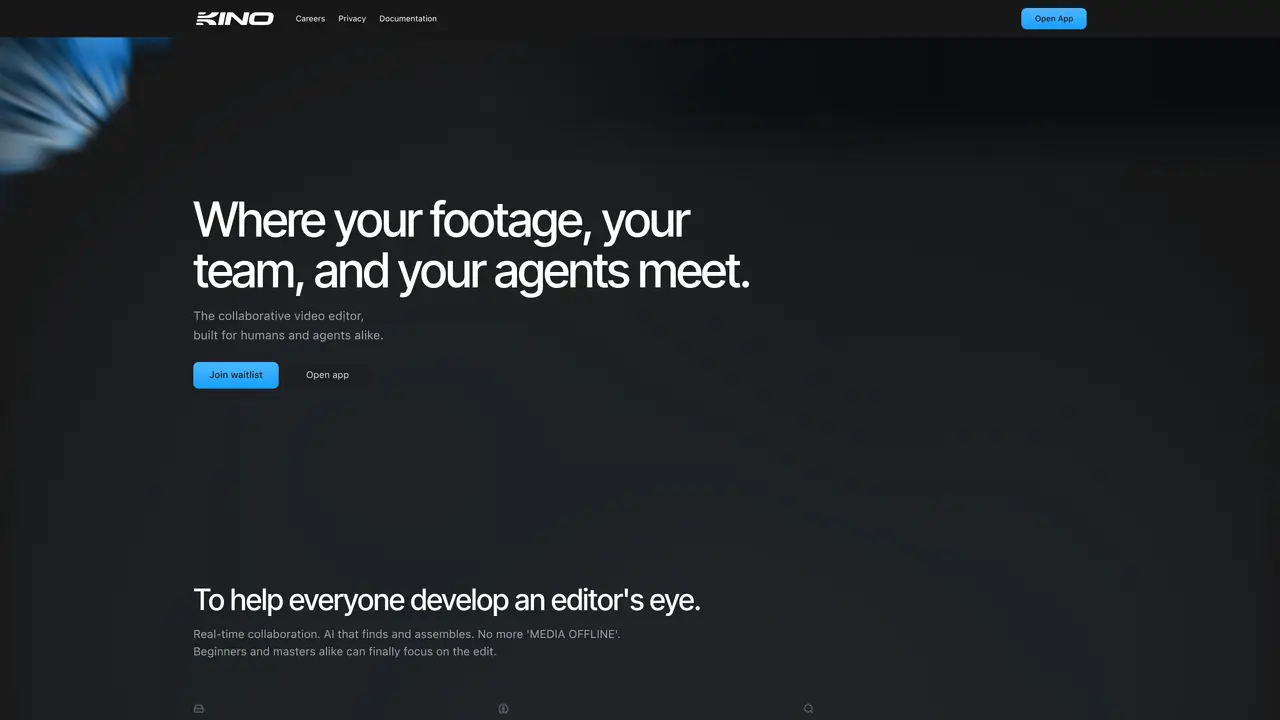
Kino AI is an AI assistant designed to automate media asset management and editing processes. It helps users track footage metadata and organize media assets efficiently. The tool offers features such as inferred metadata, keyword indexing, seamless footage browsing, backup, sync, and organization. Additionally, it provides AI transcription and metadata labeling to enhance workflow productivity. Kino AI automates repetitive and essential tasks within editing workflows, making the overall process more efficient. The tool is currently in development, with a private beta expected to launch soon. Users can join the waitlist to gain early access to the platform.
Kino AI is a collaborative video editor that combines human and AI agents to automate media asset management, transcription, and editing tasks. It allows users to search footage by meaning, generate motion graphics, and edit projects in real time.
Kino AI suits video editors, filmmakers, and teams of all skill levels, from beginners to professionals. It is designed for those who need efficient media organization, collaborative editing, and AI-assisted workflows.
Kino AI instantly scrubs local files and streams remote proxies when local files are unavailable, enabling smooth browsing and editing even with terabytes of footage.
Yes, Kino AI can generate motion graphics such as lower thirds, animated charts, and kinetic titles based on natural language descriptions. All generated elements remain fully tweakable.
Kino AI offers a free version of its full video editor. Upgraded plans provide additional features such as sharing, advanced search, and AI editing capabilities.
Users can join the waitlist or open the app directly from the Kino AI website. The platform provides documentation and support for new users to begin editing and collaborating.
We use essential cookies to run aitoolnavio™, and optional cookies to analyze traffic and measure our marketing. You choose what we use — optional cookies stay off unless you turn them on. See our Privacy Policy.
One short email a week: fresh tools worth trying, honest takes and the updates that actually matter. No spam, unsubscribe any time.
Generate content, correct spelling, suggest synonyms to enhance writing.
Turn messy team ideas into actionable plans with Miro's visual workspace.
Leverage analytics, automate tasks, share documents, and coordinate projects.
Integrates AI into Airtable to analyze data, summarize insights, draft content, and automate workflows without prior AI experience.
Cloud accounting software that automates bookkeeping, invoicing, and financial reporting for small and growing businesses.
Streamline teamwork, manage projects, automate tasks efficiently.
Automate code, research, and documents using agents.
AI assistant for safe, reliable productivity with code, collaboration, and integrations.
Create customizable tables, databases, and spreadsheets, share data securely with team members.
Easy-to-use CRM platform that automates lead capturing, prioritizes tasks, and provides sales pipeline analytics for businesses of all sizes.
Transforms thoughts into actions, enhancing productivity and efficiency.
Write & run code in 50+ languages, auto-complete with AI, and code faster with an intuitive interface.
Matched on what this tool does — grouped by the job you would be replacing.
Paid placement · similar tools from listings that support aitoolnavio™
Instant lead response for home-service pros: your phone rings on every new lead, plus 14 days of follow-up
matches Inferred metadata extraction · Keyword indexing for media assets · Seamless footage browsing
matches AI transcription for media files · Automated backup and sync
AI-powered assistant that indexes and searches video libraries by natural language to assemble Premiere Pro–ready rough cuts and generate context-aware assets.
AI-powered video editing tool that searches footage by keywords or visual similarity without manual tagging.
Ad-free video hosting with AI-powered search, subtitles, and smart chapters for teams and individuals.
AI video editing plugin for Adobe Premiere Pro that automates footage selection and timeline organization.
Revolutionize transcription with unmatched accuracy, speed, and language support.
Convert audio and video files into editable, searchable text with support for over 40 languages using AI-powered transcription.