Generate content, correct spelling, suggest synonyms to enhance writing.
173M visits/mo+0.1%#1 Productivity & Office

A macOS manager for organizing and syncing AI prompts and custom instructions across tools like Claude and Cursor with conflict control.
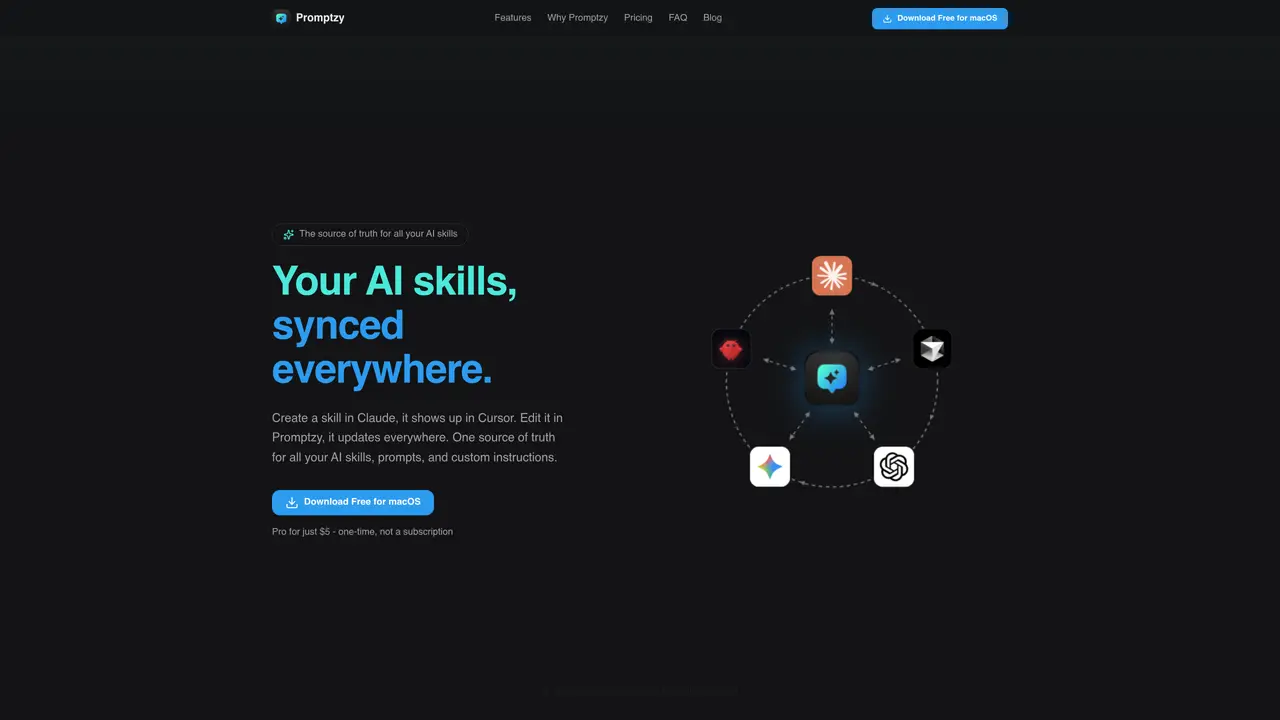
Promptzy is a native macOS application designed for power users who frequently reuse prompts, skills, and custom instructions across multiple AI tools. It provides a centralized vault to store and manage prompts locally in Markdown format, complete with an advanced editor and dynamic tokens such as {{clipboard}}, {{date}}, and {{time}}. The tool supports multi-directional sync connectors for popular AI apps like Claude, Cursor, and OpenClaw, ensuring that a prompt created in one app can appear in others. Users can manage sync status and resolve conflicts by selecting a source of truth when versions diverge. Promptzy includes a Spotlight-style launcher triggered by a global shortcut (default ⌘⇧P) with fuzzy search, enabling quick insertion of prompts into active applications. Privacy is prioritized with local storage and no account requirement, making it suitable for users who value offline access and control over their data. The tool is aimed at Mac users who work across multiple AI clients and editors, offering a streamlined way to maintain consistency and efficiency in their workflows.
Promptzy is a native macOS application that serves as a centralized vault for managing AI skills, prompts, and custom instructions across multiple AI tools like Claude, Cursor, and OpenClaw. It enables users to create, edit, and sync prompts in real time, ensuring consistency and efficiency in workflows.
Promptzy is designed for Mac users who frequently work with multiple AI clients and editors, including developers, marketers, writers, designers, and students. It is particularly useful for power users who need to maintain and reuse prompts across different tools.
No, Promptzy prioritizes privacy by storing all prompts and skills locally on the user's Mac. An optional iCloud Sync feature is available for Pro users, but it uses the user's own iCloud Drive, ensuring data remains private and under their control.
Multi-directional sync allows prompts created or edited in one AI tool (e.g., Claude) to automatically appear and update in other connected tools (e.g., Cursor or OpenClaw). Users can manage sync status and resolve conflicts by selecting a source of truth when versions diverge.
Promptzy stores prompts in plain Markdown format, which is portable and avoids vendor lock-in. Users can also open and edit any .md file on their Mac directly within the app.
Yes, Promptzy includes an advanced Markdown editor with rich view and edit modes, line numbers, and find-in-file search. It supports both editing skills and opening any Markdown file on the Mac.
promptzy.app · third-party estimates from Similarweb
Last 4 months · grows by one month every month
Share of visits · estimated visits
Productivity & Office · Sep 2026
Traffic figures are third-party estimates, good for scale and trends; they can differ from a company's own numbers. Updated monthly.
We use essential cookies to run aitoolnavio™, and optional cookies to analyze traffic and measure our marketing. You choose what we use — optional cookies stay off unless you turn them on. See our Privacy Policy.
One short email a week: fresh tools worth trying, honest takes and the updates that actually matter. No spam, unsubscribe any time.
Generate content, correct spelling, suggest synonyms to enhance writing.
Turn messy team ideas into actionable plans with Miro's visual workspace.
Leverage analytics, automate tasks, share documents, and coordinate projects.
Integrates AI into Airtable to analyze data, summarize insights, draft content, and automate workflows without prior AI experience.
Cloud accounting software that automates bookkeeping, invoicing, and financial reporting for small and growing businesses.
Streamline teamwork, manage projects, automate tasks efficiently.
Automate code, research, and documents using agents.
AI assistant for safe, reliable productivity with code, collaboration, and integrations.
Create customizable tables, databases, and spreadsheets, share data securely with team members.
Easy-to-use CRM platform that automates lead capturing, prioritizes tasks, and provides sales pipeline analytics for businesses of all sizes.
Transforms thoughts into actions, enhancing productivity and efficiency.
Write & run code in 50+ languages, auto-complete with AI, and code faster with an intuitive interface.
Matched on what this tool does — grouped by the job you would be replacing.
Paid placement · similar tools from listings that support aitoolnavio™
Instant lead response for home-service pros: your phone rings on every new lead, plus 14 days of follow-up
matches Native macOS application with local Markdown vault for prompts · Multi-directional sync connectors for Claude, Cursor, OpenClaw, and more · Sync management and conflict resolution with source-of-truth selection
Cloud vault for organizing, searching and deploying AI prompts across devices
Free community-built library for finding, saving and organizing AI prompts
Centralizes and deploys AI agent skills locally on macOS