

Generate content, correct spelling, suggest synonyms to enhance writing.
173M visits/mo+0.1%#1 Productivity & Office
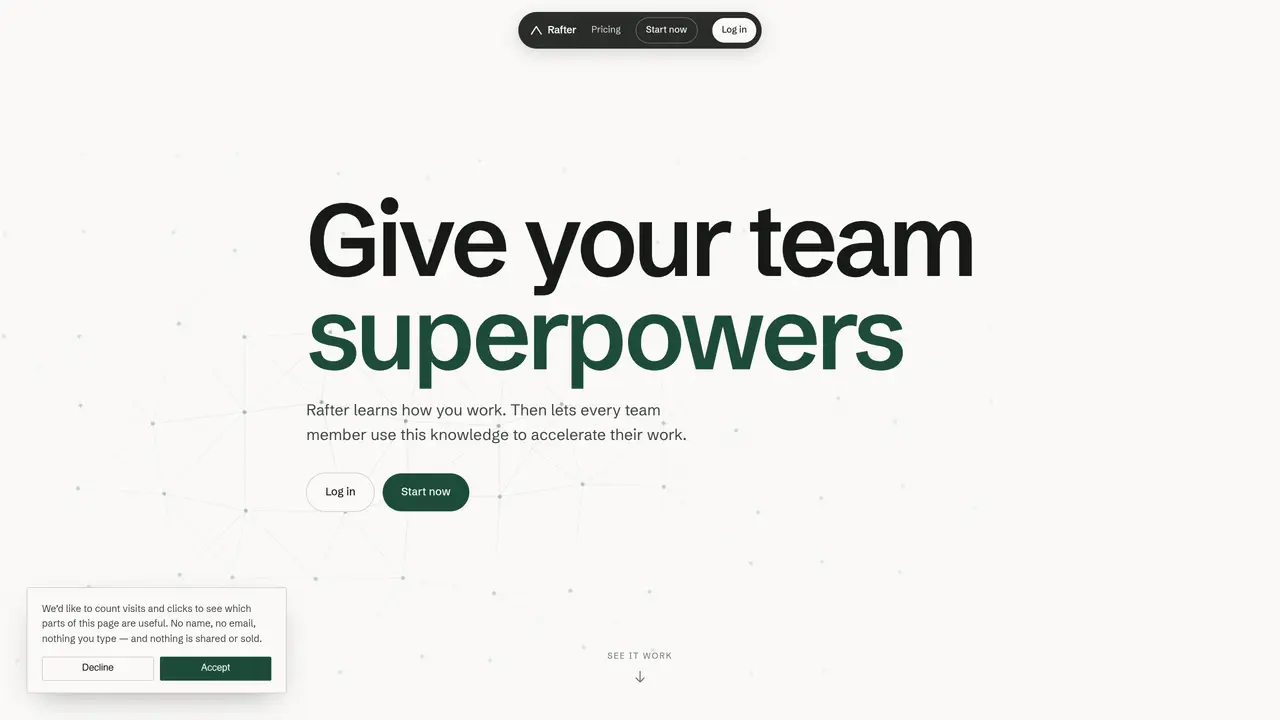
Rafter captures how a team performs recurring tasks and makes this knowledge available to all members through natural language queries. One team member demonstrates a workflow once, and the system learns the steps, tools, and context involved. Other users can then ask questions in plain language to retrieve the correct procedure, reducing repetitive explanations and accelerating onboarding. The tool integrates with existing AI platforms and productivity software via MCP connectors, allowing teams to search shared memories and skills directly from their current workflows. It supports versioning of procedures so teams can track changes and revert if needed. Typical use includes month-end financial close processes, client onboarding workflows, and recurring operational tasks where consistency and documentation matter.
Rafter captures how a team performs recurring tasks and stores this knowledge in a shared memory. Users can query this memory in natural language to retrieve documented procedures, reducing repetitive explanations and speeding up onboarding.
Rafter is designed for teams that rely on recurring workflows, such as finance, operations, or client services, where consistency and documentation are critical.
A team member demonstrates a workflow once, and Rafter records the steps, tools, and context involved. The system then makes this knowledge accessible to others through natural language queries.
Yes, Rafter integrates with existing AI platforms and productivity software via MCP connectors, allowing teams to search shared memories directly from their current workflows.
Yes, Rafter supports versioning of procedures, enabling teams to track changes and revert to previous versions if needed.
To get started, a team member demonstrates a workflow once, and Rafter begins capturing the process. Other team members can then query the shared memory using natural language to retrieve the documented procedure.
We use essential cookies to run aitoolnavio™, and optional cookies to analyze traffic and measure our marketing. You choose what we use — optional cookies stay off unless you turn them on. See our Privacy Policy.
One short email a week: fresh tools worth trying, honest takes and the updates that actually matter. No spam, unsubscribe any time.
Generate content, correct spelling, suggest synonyms to enhance writing.
Turn messy team ideas into actionable plans with Miro's visual workspace.
Leverage analytics, automate tasks, share documents, and coordinate projects.
Integrates AI into Airtable to analyze data, summarize insights, draft content, and automate workflows without prior AI experience.
Cloud accounting software that automates bookkeeping, invoicing, and financial reporting for small and growing businesses.
Streamline teamwork, manage projects, automate tasks efficiently.
Automate code, research, and documents using agents.
AI assistant for safe, reliable productivity with code, collaboration, and integrations.
Create customizable tables, databases, and spreadsheets, share data securely with team members.
Easy-to-use CRM platform that automates lead capturing, prioritizes tasks, and provides sales pipeline analytics for businesses of all sizes.
Transforms thoughts into actions, enhancing productivity and efficiency.
Write & run code in 50+ languages, auto-complete with AI, and code faster with an intuitive interface.
Matched on what this tool does — grouped by the job you would be replacing.
Paid placement · similar tools from listings that support aitoolnavio™
Instant lead response for home-service pros: your phone rings on every new lead, plus 14 days of follow-up
matches Memory storage for decisions and context · Skills for reusable workflows · Version history and rollback
matches Agents for automated task execution · Connected search across integrated tools · Audit log export on Pro plan
Multiplayer AI agent that unifies team threads and auto-updates a shared wiki from real work.
Shared workspace for teams and AI agents to capture decisions and turn them into reusable skills
Shared memory layer for AI coding and planning tools
Universal AI memory platform that captures and reuses project context across AI tools
A shared workspace where humans and AI agents collaborate in real time to plan, code, and manage projects without switching tools.
Centralize team knowledge, automate workflows, review AI actions.
Run projects with agents in shared, reviewable channels.
Platform to build, deploy and share autonomous AI agents from plain English prompts