Generate content, correct spelling, suggest synonyms to enhance writing.
173M visits/mo+0.1%#1 Productivity & Office

Create text shortcuts to speed up repetitive typing across email, chat, and social platforms.
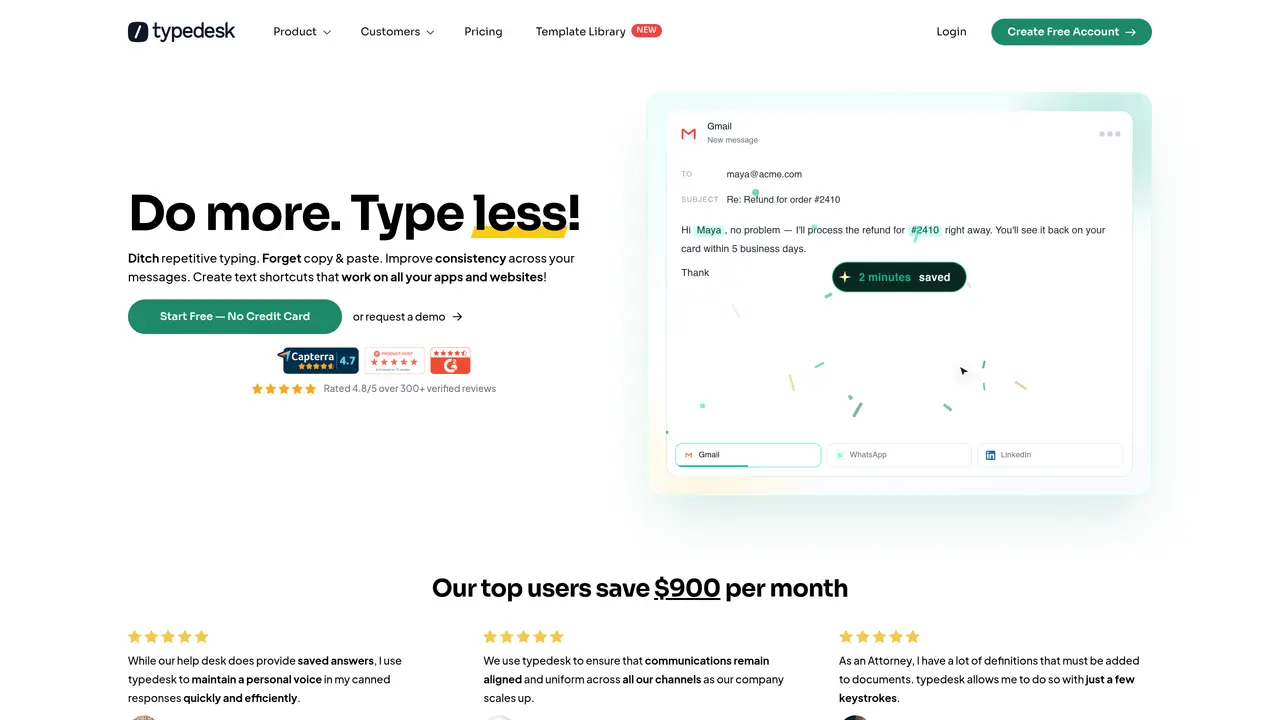
typedesk is an AI-powered writing assistant that accelerates typing by letting users define text shortcuts for common phrases, sentences, or entire paragraphs. The tool is designed for professionals who frequently draft emails, messages, or posts, enabling them to insert predefined text with a simple keystroke or trigger. typedesk works across a wide range of platforms and applications, including Gmail, LinkedIn, Microsoft Office, Slack, and Facebook, ensuring consistent use whether in a browser or desktop environment. Its user-friendly interface allows for quick setup of shortcuts, making it accessible even to non-technical users. The tool is particularly useful for roles that rely on standardized responses, such as content writers, managers, or customer support teams. By reducing repetitive typing, typedesk helps save time and maintain consistency in communications. It also supports teams or organizations looking to standardize messaging across multiple users. The desktop-only nature of shortcuts limits mobile use, but the tool’s cross-platform compatibility ensures broad applicability for daily workflows.
typedesk is a text expander and keyboard automation app that allows users to create shortcuts for common phrases, sentences, or entire paragraphs. These shortcuts can be inserted with a keystroke across various applications and websites, reducing repetitive typing and improving consistency in communications.
typedesk is designed for professionals across multiple industries, including customer support, human resources, legal, marketing, sales, and administration. It is particularly useful for teams that rely on standardized responses or frequently used templates.
typedesk works across Windows, Mac, and all major browsers, with no integration required. It is compatible with applications like Gmail, Outlook, LinkedIn, Slack, Microsoft Teams, and more, ensuring shortcuts are available wherever users work.
Yes, typedesk supports team collaboration by allowing users to share and sync templates across the team. It also enables fine-grained permissions per user and folder, ensuring consistent messaging and efficient onboarding of new responses.
Yes, typedesk offers an OpenAI integration that enables users to generate AI-powered responses dynamically within their templates. This helps maintain a natural tone while leveraging AI for content creation.
Users can start with typedesk by creating a free account on the website. The tool offers a user-friendly interface for setting up shortcuts and templates, and it works out of the box with most applications and websites.
typedesk.com · third-party estimates from Similarweb
Last 4 months · grows by one month every month
Share of visits · estimated visits
Other countries: 32.6%
Productivity & Office · Sep 2026
Traffic figures are third-party estimates, good for scale and trends; they can differ from a company's own numbers. Updated monthly.
We use essential cookies to run aitoolnavio™, and optional cookies to analyze traffic and measure our marketing. You choose what we use — optional cookies stay off unless you turn them on. See our Privacy Policy.
One short email a week: fresh tools worth trying, honest takes and the updates that actually matter. No spam, unsubscribe any time.
Generate content, correct spelling, suggest synonyms to enhance writing.
Turn messy team ideas into actionable plans with Miro's visual workspace.
Leverage analytics, automate tasks, share documents, and coordinate projects.
Integrates AI into Airtable to analyze data, summarize insights, draft content, and automate workflows without prior AI experience.
Cloud accounting software that automates bookkeeping, invoicing, and financial reporting for small and growing businesses.
Streamline teamwork, manage projects, automate tasks efficiently.
Automate code, research, and documents using agents.
AI assistant for safe, reliable productivity with code, collaboration, and integrations.
Create customizable tables, databases, and spreadsheets, share data securely with team members.
Easy-to-use CRM platform that automates lead capturing, prioritizes tasks, and provides sales pipeline analytics for businesses of all sizes.
Transforms thoughts into actions, enhancing productivity and efficiency.
Write & run code in 50+ languages, auto-complete with AI, and code faster with an intuitive interface.
Matched on what this tool does — grouped by the job you would be replacing.
Paid placement · similar tools from listings that support aitoolnavio™
Instant lead response for home-service pros: your phone rings on every new lead, plus 14 days of follow-up
matches Create custom text shortcuts for repetitive phrases · Works across multiple platforms (Gmail, LinkedIn, Slack, etc.) · Simple keystroke or trigger insertion
Automate repetitive typing with customizable templates.
Voice-controlled dictation and desktop automation tool for Windows