Generate content, correct spelling, suggest synonyms to enhance writing.
173M visits/mo+0.1%#1 Productivity & Office

Browser extension that prevents page translation of a specific editor UI
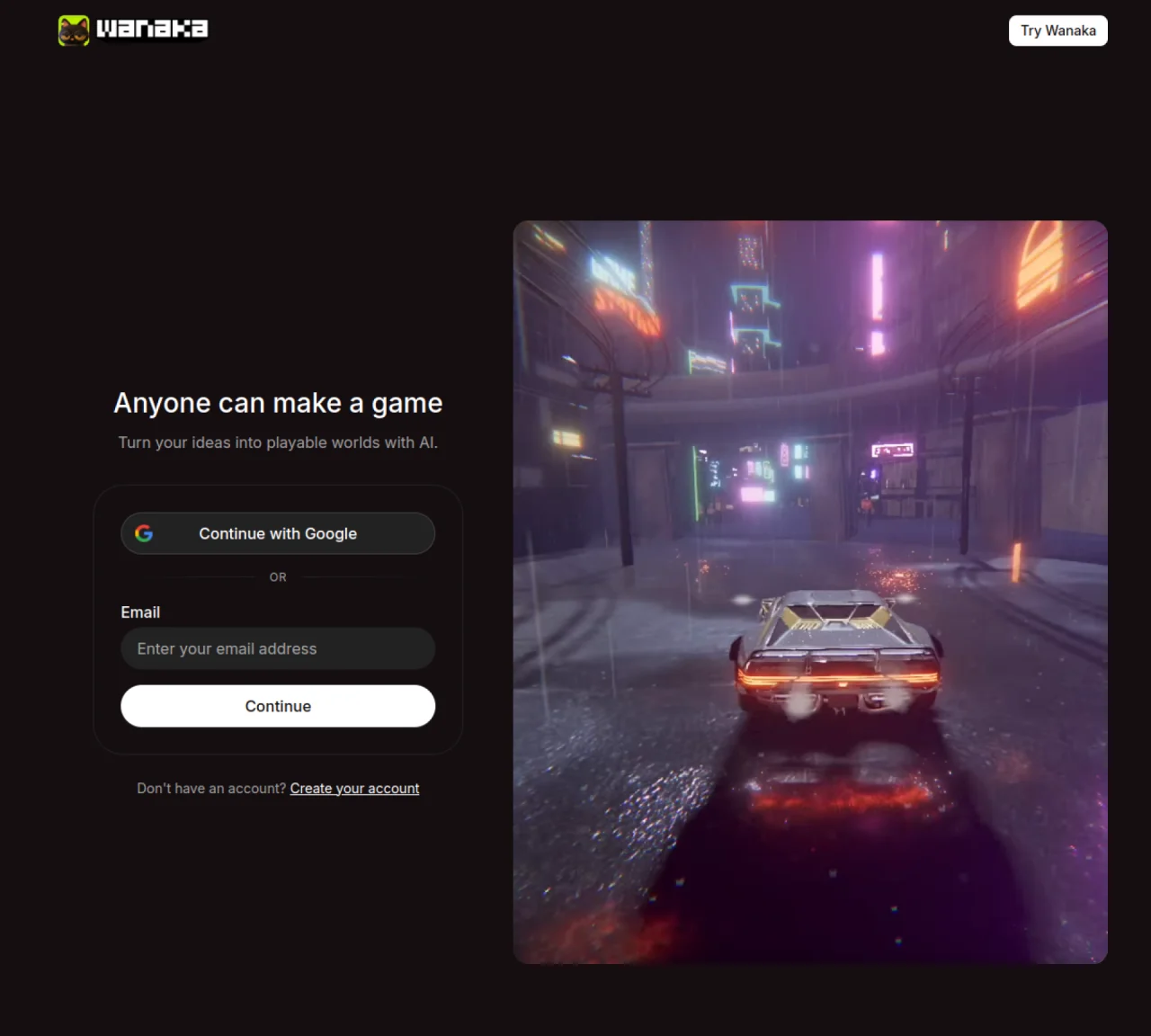
Studio is a browser extension designed to disable the browser’s built-in page translation feature for a specific editor interface. It addresses issues caused by translation tools that interfere with the editor’s user interface, such as corrupted labels and values due to English-only UI elements. The extension identifies the editor by its root element, which is a reliable signal recognized by major browsers like Google Chrome and Microsoft Edge. It avoids relying on body-level attributes, which may not consistently prevent translation. The tool uses a MutationObserver to monitor changes in the editor’s DOM, ensuring the translation feature does not disrupt the interface. It is primarily used to maintain the integrity of editor UIs in multilingual environments.
Wanaka Studio is a browser extension that prevents the browser’s built-in page translation feature from interfering with specific editor interfaces. It ensures that English-only UI elements in editors are not corrupted by translation tools.
Wanaka Studio is designed for users who work with editor interfaces in multilingual environments and need to maintain the integrity of English-only UI elements without disruption from browser translation features.
The extension identifies the editor by its root element, which is recognized by major browsers like Google Chrome and Microsoft Edge. It uses a MutationObserver to monitor changes in the editor’s DOM and prevent translation from disrupting the interface.
The root element is a W3C-tested signal honored by major browsers, making it a consistent and reliable way to identify the editor and prevent translation. Body-level attributes were found to be less effective in stopping translation.
Yes, the extension uses a MutationObserver to monitor the editor’s DOM, which adds steady main-thread overhead to ensure the translation feature does not disrupt the interface.
Install the browser extension from the official website, and it will automatically disable the browser’s built-in page translation for supported editor interfaces.
We use essential cookies to run aitoolnavio™, and optional cookies to analyze traffic and measure our marketing. You choose what we use — optional cookies stay off unless you turn them on. See our Privacy Policy.
One short email a week: fresh tools worth trying, honest takes and the updates that actually matter. No spam, unsubscribe any time.
Generate content, correct spelling, suggest synonyms to enhance writing.
Turn messy team ideas into actionable plans with Miro's visual workspace.
Leverage analytics, automate tasks, share documents, and coordinate projects.
Integrates AI into Airtable to analyze data, summarize insights, draft content, and automate workflows without prior AI experience.
Cloud accounting software that automates bookkeeping, invoicing, and financial reporting for small and growing businesses.
Streamline teamwork, manage projects, automate tasks efficiently.
Automate code, research, and documents using agents.
AI assistant for safe, reliable productivity with code, collaboration, and integrations.
Create customizable tables, databases, and spreadsheets, share data securely with team members.
Easy-to-use CRM platform that automates lead capturing, prioritizes tasks, and provides sales pipeline analytics for businesses of all sizes.
Transforms thoughts into actions, enhancing productivity and efficiency.
Write & run code in 50+ languages, auto-complete with AI, and code faster with an intuitive interface.
Matched on what this tool does — grouped by the job you would be replacing.
Paid placement · similar tools from listings that support aitoolnavio™
Instant lead response for home-service pros: your phone rings on every new lead, plus 14 days of follow-up
matches Disables browser translation for specific editor UI · Uses W3C-tested root element signal · Monitors DOM mutations via MutationObserver
A Chrome and Edge extension that translates manga images and scans into over 135 languages in real time.
Browser extension that transfers AI conversation context between platforms