Generate content, correct spelling, suggest synonyms to enhance writing.
173M visits/mo+0.1%#1 Productivity & Office

All-in-one AI productivity platform that automates tasks, schedules meetings, and generates reports from a single app.
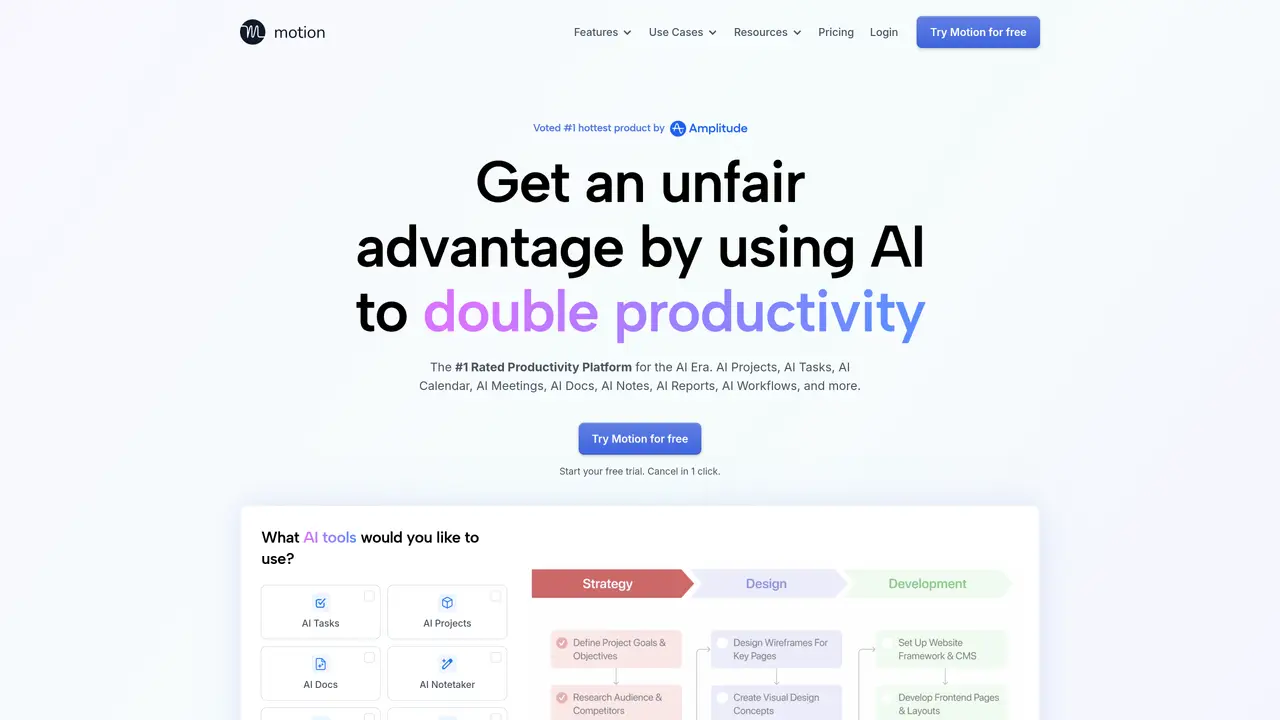
Motion is an AI-powered productivity platform designed to automate routine work and streamline team workflows. It combines task management, calendar scheduling, meeting organization, document creation, and note-taking into one unified workspace. The platform uses AI to prioritize tasks, suggest optimal meeting times, and generate summaries or reports from meetings and projects. Teams can collaborate in real time while Motion handles scheduling conflicts, follow-ups, and documentation automatically. It serves professionals, managers, and teams who need to reduce manual coordination and focus on high-value work. Motion integrates with existing tools and adapts to individual and team workflows, making it suitable for both solo users and larger organizations.
Motion is an AI-powered productivity platform that automates routine work by combining task management, project planning, scheduling, meeting assistance, document creation, and note-taking into one unified workspace.
Motion is built for individuals, professionals, managers, and teams of all sizes, including startups, sales teams, executive teams, and service-based businesses like marketing agencies and consulting firms.
Motion connects with existing tools by allowing users to forward emails, convert messages from platforms like Slack or Teams into tasks, and sync with calendars and other productivity apps.
Motion relies heavily on AI for planning and automation, which may require adjustments if input data is incomplete. Some users might prefer more manual control over scheduling and task assignments.
Users can start by signing up for a free trial on the Motion website, where they can explore features like AI task planning, project management, and meeting assistance without requiring a credit card.
Yes, Motion includes an AI meeting assistant that simplifies scheduling, auto-captures notes, generates summaries, and follows up with action items.
We use essential cookies to run aitoolnavio™, and optional cookies to analyze traffic and measure our marketing. You choose what we use — optional cookies stay off unless you turn them on. See our Privacy Policy.
One short email a week: fresh tools worth trying, honest takes and the updates that actually matter. No spam, unsubscribe any time.
Generate content, correct spelling, suggest synonyms to enhance writing.
Turn messy team ideas into actionable plans with Miro's visual workspace.
Leverage analytics, automate tasks, share documents, and coordinate projects.
Integrates AI into Airtable to analyze data, summarize insights, draft content, and automate workflows without prior AI experience.
Cloud accounting software that automates bookkeeping, invoicing, and financial reporting for small and growing businesses.
Streamline teamwork, manage projects, automate tasks efficiently.
Automate code, research, and documents using agents.
AI assistant for safe, reliable productivity with code, collaboration, and integrations.
Create customizable tables, databases, and spreadsheets, share data securely with team members.
Easy-to-use CRM platform that automates lead capturing, prioritizes tasks, and provides sales pipeline analytics for businesses of all sizes.
Transforms thoughts into actions, enhancing productivity and efficiency.
Write & run code in 50+ languages, auto-complete with AI, and code faster with an intuitive interface.
Matched on what this tool does — grouped by the job you would be replacing.
Paid placement · similar tools from listings that support aitoolnavio™
Instant lead response for home-service pros: your phone rings on every new lead, plus 14 days of follow-up
matches Automated meeting notes and summaries · AI-generated reports from meetings and tasks
matches Smart calendar scheduling with conflict resolution · AI-powered task prioritization and automation
matches Workflow automation for repetitive processes · AI-powered task prioritization and automation · Customizable AI-driven workflows
A project management platform that unifies tasks, docs, and AI-powered meeting transcription for teams in one workspace.
AI chief-of-staff that automates meetings, follow-ups, emails, and priorities for individuals and teams.
Automatically generate meeting summaries, integrate notes with productivity tools, and manage tasks with an intuitive interface.
AI Chief of Staff that automates interconnected tasks like scheduling, meeting notes, and task management to boost team productivity.
Create personalized schedules, prioritize tasks, set goals, and track progress with reminders and ease.
Schedule events, streamline projects, and draft emails efficiently with its features.
Unified Calendar, Scheduling Links, and Task Manager for efficient organization.
Assign, prioritize, track tasks, monitor progress, improve efficiency, automate notifications, customize reports.
AI assistant that automates routine work across email, calendar, Slack, files and other tools with human oversight.
AI-powered task planning and work management that schedules projects around real calendar availability with Gantt views and timesheets.
Unified AI platform that automates CRM, workflows, and customer interactions in a single workspace.
AI-powered productivity tool that automates tasks, emails, calendars, and meetings to shift work from 'do' to 'done'.