Create customizable tables, databases, and spreadsheets, share data securely with team members.
26M visits/mo-0.9%#10 Productivity & Office

An Excel add-in that uses AI to automate tasks, clean data, and generate insights directly within spreadsheets.
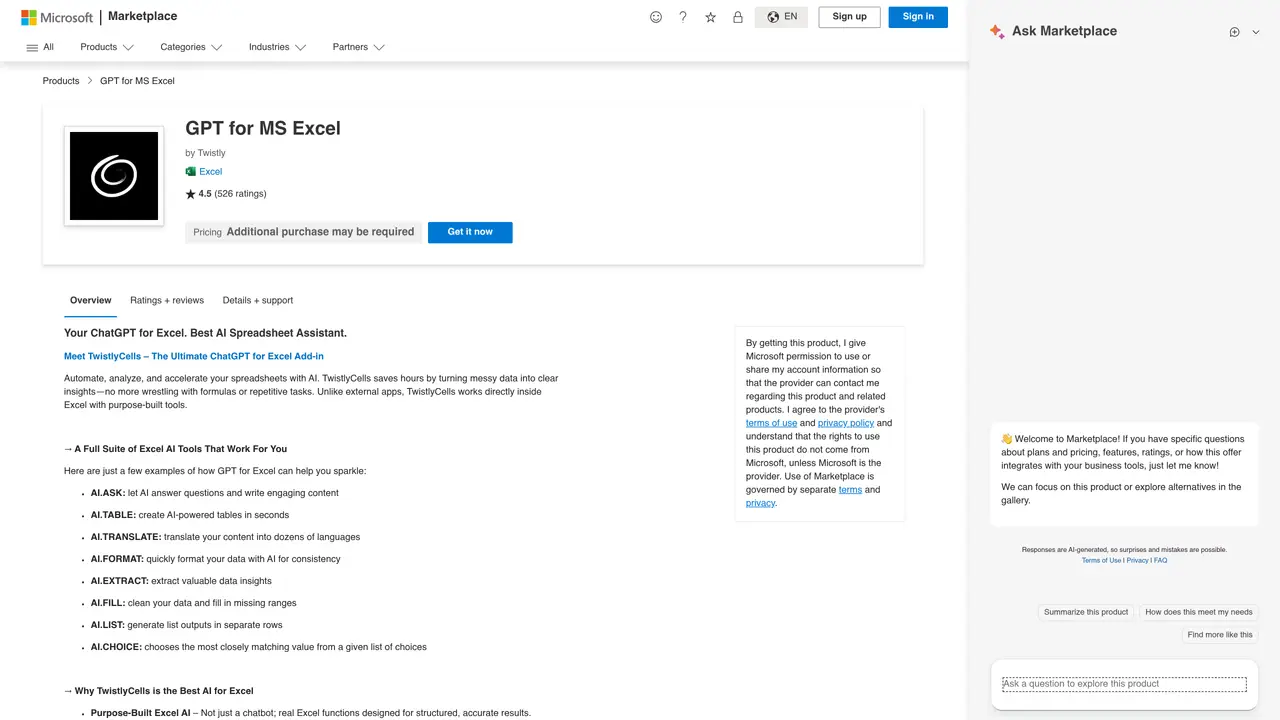
ChatGPT For Excel is an AI-powered add-in designed to integrate seamlessly with Microsoft Excel, enabling users to automate repetitive tasks and extract meaningful insights from their data. The tool leverages natural language processing to help users generate engaging content, clean and format datasets, and extract structured information from unstructured sources such as emails or documents. It supports multilingual translation, allowing users to convert text between languages without leaving the Excel interface. By handling routine data operations, the add-in helps professionals save time and reduce manual effort, making it particularly useful for analysts, marketers, researchers, and teams that rely on spreadsheets for analysis, reporting, or collaboration. The add-in operates directly within Excel, requiring no additional software installation beyond the standard Excel environment. It is positioned as a productivity tool for users who need to streamline data-related workflows while maintaining the familiar Excel interface. The tool is accessible to users with varying technical expertise, as it simplifies complex operations through conversational commands.
Microsoft
Redmond, United States · Founded 1975
ChatGPT For Excel is an AI-powered add-in for Microsoft Excel that automates data-related tasks using natural language processing. It helps users clean, format, translate, and extract insights from data directly within Excel.
The tool is designed for professionals who work extensively with Excel, including analysts, marketers, researchers, and teams involved in data analysis, reporting, or collaboration. It suits users who want to reduce manual effort in data preparation.
Yes, the add-in relies on internet connectivity to process natural language commands and perform AI-powered operations, as it connects to external AI services.
Users can install the add-in directly from the Microsoft AppSource marketplace. Once installed, it integrates into Excel and can be accessed through the Excel ribbon or task pane.
Yes, the add-in supports multilingual translation, allowing users to convert text between languages directly within Excel without needing external tools.
The add-in itself is free to use, though it may rely on third-party AI services that could have their own usage policies or limitations.
We use essential cookies to run aitoolnavio™, and optional cookies to analyze traffic and measure our marketing. You choose what we use — optional cookies stay off unless you turn them on. See our Privacy Policy.
One short email a week: fresh tools worth trying, honest takes and the updates that actually matter. No spam, unsubscribe any time.
Create customizable tables, databases, and spreadsheets, share data securely with team members.
Skywork Super Agents: Workspace productivity suite with specialized AI for research-grade documents, slides & spreadsheets + multimedia tools.
AI-powered time tracking platform for teams to log hours, manage timesheets, and generate invoices with automatic and manual tracking options.
Turns CSV, Excel, and PDF files into editable dashboards and reports with AI edits, refresh, and templates.
The AI agent for Excel and Sheets with advanced add-ons for Google Workspace and Microsoft Office.
Automate data cleaning, gain AI-driven insights, and create interactive reports and visualizations.
Transform spreadsheets into AI-powered data analysis tools, simplifying complex insights.
Supercharge Excel for smarter financial planning and analysis.
Automate data entry, connect spreadsheets to databases, APIs, and identify trends with predictive analytics.
Automate complex Excel formulas, generate accurate equations with 44,000+ formulas.
Code-powered spreadsheet tool with Python, SQL, and AI integration.
AI-powered data analyst that turns plain-English questions into charts, tables, code, and automated reports.
Matched on what this tool does — grouped by the job you would be replacing.
matches Automate repetitive Excel tasks · Clean and format datasets · Reduce manual data entry and processing
Automate data entry, connect spreadsheets to databases, APIs, and identify trends with predictive analytics.
Generate, clean, and translate spreadsheet content in bulk using AI—no code or API key needed.
Analyze and categorize text directly in Excel with AI-powered add-ins while keeping data private.
AI assistant that brings ChatGPT directly into Google Sheets and Docs to generate, analyze, and transform content.
matches Generate engaging content within spreadsheets · Integrate AI-powered insights into Excel workflows
Transform spreadsheets into AI-powered data analysis tools, simplifying complex insights.
Generate automated insights, identify trends, patterns, visualize data with powerful dashboard and tools.