Turn messy team ideas into actionable plans with Miro's visual workspace.
30M visits/mo+11.8%#8 Productivity & Office

Post anonymous messages, collect and analyze them, maintain privacy and safety in Slack channels.
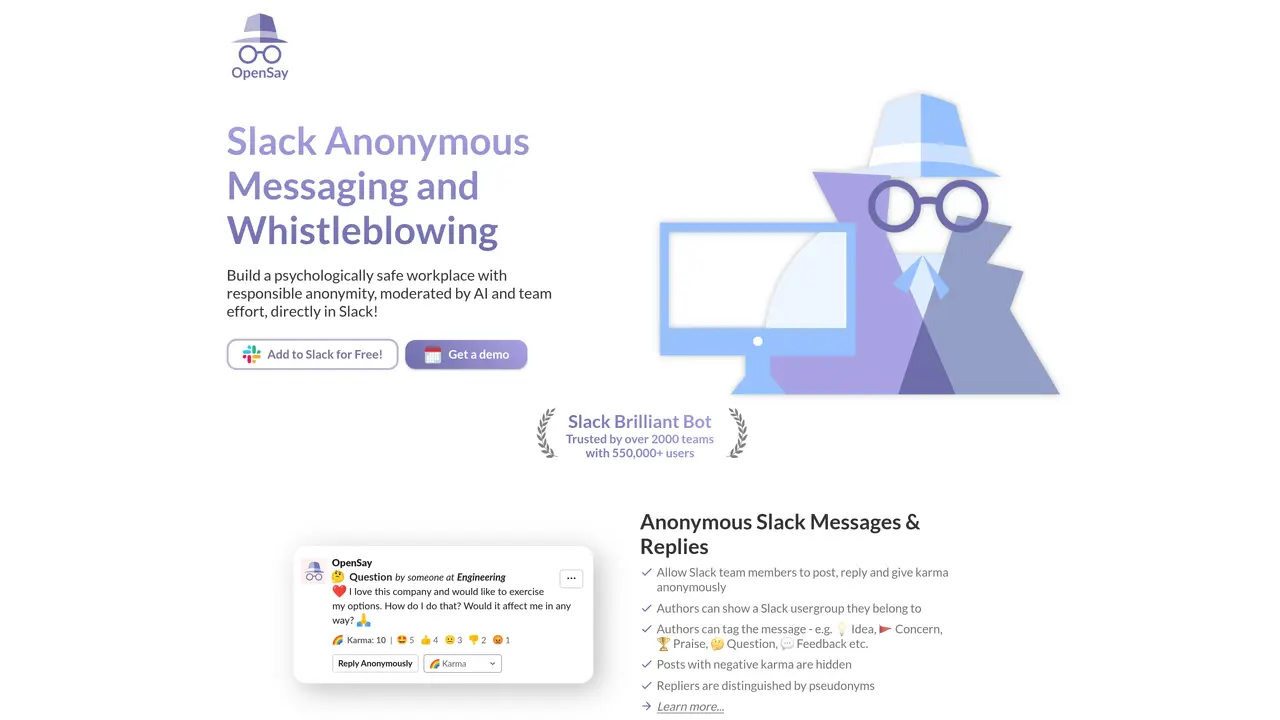
AnonymityBot for Slack is a powerful, easy-to-use tool that helps teams on Slack communicate more efficiently and securely. With AnonymityBot, users can post anonymous messages to any channel on Slack, allowing for a more honest and open exchange of ideas. This ensures that everyone has an equal opportunity to contribute to conversations without fear of judgment or repercussions. And, with AnonymityBot, team members can post messages without the need to reveal their identity, providing privacy and safety while still enabling collaboration. Plus, AnonymityBot helps teams stay organized by automatically collecting all anonymous messages in one place, making it easy to review and analyze them. AnonymityBot offers teams on Slack a secure, private, and efficient way to communicate, allowing them to gain insights, collaborate more effectively, and foster innovation.
AnonymityBot enables Slack users to post anonymous messages, replies, polls, and pulse surveys directly within Slack channels or private DMs. It supports features like anonymous karma, peer recognition, and a whistleblower hotline, all moderated by AI and customizable team policies.
The tool is designed for teams and organizations using Slack that want to foster psychological safety, gather honest feedback, or enable confidential reporting. It is particularly useful for HR departments, distributed teams, and workplaces prioritizing open communication without fear of judgment.
AnonymityBot offers a free tier for basic usage, with additional features and configurations available through paid plans. Pricing details are accessible on the OpenSay website, where teams can explore options tailored to their workspace size and needs.
AnonymityBot operates exclusively within Slack, integrating directly as a bot. It does not connect to external platforms but provides in-app analytics and dashboards for reviewing anonymous feedback and survey results.
While AnonymityBot supports over 100 languages for AI moderation, its anonymity features are limited to Slack workspaces. Admins can restrict anonymity to specific channels, and messages with negative karma or flagged content may be hidden or deleted based on configured thresholds.
To start using AnonymityBot, visit opensay.co and click 'Add to Slack' to install the bot in your workspace. Use the /anon command in any channel to post anonymous messages, create polls, or send pulse surveys. Admins can further configure settings via the OpenSay dashboard.
opensay.co · third-party estimates from Similarweb
Last 4 months · grows by one month every month
Share of visits · estimated visits
Productivity & Office · Sep 2026
Traffic figures are third-party estimates, good for scale and trends; they can differ from a company's own numbers. Updated monthly.
We use essential cookies to run aitoolnavio™, and optional cookies to analyze traffic and measure our marketing. You choose what we use — optional cookies stay off unless you turn them on. See our Privacy Policy.
One short email a week: fresh tools worth trying, honest takes and the updates that actually matter. No spam, unsubscribe any time.
Turn messy team ideas into actionable plans with Miro's visual workspace.
Leverage analytics, automate tasks, share documents, and coordinate projects.
All-in-one project management platform for task management, team collaboration, and workflow visualization with time tracking and reporting.
Organize and track projects, set deadlines, and gain insights with customizable boards and advanced analytics.
Create customizable tables, databases, and spreadsheets, share data securely with team members.
Optimize project management with custom workflows, real-time task assignment, and easy navigation of complex projects.
Cloud-based unified communications platform for secure call, video, messaging, file sharing, and automated call routing.
All-in-one team productivity platform combining chat, docs, video meetings, workflows, and AI tools in one place.
Capture, organize, and share ideas, notes, and documents effortlessly.
Real-time customer support with personalized service, accessible through a mobile app.
Engage audience with interactive polls, quizzes, and surveys, and monitor responses with powerful analytics.
Access files, collaborate, and secure your data with unbeatable customizable system.
Matched on what this tool does — grouped by the job you would be replacing.
matches Post anonymous messages to any Slack channel · Automatically collect all anonymous messages in one place · Maintain privacy and safety while encouraging collaboration
Privately chat with open-source AI models for secure research, analysis, and document drafting.
Securely communicate and exchange confidential messages, stay anonymous, and have group chat and video/audio calls.