
Design, distribute, and analyze surveys online or via email with real-time insights using Survey Monkey.
38M visits/mo-3.9%#2 Business & Marketing

Automate SQL & Python analysis on large spreadsheets and SQL databases for fast, accurate insights.
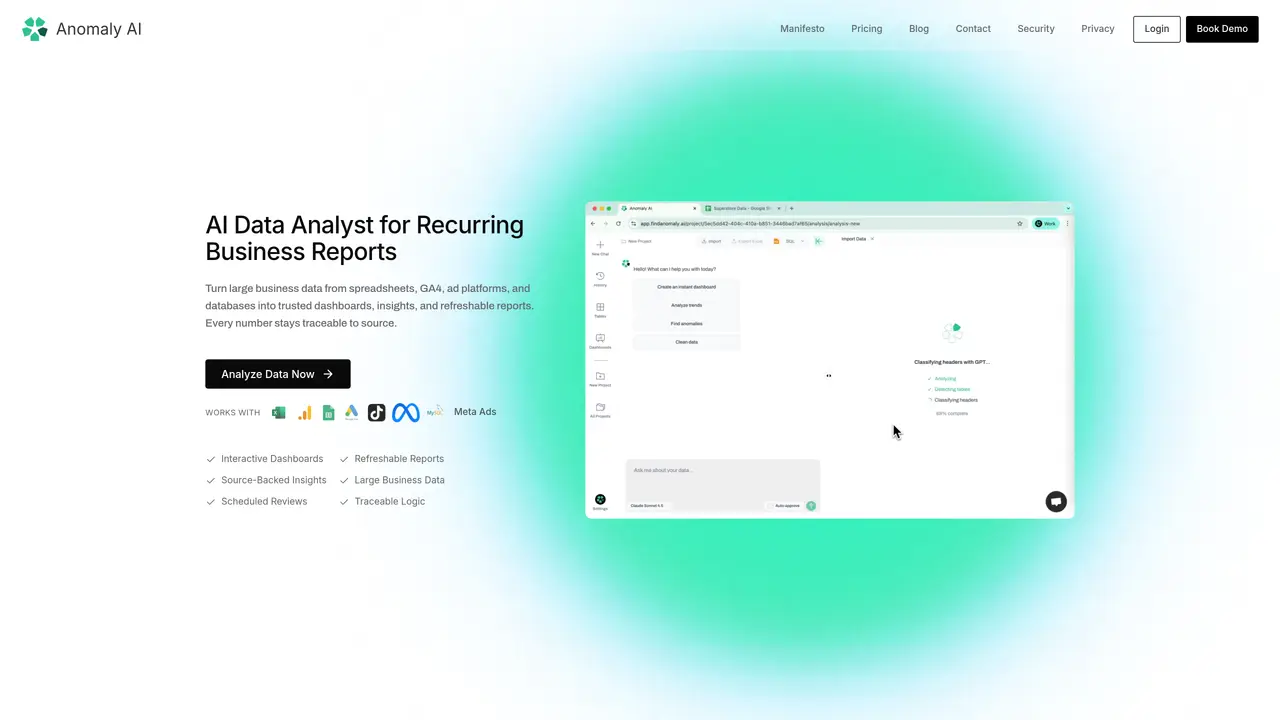
Anomaly AI is an AI Data Analyst designed to automate SQL and Python analysis on large spreadsheets (Excel, CSVs, Google Sheets) and SQL databases. This tool provides fast and accurate insights without the risk of AI hallucinations. It can be used to turn Excel into an interactive live dashboard, audit dashboards with SQL-verified lineage that finance teams can trust, and surface actionable insights from messy spreadsheets without manual coding. Anomaly AI is suitable for users who need to analyze large datasets and gain valuable insights quickly. The tool works by automating the analysis process, allowing users to focus on interpreting the results rather than spending time on manual data analysis. This makes it an ideal solution for businesses and organizations that require fast and accurate insights from their data.
Anomaly AI supports spreadsheets (Excel, Google Sheets), databases (BigQuery, Snowflake, MySQL), GA4 properties, and ad platforms, enabling users to consolidate data from multiple sources into unified reports.
The tool automatically validates data quality, detects inconsistencies, and applies business rules to ensure calculations and insights are traceable to their source, reducing the risk of errors.
Yes, Anomaly AI creates refreshable dashboards and reports that can be updated automatically when new data arrives, streamlining recurring reporting workflows.
The tool is built for teams that rely on spreadsheet workflows but need a more reliable solution for handling larger, messier datasets, such as finance, marketing, operations, and customer analytics teams.
No, Anomaly AI automates SQL and Python analysis, allowing users to focus on interpreting results without needing to write manual code.
The AI scans data for quality issues like duplicates, missing values, and outliers, and automatically prepares the data for analysis by applying definitions, calculations, and business rules.
We use essential cookies to run aitoolnavio™, and optional cookies to analyze traffic and measure our marketing. You choose what we use — optional cookies stay off unless you turn them on. See our Privacy Policy.
One short email a week: fresh tools worth trying, honest takes and the updates that actually matter. No spam, unsubscribe any time.
Design, distribute, and analyze surveys online or via email with real-time insights using Survey Monkey.
Create targeted campaigns, automate email campaigns, and analyze performance for maximum ROI.
Discover keywords, analyze competitors' SEO strategies, and make data-driven decisions for website performance.
Analyze website performance, track competitors' tactics, and access comprehensive analytics and optimization features.
YouTube and Instagram growth toolkit with AI-powered optimization and analytics
Develop, run data jobs, transform datasets, leverage ML algorithms for actionable insights.
Streamline hiring, monitor job performance, and choose flexible pricing plans.
Unified AI-powered platform for real-time monitoring, analytics, and security across cloud infrastructure, applications, and services.
Securely store, analyze, and scale data while enhancing security and performance with encryption and automated backups.
AI-powered customer feedback platform for mid-market businesses to run conversational surveys and extract insights.
Automate review requests, analyze sentiment, and monitor ratings with a streamlined dashboard for improved customer feedback.
Monitor brand performance, create content for social media, and gain insights with deep analytics.
Matched on what this tool does — grouped by the job you would be replacing.
matches Automates SQL and Python analysis · Provides fast and accurate insights · Surfaces actionable insights from messy spreadsheets
AI-powered data analyst that turns plain-English questions into charts, tables, code, and automated reports.
An agentic AI data platform that lets business teams analyze and visualize data through natural language chat, with automated dashboards and reports.
Automatically transforms raw data into clean, visual reports and dashboards without coding.
An AI data analytics platform that turns spreadsheets and databases into instant analyses, visualizations, forecasts, and shareable reports.
matches Turns Excel into an interactive live dashboard · Audits dashboards with SQL-verified lineage
Automate tasks, create interactive dashboards, and streamline operations with fast data processing.
Turns 110+ data sources into interactive, plain-English business dashboards with AI analyst Stella.
AI-powered platform that turns spreadsheets, APIs and datasets into interactive charts, maps and dashboards without writing code.
AI-powered platform that turns spreadsheets and databases into interactive charts, dashboards, and shareable data stories without coding.