
AI-powered video messaging tool that records, shares, and manages video messages with AI-generated titles, summaries, and tasks.
16M visits/mo-3.4%#5 Chatbots & Assistants
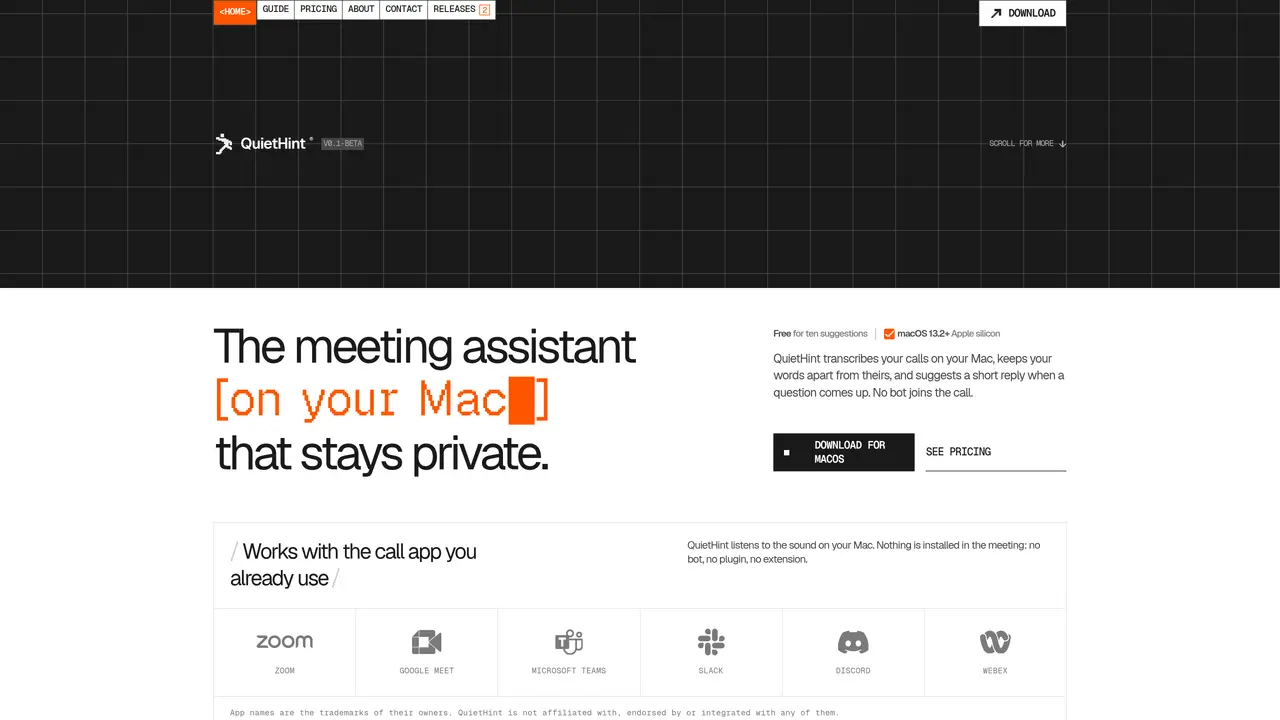
QuietHint is a macOS application that transcribes calls locally on Apple silicon Macs running macOS 13.2 or later. It listens to system audio without installing any plugins, bots, or extensions in the meeting software. The tool separates audio into two channels—your microphone and the call audio—tagging each line as You or Them to create a script-like transcript. When a question is detected, QuietHint suggests a concise reply in an overlay, which can appear automatically or on demand via a keyboard shortcut. The app also supports screen context by sampling the active display to refine suggestions. All transcription occurs on-device, with audio never leaving the machine. Hints are generated using an encrypted API key, either user-provided or via credits, and may include a screenshot of the active window. The interface floats above other applications and remains out of focus.
QuietHint is a macOS application that transcribes calls locally on Apple silicon Macs. It listens to system audio without installing plugins or bots in meeting software, separates audio into two channels (your microphone and call audio), and tags each line as You or Them to create a script-like transcript.
QuietHint is designed for professionals who participate in calls, such as salespeople, customer support agents, or anyone practicing presentations. It helps users respond more effectively by providing concise reply suggestions during conversations.
All transcription occurs on-device, and audio never leaves the machine. Hints are generated using an encrypted API key, and only text and a screenshot of the active display are sent to Anthropic, either via a user-provided key or through credits.
Yes, QuietHint works with any call app because it listens to the audio on your Mac rather than integrating with the meeting software. It supports applications like Zoom, Google Meet, Microsoft Teams, Slack, Discord, and Webex.
Download the application from the QuietHint website, drag it to your Applications folder, and grant microphone and screen audio permissions when prompted. Add your API key or use credits, then press Listen to start transcribing calls.
QuietHint offers a limited number of free suggestions without requiring an API key. For additional usage, you can either provide your own API key or use credits through the service.
We use essential cookies to run aitoolnavio™, and optional cookies to analyze traffic and measure our marketing. You choose what we use — optional cookies stay off unless you turn them on. See our Privacy Policy.
One short email a week: fresh tools worth trying, honest takes and the updates that actually matter. No spam, unsubscribe any time.
AI-powered video messaging tool that records, shares, and manages video messages with AI-generated titles, summaries, and tasks.
Hardware device that records conversations and converts them into searchable transcripts, summaries, and notes.
Automate transcription, generate summaries, identify speakers, and timestamps for video-conferencing conversations.
AI-powered meeting recorder and summarizer that captures, transcribes, and generates actionable insights from conversations.
Automatically record, transcribe, take notes, and create summaries with key insights during meetings.
Transforms audio/video to summarized text, instantly, across platforms.
Automatically transcribe meetings, create summaries, and securely store audio files in a searchable format.
Automatically turn meetings into searchable notes and tasks.
Wearable AI device that captures conversations and meetings, then auto-generates transcripts, summaries, action items, mind maps, and searchable notes.
Record, transcribe, and share key insights from virtual trainings, online meetings, and content creation.
Record, transcribe, and summarize online meetings from Google Meet and Zoom with AI, then share insights across collaboration tools.
Transform audio/video to text with precision, supporting 1500+ platforms, enriched by AI features.
Matched on what this tool does — grouped by the job you would be replacing.
matches Local speech-to-text transcription · You/Them speaker labeling in transcript · Auto or manual reply suggestions
Real-time AI interview assistant that transcribes speech and suggests structured answers during live calls on Zoom, Teams, and Meet.
Real-time AI assistant that provides talking points during live sales calls without recording or
AI meeting copilot that transcribes calls locally and streams answers in a floating panel
Real-time AI overlay for live calls that provides live guidance and automatic recaps
matches Local speech-to-text transcription · You/Them speaker labeling in transcript · Exportable transcripts
matches Local speech-to-text transcription · No account or telemetry required
AI meeting note-taker and screen recorder that auto-joins calls, transcribes conversations, and generates searchable summaries and action items.
AI-powered meeting assistant for transcription, summaries and action items
AI meeting assistant that transcribes calls, generates summaries, action items, and follow-up emails for teams.
AI-powered meeting recorder, transcriber and search tool for teams
Local speech-to-text transcription for macOS with privacy-focused features
Fast, private, open-source voice dictation for macOS
Open-source voice dictation for macOS that types as you speak