AI-powered website builder that generates a professional site in under a minute and includes tools for content, SEO, and analytics.
52M visits/mo+0.7%#4 Coding & Development

AI coding assistant that detects and fixes issues using multiple isolated agents working in parallel within sandboxes.
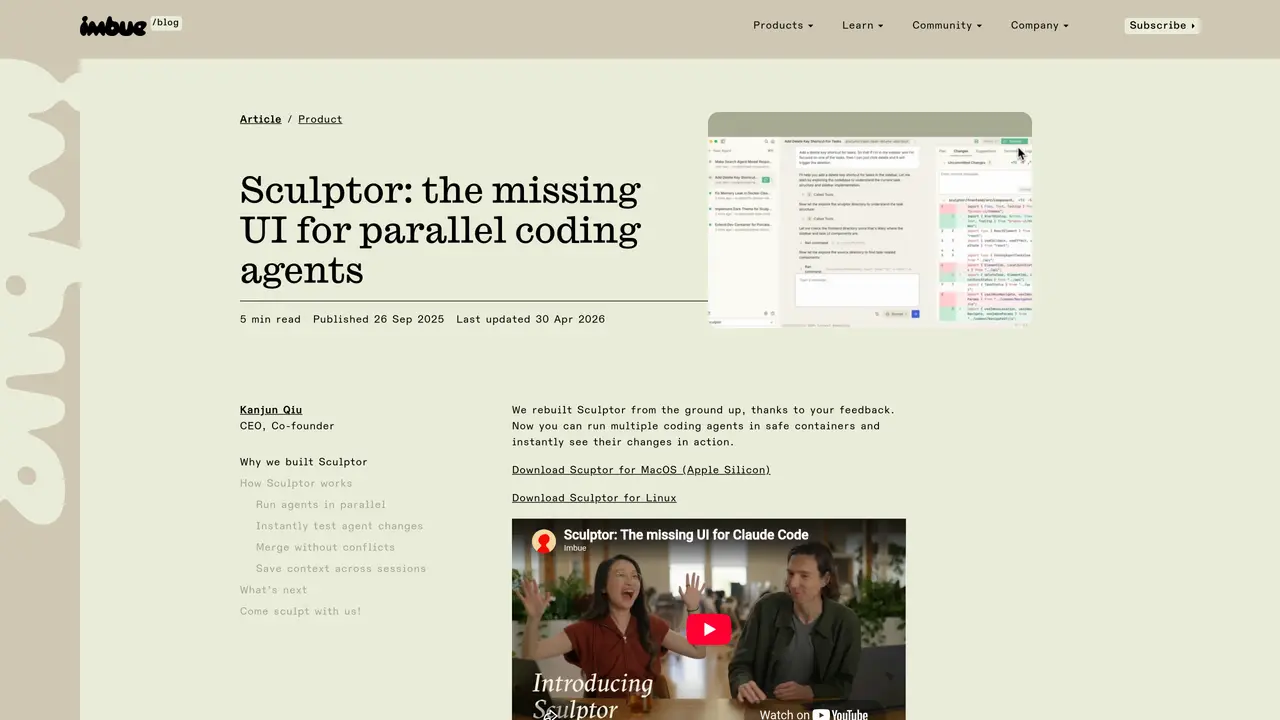
Sculptor is an advanced AI-powered coding assistant designed to help developers identify and resolve issues directly within their workflow. The tool employs multiple AI coding agents that operate simultaneously in isolated sandboxes, enabling automatic detection of problems such as missing tests, hardcoded variables, memory leaks, and race conditions. Each agent works independently in a contained environment, reducing risks to the main codebase. Developers can review suggested fixes, customize issue detection using LLM prompts or shell commands, and leverage seamless bidirectional synchronization with their local editor through Pairing Mode. Sculptor supports integration with Claude and plans to add GPT-5 support, positioning itself as an AI-native development environment where artificial intelligence augments routine debugging and code improvement tasks. This allows engineers to focus more on creative problem-solving while automated agents handle repetitive tasks.
Sculptor is an AI-powered development environment that runs multiple coding agents in parallel within isolated containers, allowing developers to safely explore different approaches, test changes instantly, and merge results back into their codebase.
Sculptor is designed for developers and engineering teams who want to leverage AI agents for parallel coding tasks, debugging, refactoring, and feature development while maintaining control over the process and environment safety.
Sculptor synchronizes bidirectionally with your local IDE through Pairing Mode, allowing you to review, edit, and commit agent changes directly in your development environment without disrupting your workflow.
Sculptor currently supports Claude Code and Codex, with planned support for GPT-5. Users can switch models by providing the appropriate API key or credentials.
Yes, you can customize agent behavior using LLM prompts or shell commands, and future updates will allow adding custom MCP servers and writing plain-English rules for instruction audits.
Download Sculptor for your platform (macOS Apple Silicon, Linux, or upcoming Windows), install it, and start spinning up agents directly from your IDE or terminal to begin parallel coding sessions.
We use essential cookies to run aitoolnavio™, and optional cookies to analyze traffic and measure our marketing. You choose what we use — optional cookies stay off unless you turn them on. See our Privacy Policy.
One short email a week: fresh tools worth trying, honest takes and the updates that actually matter. No spam, unsubscribe any time.
AI-powered website builder that generates a professional site in under a minute and includes tools for content, SEO, and analytics.
AI-powered coding platform that uses agents to plan, write, and test software with real-time feedback and verifiable artifacts.
Automate code, research, and documents using agents.
AI-powered code assistant that generates, reviews, optimizes, and debugs code with natural language prompts and editor integrations.
AI assistant for safe, reliable productivity with code, collaboration, and integrations.
AI-powered IDE for autonomous coding tasks and agentic development workflows
Privacy-focused AI chatbot that generates uncensored text, code, images, and translations without storing conversations or requiring an account.
A free web-based AI chatbot and agent for writing, coding, research, and content creation with multilingual support.
Write & run code in 50+ languages, auto-complete with AI, and code faster with an intuitive interface.
An IDE that automates legacy-to-modern code migration using autonomous coding agents.
AI models that return typed decisions with calibrated confidence for software automation
Practice coding challenges, improve technical skills, get detailed explanations, compare performance with peers.
Matched on what this tool does — grouped by the job you would be replacing.
matches Uses multiple isolated AI agents working in parallel within sandboxes · Operates in contained environments to minimize risk to the main codebase
Run and manage remote AI coding agents from any device with real-time sync and a clean UI.
A macOS workspace for running and managing parallel AI coding agents with isolated shells and automatic git worktrees.
Keyboard-driven manager for running and reviewing multiple AI coding agents in parallel
Kanban-style orchestration layer for local AI coding agents
matches Identifies issues like missing tests, hardcoded variables, memory leaks, and race conditions · Suggests and implements fixes for detected problems
matches Seamless bidirectional synchronization with local editors through Pairing Mode
Enterprise-grade AI coding assistant that automates full-stack development tasks using codebase-aware generation.
AI-powered code auditing that visualizes logic, detects security gaps, and generates fixes for cross-file bugs and AI-generated flows.
Identify issues, get customizable reports, and navigate code interactively to prevent costly problems.
AI coding agent that writes, reviews, and automates code across IDEs, CLI, and team workflows.
Edit code, docs, diagrams with inspectable AI changes.
Desktop workspace for running AI agents on local files and code
Desktop workspace for coding agents like Codex and Claude Code