AI-powered website builder that generates a professional site in under a minute and includes tools for content, SEO, and analytics.
52M visits/mo+0.7%#4 Coding & Development

Open-source MCP server, Python library and CLI that builds high-signal, privacy-preserving code context for AI coding assistants.
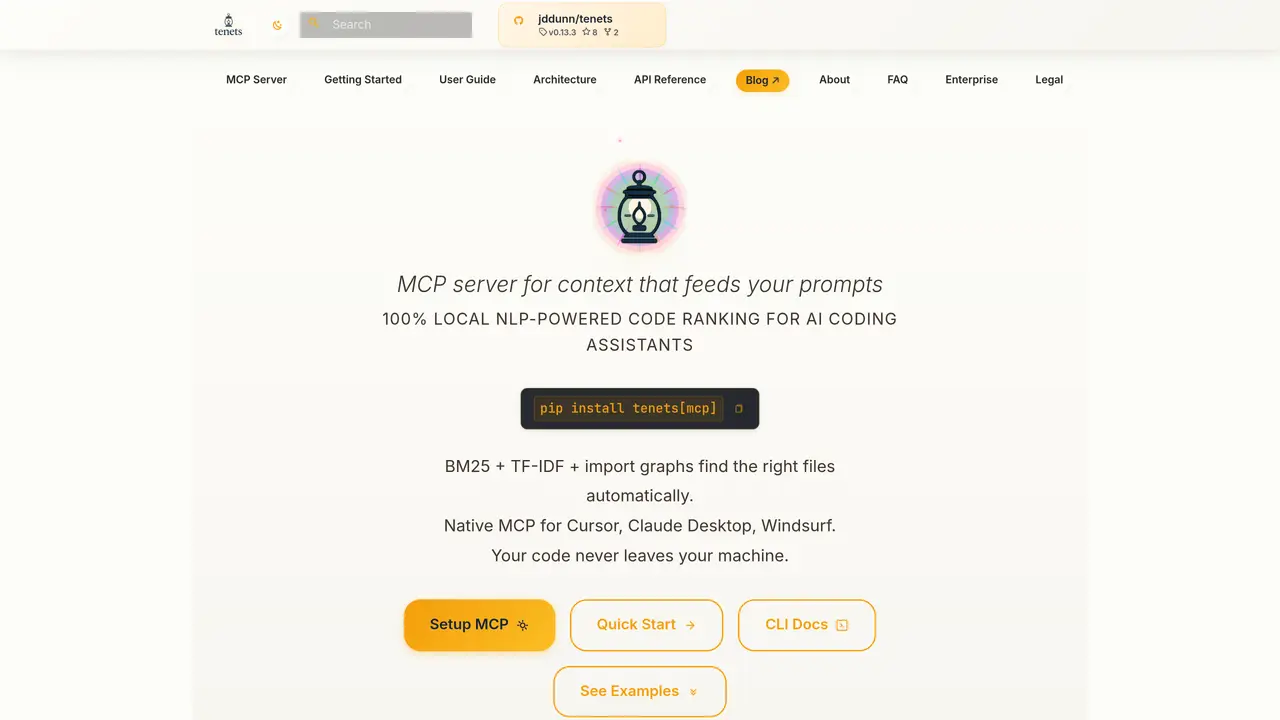
Tenets is a free, open-source tool that delivers an MCP server, Python library, and CLI designed to generate intelligent, LLM-ready code context for AI coding assistants. It analyzes project files using NLP and multi-factor relevance scoring methods such as BM25, TF-IDF, import graphs, and optional semantic embeddings to automatically rank and distill the most relevant files for any task. The tool auto-injects project ‘tenets’—guiding principles—into prompts and supports session-based context management, enabling developers to maintain consistent AI-driven guidance across projects. All processing occurs locally, ensuring privacy with no reliance on cloud APIs or external data transmission. Tenets integrates natively with popular AI coding environments like Cursor, Claude Desktop, and Windsurf, allowing developers to feed high-signal context directly into their workflows. This approach accelerates onboarding, reduces context drift, and enforces consistent code guidance by leveraging project-specific insights and structured analysis. The tool also includes features for code quality evaluation, velocity tracking, and dependency visualization, making it useful for both individual developers and teams aiming to improve codebase understanding and maintainability.
Tenets generates intelligent, LLM-ready code context for AI coding assistants by analyzing project files using NLP and multi-factor relevance scoring. It ranks relevant files, distills key information, and injects guiding principles (tenets) into prompts to improve AI-driven code guidance.
Tenets is designed for developers and teams using AI coding assistants who need to provide high-signal context for tasks like onboarding, debugging, or maintaining consistent coding standards. It is particularly useful for those prioritizing privacy and local processing.
Tenets processes all data locally on the user's machine, with no reliance on cloud APIs or external data transmission. This ensures that codebases and sensitive information remain private and secure.
Tenets supports native MCP integration with Cursor, Claude Desktop, and Windsurf, allowing developers to use its features directly within their preferred coding environments.
Some advanced features, such as semantic embeddings, require additional installation (e.g., tenets[ml]) or configuration. Basic functionality, including multi-factor ranking and local processing, works out of the box.
Getting started involves installing Tenets via pip (e.g., pip install tenets[mcp]), configuring the MCP server in your IDE, and using the CLI or library to analyze and generate context for your projects. Detailed setup instructions are available in the user guide.
tenets.dev · third-party estimates from Similarweb
Last 4 months · grows by one month every month
Share of visits by channel
Share of visits · estimated visits
Coding & Development · Sep 2026
Traffic figures are third-party estimates, good for scale and trends; they can differ from a company's own numbers. Updated monthly.
We use essential cookies to run aitoolnavio™, and optional cookies to analyze traffic and measure our marketing. You choose what we use — optional cookies stay off unless you turn them on. See our Privacy Policy.
One short email a week: fresh tools worth trying, honest takes and the updates that actually matter. No spam, unsubscribe any time.
AI-powered website builder that generates a professional site in under a minute and includes tools for content, SEO, and analytics.
AI-powered coding platform that uses agents to plan, write, and test software with real-time feedback and verifiable artifacts.
Automate code, research, and documents using agents.
AI-powered code assistant that generates, reviews, optimizes, and debugs code with natural language prompts and editor integrations.
AI assistant for safe, reliable productivity with code, collaboration, and integrations.
AI-powered IDE for autonomous coding tasks and agentic development workflows
Privacy-focused AI chatbot that generates uncensored text, code, images, and translations without storing conversations or requiring an account.
A free web-based AI chatbot and agent for writing, coding, research, and content creation with multilingual support.
Write & run code in 50+ languages, auto-complete with AI, and code faster with an intuitive interface.
An IDE that automates legacy-to-modern code migration using autonomous coding agents.
AI models that return typed decisions with calibrated confidence for software automation
Practice coding challenges, improve technical skills, get detailed explanations, compare performance with peers.
Matched on what this tool does — grouped by the job you would be replacing.
matches MCP server, Python library, and CLI for flexible integration · Multi-factor relevance scoring (BM25, TF-IDF, import graphs, semantic embeddings) · Auto-injection of project 'tenets' (guiding principles) into prompts
Stores coding assistants' project history locally.
Memory MCP server integrates Memory with Cursor, Claude Desktop and Windsurf for persistent context across sessions.
Open-source Rust memory layer that captures agent events into git-versioned Markdown wikis for seamless context handoffs across coding tools.
Structured project memory for AI coding agents
matches MCP server, Python library, and CLI for flexible integration · Native MCP support for Cursor, Claude, and Windsurf
Connect Chroma Mcp to Cursor, Claude Desktop and Windsurf via an MCP server.
MCP server that exposes Windows desktop search via Everything to Cursor, Claude Desktop and Windsurf.
Connect local files and directories to Cursor, Claude Desktop and Windsurf via the Filesystem MCP server.
MCP Notion Server connects Notion to Cursor, Claude Desktop, and Windsurf via the MCP protocol.