Collaboration and version control platform for software development and AI model hosting.
645M visits/mo-0.6%#1 Coding & Development
Automate data entry, create scripts, and streamline workflows across multiple platforms with natural language commands.
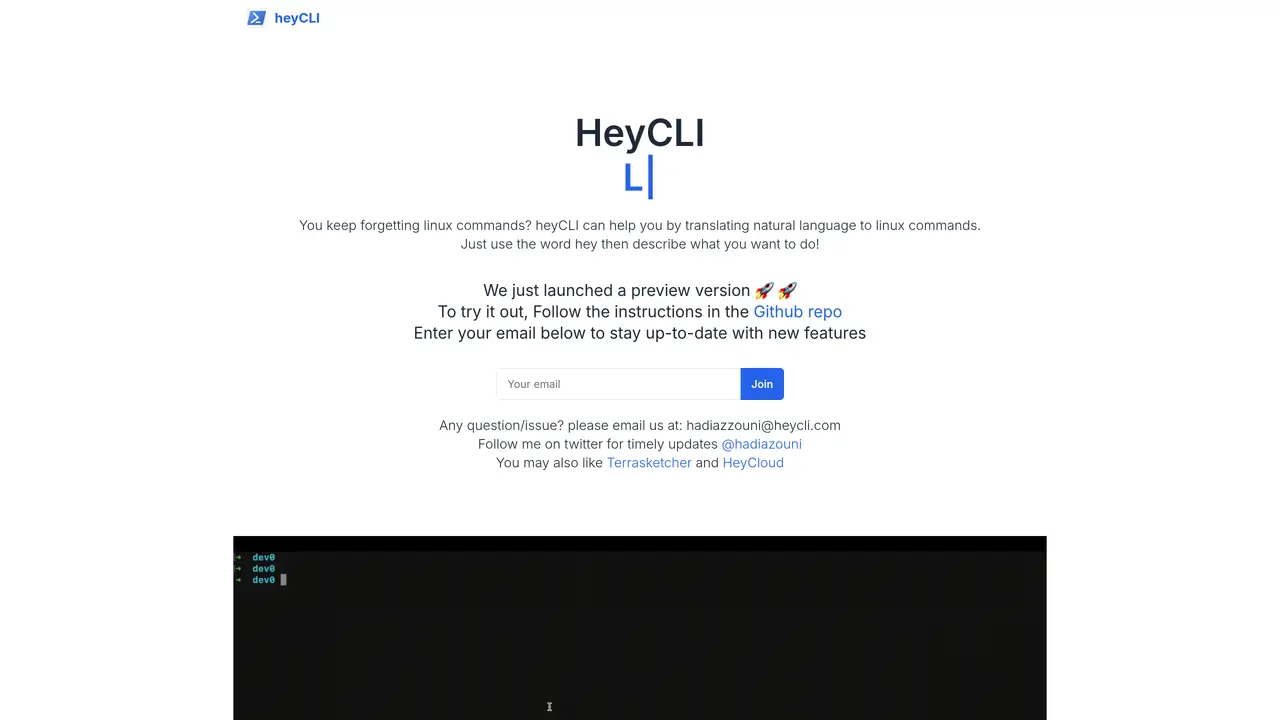
HeyCLI is the perfect solution for anyone who wants to streamline their terminal commands. With HeyCLI, you can take plain language commands and quickly turn them into executable commands. This platform makes it easy to control your computer and improve your workflow. It eliminates the need to memorize complex commands, as you can simply type in natural language and have HeyCLI convert it into the necessary terminal commands. It also supports cross-platform commands, so you can use the same commands on Windows, Linux, and Mac. Whether you’re an experienced programmer or a beginner, HeyCLI can help you save time, increase productivity, and reduce errors. Put the power of natural language in the palm of your hands with HeyCLI.
HeyCLI is a tool that translates natural language descriptions into executable Linux terminal commands, helping users avoid memorizing complex syntax.
HeyCLI is designed for users who frequently work with Linux commands but struggle to remember the correct syntax, including beginners and experienced programmers.
To use HeyCLI, visit the GitHub repository for setup instructions and start by typing 'hey' followed by a natural language description of the command you need.
The current version of HeyCLI is focused on Linux commands, but the tool may expand to support other operating systems in the future.
Users can enter their email on the HeyCLI website to receive updates on new features and releases.
For questions or issues, users can email the HeyCLI team at hadiazzouni@heycli.com for support.
heycli.com · third-party estimates from Similarweb
Last 3 months · grows by one month every month
Share of visits · estimated visits
Coding & Development · Sep 2026
Traffic figures are third-party estimates, good for scale and trends; they can differ from a company's own numbers. Updated monthly.
We use essential cookies to run aitoolnavio™, and optional cookies to analyze traffic and measure our marketing. You choose what we use — optional cookies stay off unless you turn them on. See our Privacy Policy.
One short email a week: fresh tools worth trying, honest takes and the updates that actually matter. No spam, unsubscribe any time.
Collaboration and version control platform for software development and AI model hosting.
A cloud platform for deploying, scaling, and managing web apps and AI workloads with Git-based CI/CD and edge functions.
Unified platform to access and switch between hundreds of AI models like ChatGPT, Claude, and Gemini via a single API.
xAI builds Grok frontier AI models for reasoning, coding, voice, images, video, enterprise workflows, and developer APIs.
Meta AI enhances machine learning, NLP, and computer vision capabilities.
AI-powered coding platform that uses agents to plan, write, and test software with real-time feedback and verifiable artifacts.
Open-source backend platform providing Postgres, authentication, APIs, and real-time features to build scalable apps quickly.
Chat, build, and explore with open AI models.
Standardize application packaging and execution with portable containers for consistent local and cloud workflows.
Cloud communications platform that lets developers embed SMS, voice, WhatsApp, email, video, verification, and conversational AI via APIs.
Revolutionize AI application development, monitoring, and deployment with LangChain.
Run open-source chatbots locally on your PC without internet, keeping conversations private and offline.
Matched on what this tool does — grouped by the job you would be replacing.
matches Automate data entry · Create complex scripts with natural language · Streamline workflow for multiple platforms
Automate mundane tasks, access AI assistance, and streamline daily tasks to maximize productivity.
Automate data entry, streamline importing, and ensure secure data privacy with its AI-powered platform.
Automate repetitive tasks, create custom scripts with natural language, and automate complex processes with ease.
Automate data entry, track customers, import PDFs and generate analytics with natural language input.
matches Streamline workflow for multiple platforms · Supports cross-platform commands · Eliminates need to memorize complex commands
Control any Mac app with natural language commands, replacing clicks and shortcuts for faster workflows.
A macOS AI assistant that lets users control their computer with natural language commands across applications.
Automates typing tasks across macOS by interpreting on-screen content to reduce repetitive typing and streamline workflows.