Collaboration and version control platform for software development and AI model hosting.
645M visits/mo-0.6%#1 Coding & Development

Builds a live, deterministic code graph on every commit for AI agents and editors
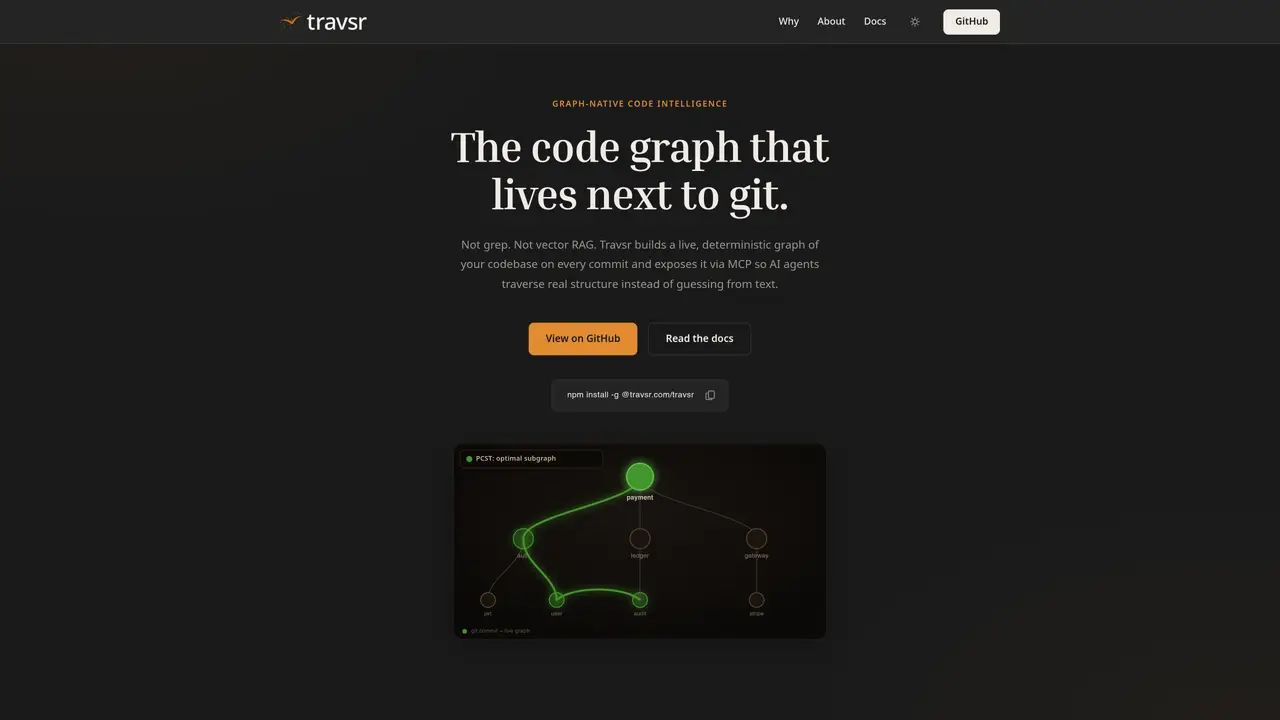
Travsr constructs a precise, graph-based representation of a codebase by parsing files with Tree-sitter and LSIF on each git commit. The resulting graph captures call relationships, type dependencies, and import structures without approximations or embeddings. It exposes this graph via the Model Context Protocol (MCP), allowing AI coding assistants such as Claude, Copilot, or Cursor to traverse the actual code structure instead of inferring from text. The tool integrates automatically with popular editors and AI agents, requiring no manual configuration beyond installation and language setup. Users can query the graph directly or visualize it within VS Code to inspect callers, dependencies, and code metrics in real time. The system maintains freshness by reindexing changed files on every commit, ensuring the graph reflects the latest state of the repository.
Travsr builds a live, deterministic graph of a codebase on every git commit using Tree-sitter and LSIF, capturing call relationships, type dependencies, and import structures without approximations. It exposes this graph via the Model Context Protocol (MCP) for AI agents to traverse the actual code structure.
Travsr is designed for developers and AI coding assistants like Claude, Copilot, or Cursor that need precise, real-time code structure insights. It suits teams working with large or complex codebases where accurate dependency and call relationship tracking is critical.
Travsr maintains freshness by reindexing changed files on every git commit via a post-commit hook, ensuring the graph reflects the latest state of the repository without manual intervention.
Travsr integrates automatically with popular AI coding tools such as Claude Code, Cursor, Copilot, Windsurf, and Zed through the Model Context Protocol. It also offers a VS Code extension for visualizing the graph directly within the editor.
Install the Travsr binary, index your repository, and add the languages you need. The tool detects installed AI coding tools and wires them to the MCP server with zero manual configuration. You can then query the graph or visualize it in VS Code.
Yes, Travsr supports a wide range of languages through Tree-sitter parsers. Semantic edges for TypeScript, JavaScript, Rust, and Python are built-in, while other languages require installing their respective analyzers using the `travsr lang install` command.
We use essential cookies to run aitoolnavio™, and optional cookies to analyze traffic and measure our marketing. You choose what we use — optional cookies stay off unless you turn them on. See our Privacy Policy.
One short email a week: fresh tools worth trying, honest takes and the updates that actually matter. No spam, unsubscribe any time.
Collaboration and version control platform for software development and AI model hosting.
A cloud platform for deploying, scaling, and managing web apps and AI workloads with Git-based CI/CD and edge functions.
Unified platform to access and switch between hundreds of AI models like ChatGPT, Claude, and Gemini via a single API.
xAI builds Grok frontier AI models for reasoning, coding, voice, images, video, enterprise workflows, and developer APIs.
Meta AI enhances machine learning, NLP, and computer vision capabilities.
AI-powered coding platform that uses agents to plan, write, and test software with real-time feedback and verifiable artifacts.
Open-source backend platform providing Postgres, authentication, APIs, and real-time features to build scalable apps quickly.
Chat, build, and explore with open AI models.
Standardize application packaging and execution with portable containers for consistent local and cloud workflows.
Cloud communications platform that lets developers embed SMS, voice, WhatsApp, email, video, verification, and conversational AI via APIs.
Revolutionize AI application development, monitoring, and deployment with LangChain.
Run open-source chatbots locally on your PC without internet, keeping conversations private and offline.
Matched on what this tool does — grouped by the job you would be replacing.
matches Live code graph generation on every commit · MCP server for AI agent integration · VS Code extension for visual graph exploration
Static analysis and code intelligence tool that provides call graphs and semantic context for safer AI-assisted edits in Python and TypeScript.
Deterministic merge gate and AST refactoring tool for coding agents
Local AST-based codebase indexing server for AI agents via MCP
matches Live code graph generation on every commit · MCP server for AI agent integration · VS Code extension for visual graph exploration
Run and manage remote AI coding agents from any device with real-time sync and a clean UI.
Autonomous AI agent that plans, edits and verifies code across terminal, Mac and VS Code