Summarizes, extracts, and rewrites content from files.
89M visits/mo+8.7%#2 Productivity & Office

Create personalized PDF forms, enhance with multimedia, and customize designs for an engaging and interactive experience.
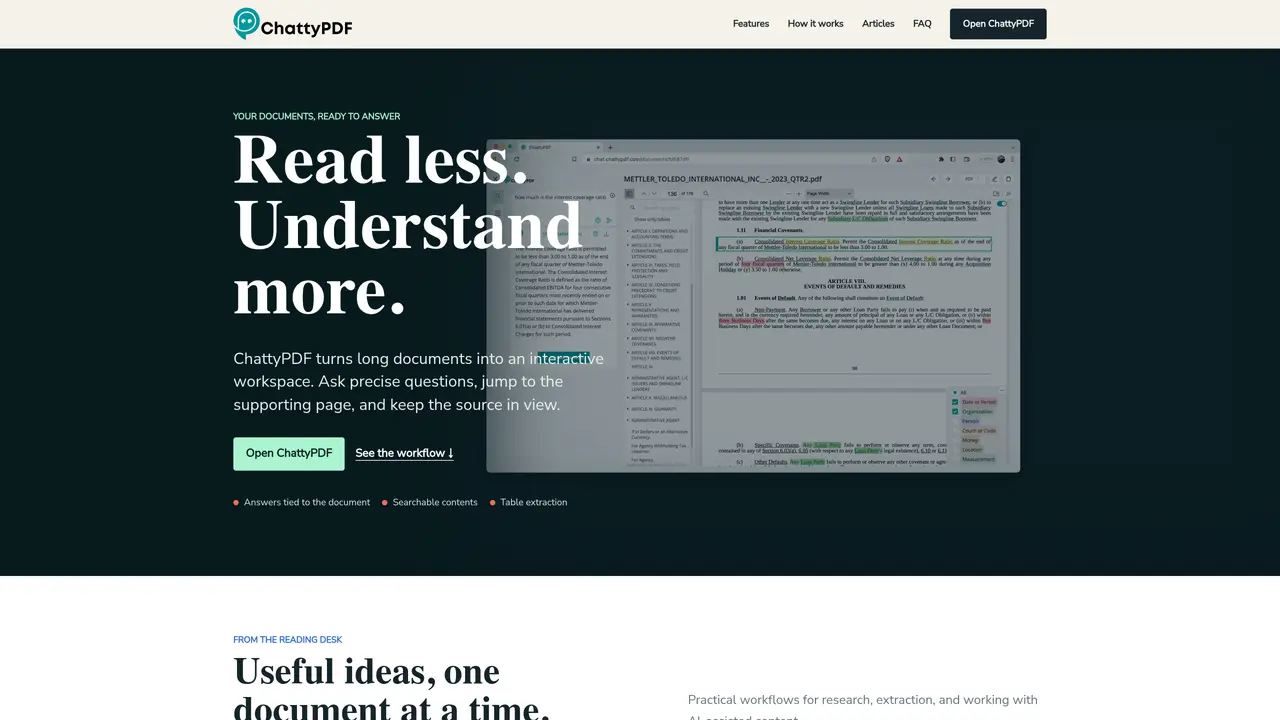
ChattyPDF is an online service that makes PDFs interactive and engaging. It helps you create dynamic and interactive documents that can be easily shared with others. With ChattyPDF, you can add videos, audio, images, links, and other multimedia content to your PDFs to make them more engaging and memorable. Plus, you can customize the look and feel of your PDFs with a powerful design editor. You can even create personalized forms to capture customer feedback and improve customer experience. ChattyPDF makes it easy to add interactive elements to your PDFs and share them with a wide audience. It’s the perfect tool for businesses, educators, and anyone who wants to create PDFs with a professional look and feel. With ChattyPDF, you can create great-looking PDFs in minutes that are sure to impress your readers.
ChattyPDF is designed for text-rich documents such as reports, research papers, textbooks, contracts, and manuals. Scanned files may require reliable text recognition before use.
No. ChattyPDF encourages users to verify answers by locating the relevant page and inspecting the surrounding passage, table, or footnote before making decisions.
Yes. ChattyPDF can locate and extract tables for download, though users should still check labels, units, and footnotes against the source page for accuracy.
Yes. ChattyPDF originally included a Chrome plugin that allowed users to open and question documents directly from the browser.
ChattyPDF is built for professionals, researchers, and educators who work with dense PDFs and need to navigate them efficiently using conversational queries and document-aware navigation.
ChattyPDF generates a searchable table of contents, links terms to their definitions, highlights relevant passages, and allows users to extract tables for further analysis.
chattypdf.com · third-party estimates from Similarweb
Last 4 months · grows by one month every month
Share of visits · estimated visits
Productivity & Office · Sep 2026
Traffic figures are third-party estimates, good for scale and trends; they can differ from a company's own numbers. Updated monthly.
We use essential cookies to run aitoolnavio™, and optional cookies to analyze traffic and measure our marketing. You choose what we use — optional cookies stay off unless you turn them on. See our Privacy Policy.
Summarizes, extracts, and rewrites content from files.
Automate citation and reference management, aid research with text and data mining, and securely store and share documents.
Capture, organize, and share ideas, notes, and documents effortlessly.
Headless CMS that lets developers manage structured content and deliver it anywhere via flexible APIs and real-time collaboration tools.
Efficiently create and manage cases, streamline workflows, securely store and share documents, and collaborate with colleagues.
Access files, collaborate, and secure your data with unbeatable customizable system.
An AI-powered PDF editor and converter for editing, OCR, signing, annotating, merging, and chatting with documents across devices.
Browser-based PDF editor that edits, signs, converts, merges, compresses, and shares files, with AI for form filling, document chat, and PDF creation.
Securely store, access, and search documents from any device with ease.
Create and customize legal documents, consult lawyers, and access legal guides all in one platform.
Centralize brand assets, automate approvals, and collaborate with external partners in a single digital asset management platform.
AI diagramming and documentation tool for engineering teams to create and update cloud architecture, ERDs, and flowcharts from prompts, code, and CI/CD workflows.
Matched on what this tool does — grouped by the job you would be replacing.
matches Create personalized forms · Add multimedia content (videos, audio, images, links) · Customize designs with a powerful design editor
Create captivating, customizable presentations and easily share them across devices with a cloud-based platform.
Generate presentations, create interactive slideshows, and customize with themes, fonts, and colors.
Create stunning slides in seconds, customize with templates, and set up in 8 minutes, no cost.
Generate slides with text, customize with clicks, and add multimedia effortlessly.
matches Capture customer feedback and improve customer experience
Summarizes, extracts, and rewrites content from files.
Build conversational forms, capture rich responses, and automate follow-ups with AI-powered surveys and workflows.
Interactive AI tool for questioning and summarizing PDFs through a conversational chat interface.
Discover bots, chat with PDFs, and create personalized chat buddies.
One short email a week: fresh tools worth trying, honest takes and the updates that actually matter. No spam, unsubscribe any time.