
Summarizes, extracts, and rewrites content from files.
89M visits/mo+8.7%#2 Productivity & Office

AI meeting minutes software for municipal clerks that transcribes recordings, structures minutes by agenda items, tracks motions, and exports official records.
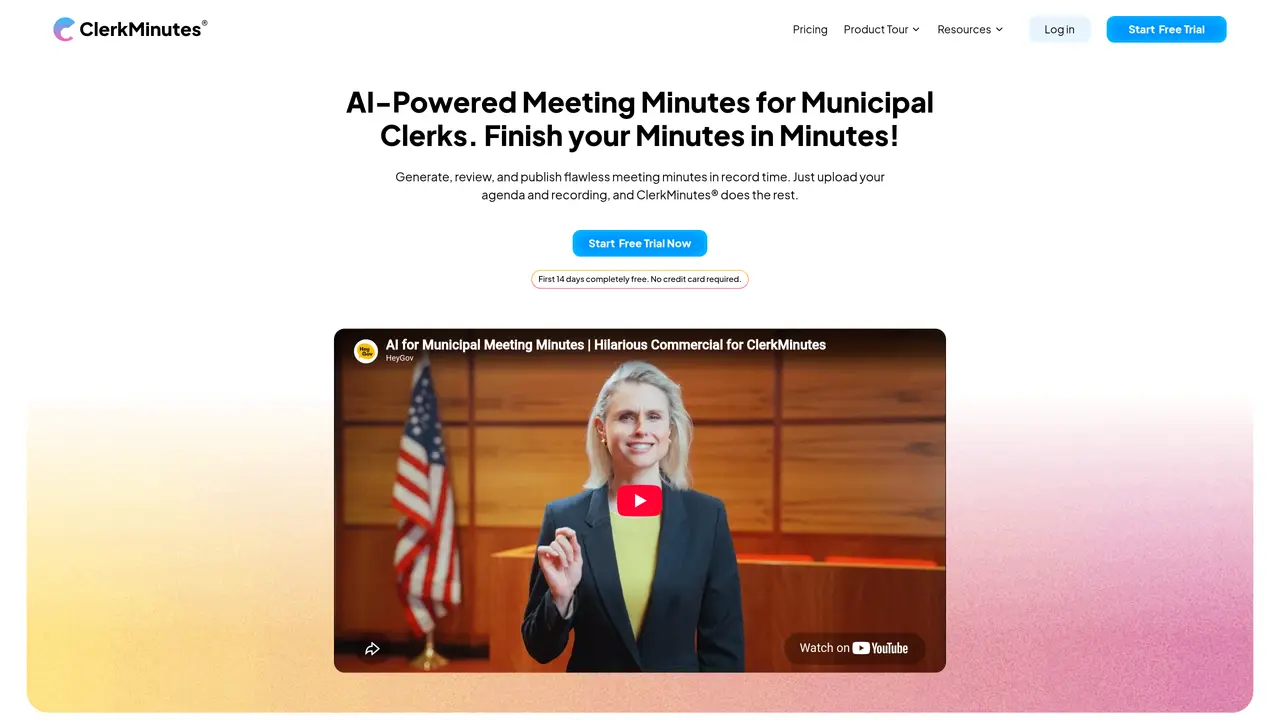
ClerkMinutes is a web-based AI meeting minutes tool designed for municipal clerks, counties, and school districts to draft, review, and publish official minutes from uploaded agendas and audio or video recordings. The tool automatically transcribes common audio and video formats, including recordings from Zoom and YouTube, and structures minutes by matching discussion to agenda items. It captures meeting mechanics such as motions, seconds, and roll calls, with speaker assignment assistance that identifies voices and allows clerk-controlled confirmations and edits. The platform includes an in-app editor, AI-powered search for querying meeting details with summaries and timestamps, and export options to Word or PDF. It also supports publishing minutes to a public meeting page. Developed by HeyGov, ClerkMinutes focuses on agenda-aware minutes creation with municipal-specific formatting and compliance-oriented structures, distinguishing it from general-purpose transcription tools like Otter.ai.
ClerkMinutes is an AI-powered meeting minutes tool designed specifically for municipal clerks, counties, and school districts to draft, review, and publish official minutes from meeting agendas and audio or video recordings.
ClerkMinutes automatically transcribes audio and video recordings, including those from Zoom and YouTube, and structures the minutes by matching discussions to agenda items for accuracy and compliance.
Yes, ClerkMinutes uses AI to suggest speaker identities for segments of the transcription, which clerks can confirm or correct, ensuring accurate attribution of quotes and motions.
The platform includes features that allow multiple staff members to work on minutes, review transcriptions, and make edits within the in-app editor.
ClerkMinutes is designed with municipal-specific formatting and compliance-oriented structures, automatically applying clerk-approved formats to generated minutes.
Minutes can be exported as Word or PDF files, and the platform also supports publishing minutes to a public meeting page for transparency.
clerkminutes.com · third-party estimates from Similarweb
Last 4 months · grows by one month every month
Share of visits · estimated visits
Productivity & Office · Sep 2026
Traffic figures are third-party estimates, good for scale and trends; they can differ from a company's own numbers. Updated monthly.
We use essential cookies to run aitoolnavio™, and optional cookies to analyze traffic and measure our marketing. You choose what we use — optional cookies stay off unless you turn them on. See our Privacy Policy.
One short email a week: fresh tools worth trying, honest takes and the updates that actually matter. No spam, unsubscribe any time.
Summarizes, extracts, and rewrites content from files.
Automate citation and reference management, aid research with text and data mining, and securely store and share documents.
Capture, organize, and share ideas, notes, and documents effortlessly.
Headless CMS that lets developers manage structured content and deliver it anywhere via flexible APIs and real-time collaboration tools.
Efficiently create and manage cases, streamline workflows, securely store and share documents, and collaborate with colleagues.
Access files, collaborate, and secure your data with unbeatable customizable system.
An AI-powered PDF editor and converter for editing, OCR, signing, annotating, merging, and chatting with documents across devices.
Browser-based PDF editor that edits, signs, converts, merges, compresses, and shares files, with AI for form filling, document chat, and PDF creation.
Securely store, access, and search documents from any device with ease.
Create and customize legal documents, consult lawyers, and access legal guides all in one platform.
Centralize brand assets, automate approvals, and collaborate with external partners in a single digital asset management platform.
AI diagramming and documentation tool for engineering teams to create and update cloud architecture, ERDs, and flowcharts from prompts, code, and CI/CD workflows.
Matched on what this tool does — grouped by the job you would be replacing.
matches Automatic transcription for common audio and video formats · Agenda-based structuring and summarization · Motion, seconds, and roll call tracking
Automate transcription, generate summaries, identify speakers, and timestamps for video-conferencing conversations.
AI-powered meeting assistant that records, summarizes, and organizes notes from Zoom, Google Meet, and Teams with seamless workflow integration.
AI-powered meeting assistant for transcription, summaries and action items
Converts meeting audio into structured notes, decisions, and action items
matches Automatic transcription for common audio and video formats · Speaker assignment with AI-suggested identification · Exports to Word or PDF
Automate audio and video transcription, timestamps, speaker labels, diarization, and export with customizations.
AI transcription and content generation tool that converts audio/video to text, detects speakers, and supports 55+ languages with subtitle translation.
Convert audio or video files into text and generate summaries with a speech-to-text AI tool.
Convert audio to text, save time and money with AI transcription.