Generate content, correct spelling, suggest synonyms to enhance writing.
173M visits/mo+0.1%#1 Productivity & Office

Centralized workspace for sharing AI context across ChatGPT, Claude and Telegram
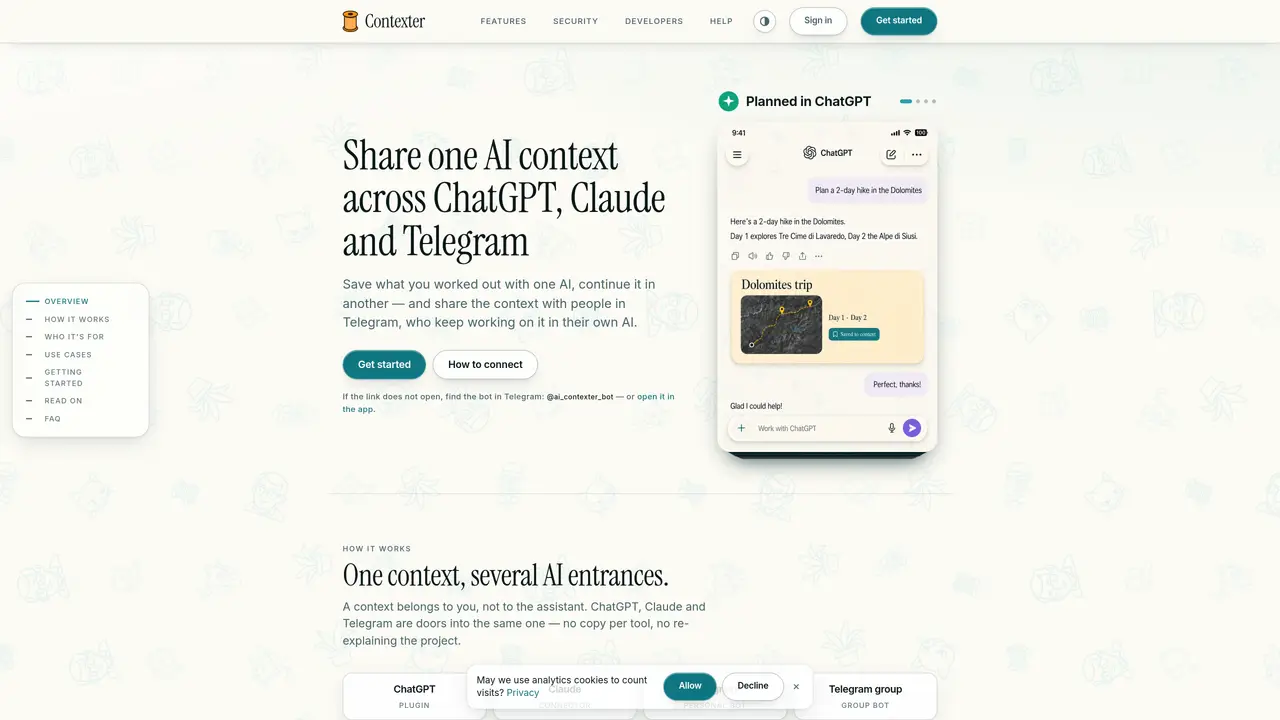
Contexter provides a shared workspace where users can maintain a single context that is accessible through multiple AI assistants—ChatGPT, Claude, and Telegram—without duplicating information. Each context belongs to the user and can be updated or referenced by different AI tools or team members. Records, notes, and project details are stored centrally and remain consistent regardless of which interface is used to access them. The platform supports individual users who juggle multiple projects as well as teams that need to collaborate without repeatedly explaining context. Users can connect their existing AI assistants to a shared context, add records via the Telegram bot, and invite others to contribute or continue working on the same set of information. Contexts can be shared selectively, with privacy controls ensuring chats remain private unless explicitly shared. The system is built on an open standard using a remote MCP server with OAuth 2.1, allowing for developer integration and custom setups.
Yes. Contexter acts as a remote MCP server that both ChatGPT and Claude connect to, allowing them to read and write to the same shared context rather than maintaining separate copies.
You do not move the chat directly. Instead, ask the assistant in ChatGPT to save the relevant information into a Contexter context, then access that same context in Claude to continue working.
No. Contexter does not save AI chat content unless explicitly added to a context by the user or an assistant upon request.
Yes. You share the context itself with a person, and they can connect their preferred AI assistant—ChatGPT, Claude, or the Telegram bot—to access and continue working on the same records.
Only messages from participants who have joined the group are collected; messages from non-participants are not included in the context.
No API key is required. Contexter does not require a subscription to use its core functionality.
We use essential cookies to run aitoolnavio™, and optional cookies to analyze traffic and measure our marketing. You choose what we use — optional cookies stay off unless you turn them on. See our Privacy Policy.
One short email a week: fresh tools worth trying, honest takes and the updates that actually matter. No spam, unsubscribe any time.
Generate content, correct spelling, suggest synonyms to enhance writing.
Turn messy team ideas into actionable plans with Miro's visual workspace.
Leverage analytics, automate tasks, share documents, and coordinate projects.
Integrates AI into Airtable to analyze data, summarize insights, draft content, and automate workflows without prior AI experience.
Cloud accounting software that automates bookkeeping, invoicing, and financial reporting for small and growing businesses.
Streamline teamwork, manage projects, automate tasks efficiently.
Automate code, research, and documents using agents.
AI assistant for safe, reliable productivity with code, collaboration, and integrations.
Create customizable tables, databases, and spreadsheets, share data securely with team members.
Easy-to-use CRM platform that automates lead capturing, prioritizes tasks, and provides sales pipeline analytics for businesses of all sizes.
Transforms thoughts into actions, enhancing productivity and efficiency.
Write & run code in 50+ languages, auto-complete with AI, and code faster with an intuitive interface.
Matched on what this tool does — grouped by the job you would be replacing.
Paid placement · similar tools from listings that support aitoolnavio™
Instant lead response for home-service pros: your phone rings on every new lead, plus 14 days of follow-up
matches Shared context across ChatGPT, Claude, and Telegram · Telegram bot for adding records and sharing contexts · Versioning for records within contexts
matches Open standard MCP server for developer use · Persistent structured memory for AI assistants
Centralize team AI chats, models, and spending with Intrascope.
Shared workspace that connects teams and AI agents in channels
Versioned project workspace for AI-assisted development with continuous context
Structured project memory for AI coding agents
Code knowledge graph MCP server for AI agents to resolve symbols and relationships across repositories
Private workspace that gives AI assistants persistent, structured memory