Generate content, correct spelling, suggest synonyms to enhance writing.
173M visits/mo+0.1%#1 Productivity & Office

Tool for leaving website and web app feedback with screenshots and recordings
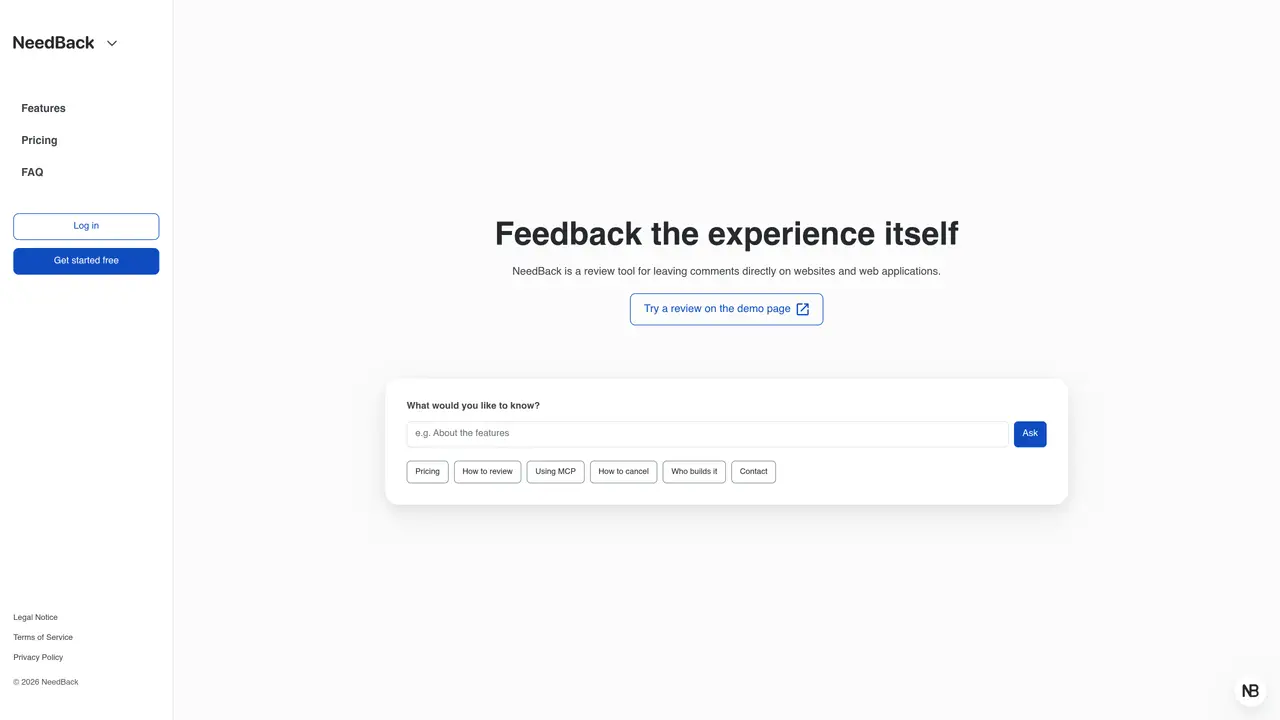
NeedBack is a review tool that allows users to leave comments directly on websites and web applications. Reviewers can start providing feedback immediately by opening a review URL without requiring an account. Each comment is accompanied by an automatic screenshot that captures the exact location of the feedback. Users can also record up to 90 seconds of screen and audio to provide precise and clear feedback. The Console provides a managed view of all comments by status, ensuring nothing is overlooked. The tool is implemented by embedding a single script on the target page. NeedBack also supports MCP, enabling AI agents to read and reason about the feedback received.
NeedBack is a feedback tool that allows users to leave comments directly on websites and web applications. Reviewers can provide feedback via a review URL without needing an account.
NeedBack is designed for individuals and teams who need to collect precise feedback on digital products, such as developers, designers, product managers, and customer support teams.
Installation involves embedding a single script on the target page. Users create a project in the Console, add the embed tag to the page, and then share the review URL for feedback collection.
Yes, NeedBack supports MCP, enabling AI agents to read and reason about the feedback received, facilitating automated analysis of user input.
Yes, reviewers can start leaving feedback immediately by opening the review URL without requiring an account.
NeedBack captures comments with automatic screenshots and allows recording up to 90 seconds of screen and audio to provide detailed and precise feedback.
We use essential cookies to run aitoolnavio™, and optional cookies to analyze traffic and measure our marketing. You choose what we use — optional cookies stay off unless you turn them on. See our Privacy Policy.
One short email a week: fresh tools worth trying, honest takes and the updates that actually matter. No spam, unsubscribe any time.
Generate content, correct spelling, suggest synonyms to enhance writing.
Turn messy team ideas into actionable plans with Miro's visual workspace.
Leverage analytics, automate tasks, share documents, and coordinate projects.
Integrates AI into Airtable to analyze data, summarize insights, draft content, and automate workflows without prior AI experience.
Cloud accounting software that automates bookkeeping, invoicing, and financial reporting for small and growing businesses.
Streamline teamwork, manage projects, automate tasks efficiently.
Automate code, research, and documents using agents.
AI assistant for safe, reliable productivity with code, collaboration, and integrations.
Create customizable tables, databases, and spreadsheets, share data securely with team members.
Easy-to-use CRM platform that automates lead capturing, prioritizes tasks, and provides sales pipeline analytics for businesses of all sizes.
Transforms thoughts into actions, enhancing productivity and efficiency.
Write & run code in 50+ languages, auto-complete with AI, and code faster with an intuitive interface.
Matched on what this tool does — grouped by the job you would be replacing.
Paid placement · similar tools from listings that support aitoolnavio™
Instant lead response for home-service pros: your phone rings on every new lead, plus 14 days of follow-up
matches Direct feedback on websites and web apps · Automatic screenshot capture per comment · Screen and audio recording up to 90 seconds
AI-powered platform for recording spoken, timestamped video feedback with drawings and references, eliminating manual typing.
Collects precise visual feedback on live websites for AI agents to fix
Turns screen recordings into agent-ready prompts for AI coding tools
Desktop app that turns screen recordings into AI-written documentation