AI assistant for safe, reliable productivity with code, collaboration, and integrations.

Nemos
$8.99/moStarting price
0Popularity
About Nemos
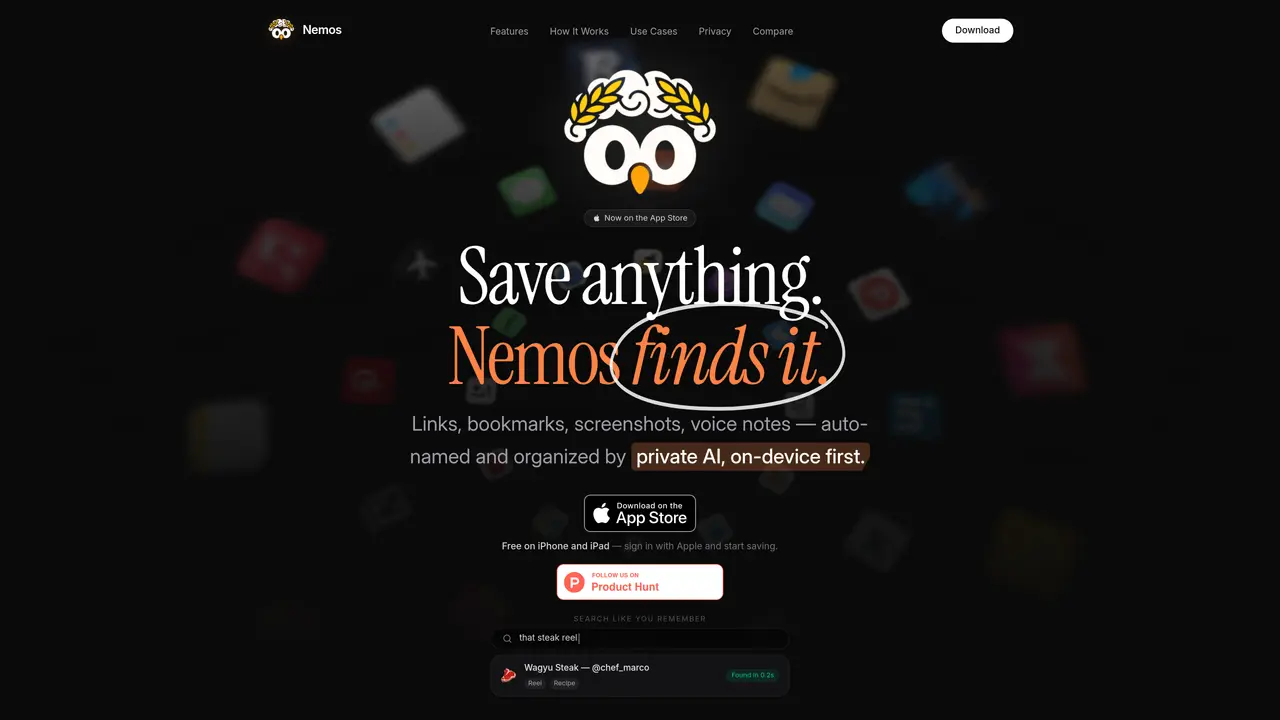
Nemos is a personal knowledge management application for iPhone, iPad, Apple Watch and web browsers. It functions as an AI-powered second brain that automatically captures, names, organizes and makes searchable various content types including screenshots, links, notes, voice memos, PDFs, videos, photos, places, books, spreadsheets, documents and audio files. The app uses on-device AI processing through Apple Intelligence Foundation Models to perform optical character recognition, transcription and intelligent categorization without requiring manual setup or cloud uploads. Users can save content by taking screenshots, pasting links, recording voice memos or importing files, after which the AI handles organization and makes items retrievable through universal search. Nemos supports native Apple sync with Reminders, Calendar and Notes, offers browser extensions for Chrome and Safari, and includes features like smart bookmarks, PDF annotation, shared folders, habit tracking and speed reading. The application operates offline-first and emphasizes privacy by processing all AI functions locally on device.
Key features
- AI screenshot organizer with automatic OCR
- Voice memo transcription
- Smart bookmarks and link saver
- PDF organizer with text extraction
- Shared folders with iCloud sync
- Daily routines with habit tracking
- Speed reading with adjustable WPM overlay
- Apple Watch app for voice memos and reminders
Use cases
- Organizing screenshots and documents with automatic categorization
- Capturing and transcribing meeting notes via voice memos
- Building a searchable personal knowledge base across multiple content types
Pros
- Supports 15+ content types including screenshots, PDFs, voice memos and links
- On-device AI processing using Apple Intelligence Foundation Models
- Universal search with OCR across all saved content
- Native Apple sync with Reminders, Calendar and Notes
- Browser extensions for Chrome and Safari
Cons
- iOS-only platform availability
- Pro features require paid subscription
- No Android or desktop versions
Frequently asked questions about Nemos
What is Nemos and what does it do?
Nemos is an AI-powered personal knowledge management app for iPhone, iPad, Apple Watch, and web browsers. It automatically captures, organizes, and makes searchable various content types such as screenshots, links, notes, voice memos, PDFs, and more using on-device AI processing.
Who is Nemos designed for?
Nemos is designed for individuals seeking an automated second brain to manage diverse content types without manual setup. It suits users who prioritize privacy, offline functionality, and seamless integration with Apple devices and services.
How does Nemos handle privacy and data processing?
Nemos processes all AI functions locally on the device using Apple Intelligence Foundation Models, ensuring no automatic cloud uploads, data collection, or tracking. This architecture guarantees 100% private AI operations.
What content types does Nemos support?
Nemos supports over 15 content types, including screenshots, links, notes, voice memos, PDFs, videos, photos, places, books, spreadsheets, documents, presentations, audio files, products, reminders, and daily routines.
Does Nemos require an internet connection to function?
No, Nemos operates offline-first, meaning all AI organization, search, and core features work without an internet connection. Internet access is only required for browser extensions or initial app downloads.
How do I get started with Nemos?
Download Nemos from the Apple App Store, then start saving content by taking screenshots, pasting links, recording voice memos, or importing files. The app automatically organizes and makes items searchable using on-device AI.