Generate content, correct spelling, suggest synonyms to enhance writing.
173M visits/mo+0.1%#1 Productivity & Office

Open-source macOS app that quietly builds a private, searchable timeline of your Mac activity for on-device work tracking and AI agent queries.
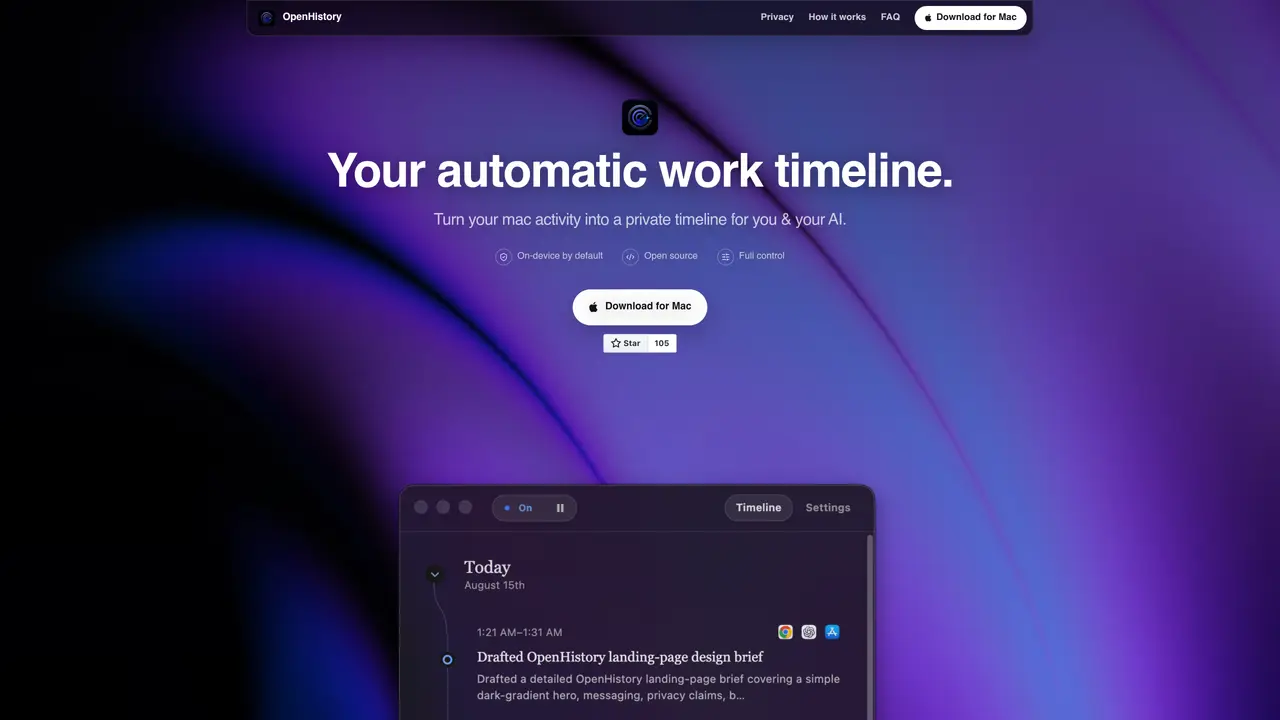
OpenHistory is an open-source macOS application that passively records foreground app activity and permitted accessibility context to construct a private, on-device work timeline. It automatically generates concise daily summaries of completed tasks, decisions, and unfinished work using either on-device processing or user-selected cloud inference. The tool includes a local MCP server that enables AI agents like ChatGPT Desktop and Claude Cowork to query your activity history using natural language, facilitating seamless integration with existing workflows. OpenHistory avoids capturing sensitive data such as screenshots, keystrokes, or microphone input, ensuring user privacy is maintained throughout. All recorded data remains stored locally on your Mac by default, with optional cloud inference for summary generation. The application is designed for professionals who need a lightweight, privacy-focused way to track and review their work without relying on external services or invasive monitoring tools.
OpenHistory observes foreground apps and permitted macOS Accessibility context such as window names, document context, browser domains, clicks, and visible interface text. It does not capture screenshots, audio, camera or microphone input, passwords, private browser windows, or low-level keyboard events.
Your activity, timelines, summaries, settings, and agent connections are stored in a permission-restricted directory on your Mac. The OpenHistory app does not send analytics or telemetry.
Not by default. You can use Apple’s on-device model, turn automatic summaries off, or explicitly connect a cloud provider. Nothing is sent to external services unless you choose that provider, supply an API key, and approve the transmission disclosure.
OpenHistory requires macOS 14 or later. Apple On-Device summaries require a Mac that supports Apple Intelligence and macOS 26 or later. Richer activity context requires granting macOS Accessibility permission.
Yes. You can pause collection at any time, disable individual capture categories, exclude specific apps, and independently control email and messaging activity.
Yes. The 'Delete all local data' option permanently removes your recorded activity, summaries, settings, saved API keys, and agent connections from your Mac.
We use essential cookies to run aitoolnavio™, and optional cookies to analyze traffic and measure our marketing. You choose what we use — optional cookies stay off unless you turn them on. See our Privacy Policy.
One short email a week: fresh tools worth trying, honest takes and the updates that actually matter. No spam, unsubscribe any time.
Generate content, correct spelling, suggest synonyms to enhance writing.
Turn messy team ideas into actionable plans with Miro's visual workspace.
Leverage analytics, automate tasks, share documents, and coordinate projects.
Integrates AI into Airtable to analyze data, summarize insights, draft content, and automate workflows without prior AI experience.
Cloud accounting software that automates bookkeeping, invoicing, and financial reporting for small and growing businesses.
Streamline teamwork, manage projects, automate tasks efficiently.
Automate code, research, and documents using agents.
AI assistant for safe, reliable productivity with code, collaboration, and integrations.
Create customizable tables, databases, and spreadsheets, share data securely with team members.
Easy-to-use CRM platform that automates lead capturing, prioritizes tasks, and provides sales pipeline analytics for businesses of all sizes.
Transforms thoughts into actions, enhancing productivity and efficiency.
Write & run code in 50+ languages, auto-complete with AI, and code faster with an intuitive interface.
Matched on what this tool does — grouped by the job you would be replacing.
Paid placement · similar tools from listings that support aitoolnavio™
Instant lead response for home-service pros: your phone rings on every new lead, plus 14 days of follow-up
matches Passive foreground app activity recording · Private, on-device work timeline storage · Daily task and decision summaries
Run your Mac autonomously with simple instructions.
Mac desktop app that records screens into a searchable timeline and uses AI to detect patterns and generate automations from repetitive tasks.
A private Mac app that continuously records, searches, and queries your screen history with optional on-device AI processing.