Generate content, correct spelling, suggest synonyms to enhance writing.
173M visits/mo+0.1%#1 Productivity & Office

AI agent that organizes conversations in a tree structure to support deeper thinking
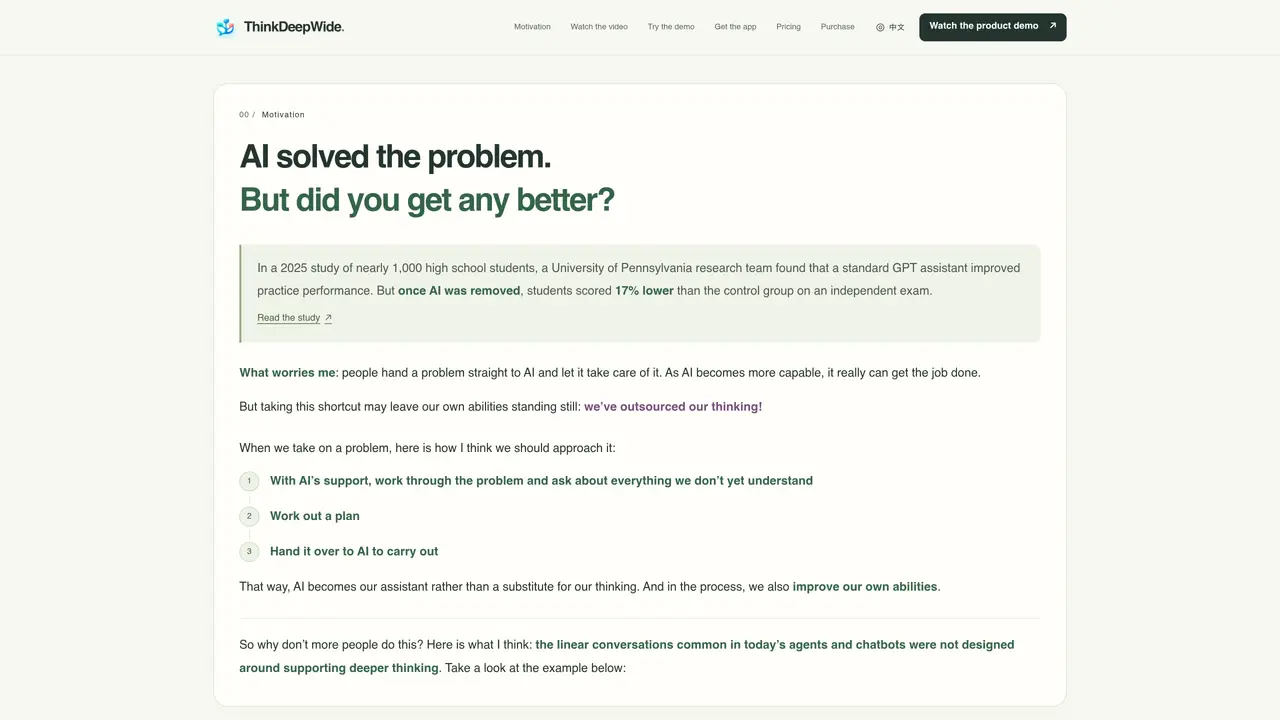
ThinkDeepWide is an AI agent designed to support structured, multi-threaded problem-solving rather than linear chatbot interactions. It organizes conversations as a tree where each node represents a question or topic, allowing users to revisit and expand on earlier exchanges without losing context. The tool enables parallel branching, so users can ask follow-up questions while AI is still processing a response, and optimizes context reuse to reduce redundant processing and token costs. It supports local file interaction, code execution, web searches, and remote server connections via SSH, integrating with existing workflows through Skills and MCP. Users can manage projects, delegate tasks, and inspect changes made by the agent, with decisions requiring user confirmation when necessary. The interface emphasizes returning to prior discussions to refine understanding before moving forward.
ThinkDeepWide is an AI agent designed for structured, multi-threaded problem-solving rather than linear chatbot interactions. It organizes conversations as a tree, allowing users to revisit and expand on earlier exchanges without losing context, and supports parallel branching for simultaneous exploration of multiple questions.
The tool is designed for individuals or teams who need to work through complex problems methodically, such as researchers, students, developers, or professionals requiring deep understanding and iterative refinement of ideas with AI assistance.
Users can ask follow-up questions while AI is still processing a response, with different branches replying simultaneously. The tool optimizes context-cache reuse across branches to minimize redundant processing and token costs.
It supports local file interaction, code execution, web searches, and remote server connections via SSH. Users can integrate existing workflows through Skills and MCP, and connect their own model accounts for personalized use.
Yes, it can read local files, edit code, run experiments, and save discussions as documents within projects. Users can inspect changes made by the agent and decide which modifications to keep.
Users can download the application for macOS, connect their existing model accounts (e.g., Codex or Grok), and start a project locally or via SSH on a remote Linux host. Windows and Linux local support are noted as upcoming or SSH-only, respectively.
We use essential cookies to run aitoolnavio™, and optional cookies to analyze traffic and measure our marketing. You choose what we use — optional cookies stay off unless you turn them on. See our Privacy Policy.
One short email a week: fresh tools worth trying, honest takes and the updates that actually matter. No spam, unsubscribe any time.
Generate content, correct spelling, suggest synonyms to enhance writing.
Turn messy team ideas into actionable plans with Miro's visual workspace.
Leverage analytics, automate tasks, share documents, and coordinate projects.
Integrates AI into Airtable to analyze data, summarize insights, draft content, and automate workflows without prior AI experience.
Cloud accounting software that automates bookkeeping, invoicing, and financial reporting for small and growing businesses.
Streamline teamwork, manage projects, automate tasks efficiently.
Automate code, research, and documents using agents.
AI assistant for safe, reliable productivity with code, collaboration, and integrations.
Create customizable tables, databases, and spreadsheets, share data securely with team members.
Easy-to-use CRM platform that automates lead capturing, prioritizes tasks, and provides sales pipeline analytics for businesses of all sizes.
Transforms thoughts into actions, enhancing productivity and efficiency.
Write & run code in 50+ languages, auto-complete with AI, and code faster with an intuitive interface.
Matched on what this tool does — grouped by the job you would be replacing.
Paid placement · similar tools from listings that support aitoolnavio™
Instant lead response for home-service pros: your phone rings on every new lead, plus 14 days of follow-up
matches Tree-structured conversation interface · Parallel branching for simultaneous questions · Context-cache optimization to reduce token costs
matches Code execution and experiment running · Project-based task organization
matches Local file reading and editing
matches Web search and source analysis
A visual AI conversation tool that turns linear chats into multi-dimensional conversation trees for exploring ideas and tracking context.
AI-powered chat platform that organizes discussions into threads, integrates AI features, and optimizes public channels for SEO to enhance community engagement.
Desktop app for multi-agent coding sessions with AI PR review and CI debugging
Local coding agent coordination workspace for macOS
macOS desktop app that builds structured AI prompts from local code repos for developers, with file selection, token estimates, and diff-based edits.
CLI tool that filters repository files before sending to LLM APIs
Efficiently answer research queries, translate natural language to SQL, and utilize OpenAI WebGPT and larger language models.
Automate real web workflows with reusable browser skills.