Generate content, correct spelling, suggest synonyms to enhance writing.
173M visits/mo+0.1%#1 Productivity & Office

A macOS app that translates selected text from any app, extracts text from screenshots and PDFs, and supports 100+ languages using multiple AI engines.
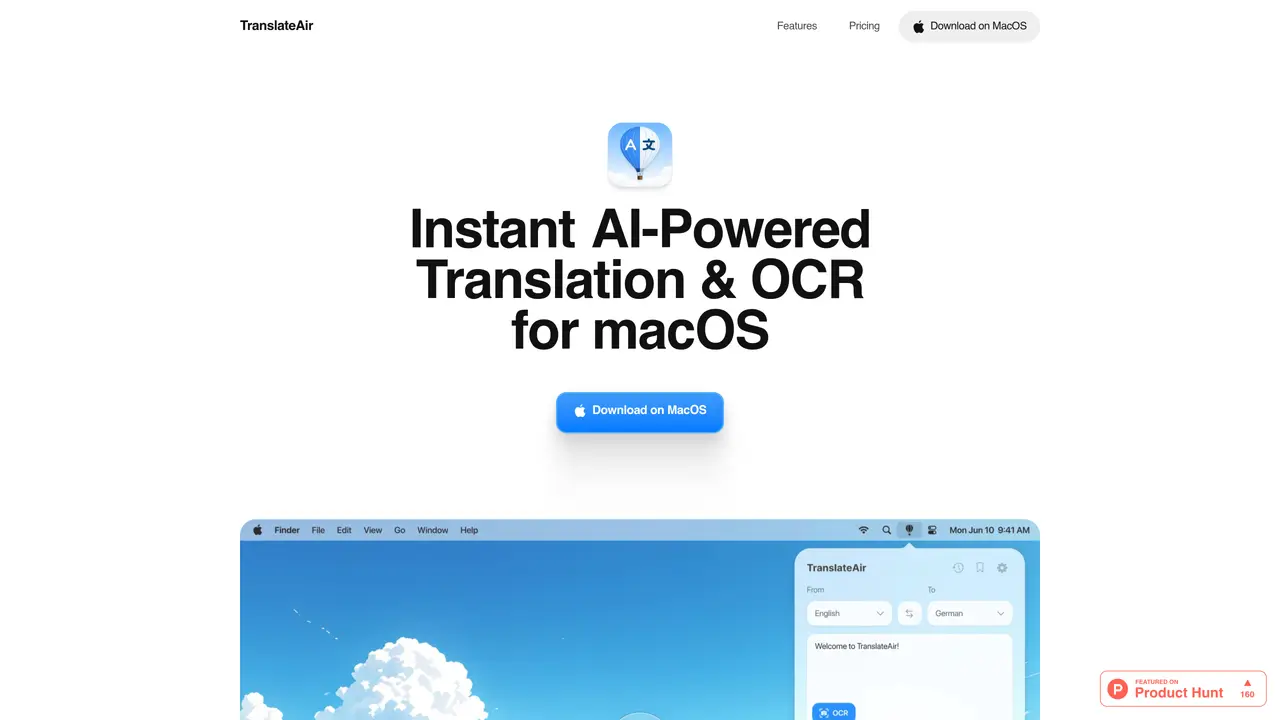
TranslateAir is a macOS-first app designed for users who need fast, AI-powered translation and OCR text extraction across applications, websites, and documents. The tool provides a seamless workflow by allowing users to trigger translations directly from any app via a floating pop-up bar when text is selected. It supports over 100 languages and offers multiple translation engines, including ChatGPT, Gemini, DeepL, and Google Translate, giving users flexibility in choosing their preferred translation method. Additionally, TranslateAir includes robust OCR capabilities to extract text from screenshots, designs, videos, PDFs, and even source code, eliminating the need to switch between applications. Custom keyboard shortcuts enable quick actions like translating selections, replacing text, or extracting content with minimal effort. The app is particularly useful for developers, writers, and content creators who work with multilingual content or need to process documents efficiently. Its freemium pricing model allows users to start with a free plan, while a paid subscription provides expanded features and capabilities. By integrating translation and OCR into a single, intuitive interface, TranslateAir streamlines workflows for users who frequently handle text extraction and translation tasks on macOS.
TranslateAir is an AI-powered macOS application that provides instant translation and OCR text extraction directly from any application or document. It supports over 100 languages and integrates multiple translation engines such as ChatGPT, Gemini, DeepL, and Google Translate.
The tool is designed for macOS users who frequently work with multilingual content, including developers, writers, and content creators. It is particularly useful for those who need to extract text from various sources like screenshots, PDFs, or videos and translate it efficiently.
When text is selected in any application, a floating bar appears next to the selection, allowing users to instantly translate the text using their preferred AI engine. This feature works across over 1,000 apps on macOS.
Yes, TranslateAir includes OCR capabilities to extract text from screenshots, designs, videos, PDFs, and even source code. The extracted text can then be translated or edited directly within the app.
Yes, users can customize keyboard shortcuts to quickly trigger translations, OCR, or other actions like replacing text or showing the menubar, making workflows more efficient.
TranslateAir supports multiple AI translation engines, including ChatGPT, Gemini, DeepL, and Google Translate, giving users flexibility to choose their preferred method for context-aware translations.
translateair.com · third-party estimates from Similarweb
Last 2 months · grows by one month every month
Traffic figures are third-party estimates, good for scale and trends; they can differ from a company's own numbers. Updated monthly.
We use essential cookies to run aitoolnavio™, and optional cookies to analyze traffic and measure our marketing. You choose what we use — optional cookies stay off unless you turn them on. See our Privacy Policy.
Generate content, correct spelling, suggest synonyms to enhance writing.
Turn messy team ideas into actionable plans with Miro's visual workspace.
Leverage analytics, automate tasks, share documents, and coordinate projects.
Integrates AI into Airtable to analyze data, summarize insights, draft content, and automate workflows without prior AI experience.
Cloud accounting software that automates bookkeeping, invoicing, and financial reporting for small and growing businesses.
Streamline teamwork, manage projects, automate tasks efficiently.
Automate code, research, and documents using agents.
AI assistant for safe, reliable productivity with code, collaboration, and integrations.
Create customizable tables, databases, and spreadsheets, share data securely with team members.
Easy-to-use CRM platform that automates lead capturing, prioritizes tasks, and provides sales pipeline analytics for businesses of all sizes.
Transforms thoughts into actions, enhancing productivity and efficiency.
Write & run code in 50+ languages, auto-complete with AI, and code faster with an intuitive interface.
Matched on what this tool does — grouped by the job you would be replacing.
Paid placement · similar tools from listings that support aitoolnavio™
Instant lead response for home-service pros: your phone rings on every new lead, plus 14 days of follow-up
matches Pop-up translation from any app via text selection · OCR text extraction from screenshots, PDFs, videos, and source code · Floating translation bar for quick actions
matches OCR text extraction from screenshots, PDFs, videos, and source code · Custom keyboard shortcuts for translation and OCR actions · macOS-native workflow integration
Quickly and accurately translate documents with unparalleled precision and confidence for business, legal, and academic purposes.
Revolutionize your web experience with seamless, customizable, bilingual translations across devices—free.
Instant translations across 100+ languages, voice, text, and image.
AI-powered translator for text, emails and documents in over 100 languages
Mac clipboard manager with history, screenshot OCR, and on-device AI
Extracts, translates, and analyzes text from any screen content on macOS
Desktop AI assistant triggered by keyboard shortcuts for instant queries, translations and summaries
Mac clipboard manager with on-device AI actions for text and screenshots
One short email a week: fresh tools worth trying, honest takes and the updates that actually matter. No spam, unsubscribe any time.