
AI-powered video messaging tool that records, shares, and manages video messages with AI-generated titles, summaries, and tasks.
16M visits/mo-3.4%#5 Chatbots & Assistants

Video and image editing toolkit written in TypeScript and rendered on the GPU
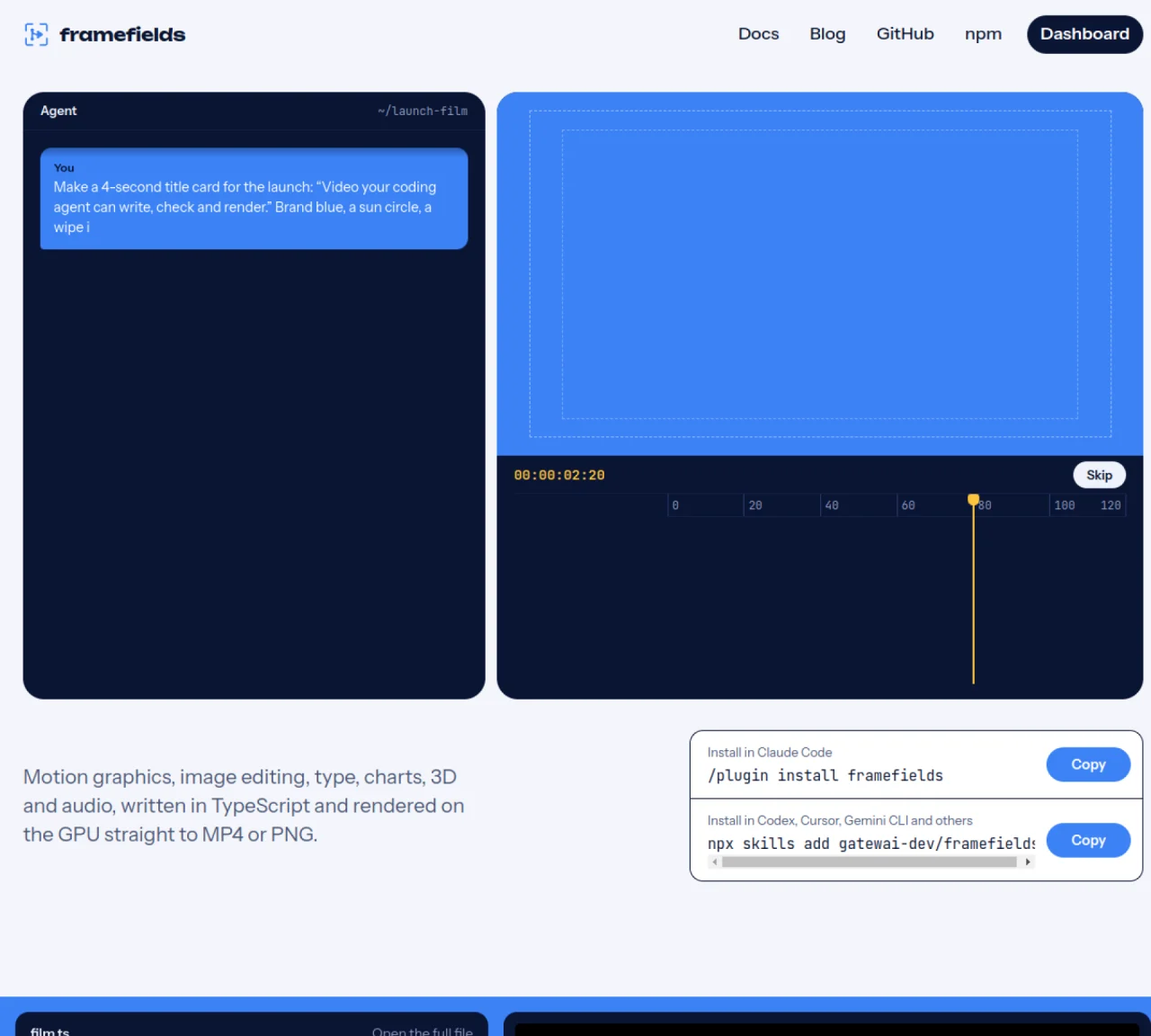
framefields is a TypeScript-based toolkit for video production, image editing, motion graphics, 3D rendering, and audio integration. It uses WebGPU to render compositions directly to pixels, enabling real-time previews and high-performance output to MP4 or PNG formats. The system supports kinetic typography, 3D scenes with physically based materials, and over fifty image effects such as curves, levels, and selective color. It also integrates generative AI models through an API gateway for creating stills, clips, and voiceovers within the same timeline. Coding agents can use framefields to write, check, and ship video or image assets programmatically, with support for frame-by-frame inspection and pixel-level assertions.
Framefields is a TypeScript-based toolkit for video production, image editing, motion graphics, 3D rendering, and audio integration. It renders compositions directly to pixels using WebGPU, enabling real-time previews and high-performance output to MP4 or PNG formats.
Framefields is designed for coding agents and developers who need to programmatically create, edit, and render video, image, motion graphics, and audio assets with GPU acceleration and TypeScript.
Framefields includes an AI Gateway that allows users to access over 100 generative image, video, and audio models directly in TypeScript with a unified API key, enabling seamless integration of AI-generated content into video pipelines.
Framefields supports output to MP4 or PNG formats and includes over fifty image effects such as curves, levels, selective color, halftone, film grain, and mesh warp, along with 3D rendering capabilities using physically based materials.
You can install Framefields in coding environments like Claude Code, Codex, Cursor, or Gemini CLI using commands provided on the website, and then begin writing TypeScript compositions that render directly to video or images.
Yes, Framefields allows coding agents to render grids of frames for visual testing, export pixel-perfect stills, and assert on pixels or frame-to-frame changes using tools like Vitest.
We use essential cookies to run aitoolnavio™, and optional cookies to analyze traffic and measure our marketing. You choose what we use — optional cookies stay off unless you turn them on. See our Privacy Policy.
One short email a week: fresh tools worth trying, honest takes and the updates that actually matter. No spam, unsubscribe any time.
AI-powered video messaging tool that records, shares, and manages video messages with AI-generated titles, summaries, and tasks.
Unleash creativity: edit photos, videos, and designs with AI-enhanced tools.
Record lectures, create tutorials, and securely share videos with teams.
Create stunning videos in a few clicks, customize with powerful tools, and automate editing without experience.
Create, convert, and enhance videos effortlessly with professional effects and royalty-free music.
Create marketing videos quickly, customize with templates, music, and photos, optimize for different platforms with AI.
Automate video editing, add text-to-speech voice-overs, and optimize videos for impactful results.
Freemium, uncensored AI video and image creation for individual creators with text-to-video, image effects, and gem-based upgrades for HD and no watermarks.
Create, edit, subtitle, and translate pro-grade videos instantly.
Cloudinary provides APIs and tools to integrate, manage, and optimize images and videos for AI-driven visual experiences.
All-in-one AI suite for creators to automate workflows, edit media, and generate content across video, design, and productivity tools.
Generate cinematic video clips from text or images and refine them with AI-powered editing tools for creators and visual professionals.
Matched on what this tool does — grouped by the job you would be replacing.
matches GPU-accelerated video and image rendering · Over 50 image effects and GPU-based image processing · Frame-by-frame preview and pixel-level assertions
Transform videos, enhance images, animate characters effortlessly.
AI-powered multi-track video editor with agent-driven and manual workflows
AI-assisted video editor for local multi-track editing and motion graphics
AI editor that turns chat prompts into editable motion-graphic videos without a traditional timeline.
matches Kinetic typography and letter-by-letter animation · 3D rendering with physically based materials
matches Generative AI integration for stills, clips, and voiceovers
Turns text, images, audio, or Figma designs into broadcast-ready animated videos instantly with AI-generated layouts and motion graphics.
AI video generator that turns text prompts or recordings into polished reels
AI-powered motion graphics editor for product launch videos
MiniMax H3 is a multimodal AI video generator that turns text, images, audio, and clips into cinematic videos with native stereo sound.
Create stunning, physically accurate videos and audio with Sora 2.
Generate realistic videos from text prompts or still images using a fast, physically accurate AI model.
A native multimodal AI video generator that turns text, images, and audio into cinematic, physics-aware videos with perfectly synced sound and conversational editing capabilities in a single pass.