Automate video editing, add text-to-speech voice-overs, and optimize videos for impactful results.
4.4M visits/mo-5%#13 Video & Animation

Browser-based AI video upscaler that converts 720p to 1440p locally without installation
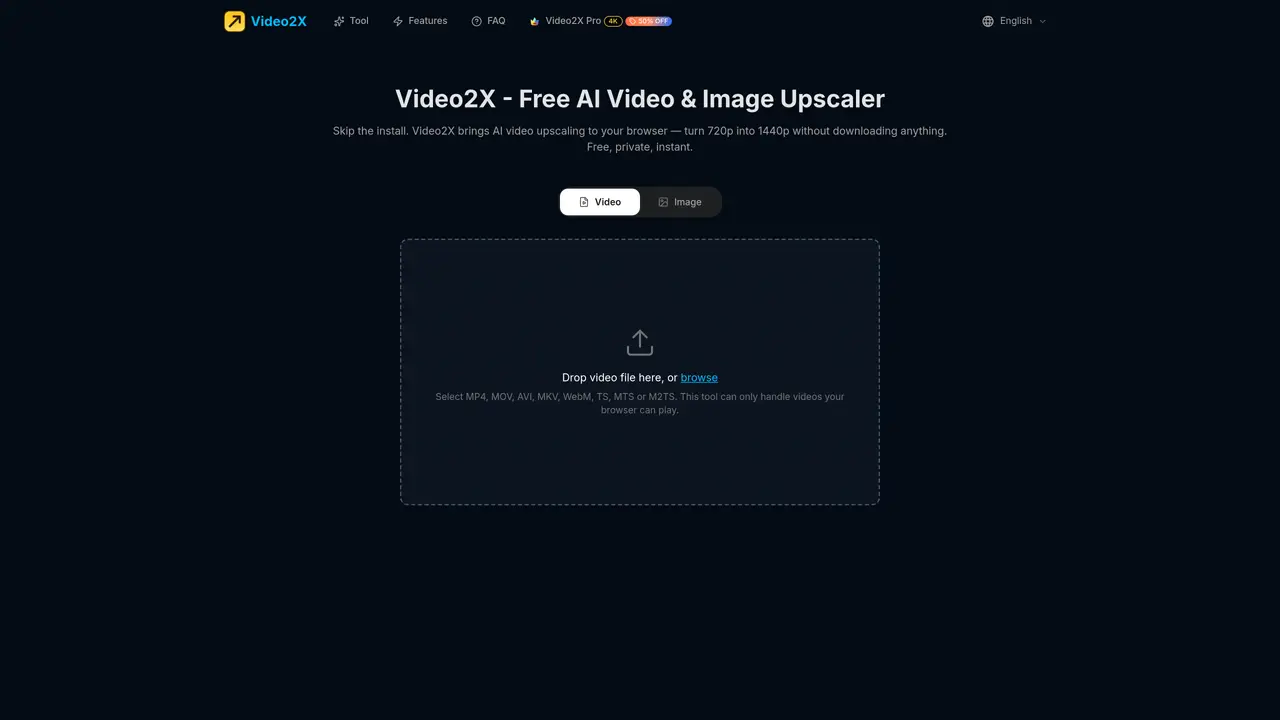
Video2X is an online tool that upscales video resolution using artificial intelligence directly in the user’s browser. It converts 720p input to 2560×1440 output by analyzing each frame with a neural network and reconstructing missing detail at the sub-pixel level, rather than simply stretching pixels. The process runs entirely on the user’s device via WebGPU, ensuring no files leave the local machine and no servers are involved. Supported video formats include MP4, MOV, AVI, MKV, WebM, TS, MTS, and M2TS, provided the browser can play them. Users select from three AI model sizes—Small, Medium, or Large—to balance speed and quality, with a preview of the first frame available before processing. The tool preserves original audio without re-encoding and outputs the upscaled video with no watermarks or account requirements. It operates on Mac, Windows, and Linux through modern browsers like Chrome, Safari, Firefox, and Edge, avoiding the need for GPU drivers, Python, FFmpeg, or CUDA installations.
Video2X is a free online AI video upscaler that runs entirely in your browser without requiring any downloads or installations. It uses WebGPU to process videos locally on your device.
Yes, Video2X works on Mac, Windows, and Linux as long as you use a modern browser like Chrome, Safari, Firefox, or Edge.
Yes, Video2X is free to use with no account required. It also does not watermark the output video.
No, Video2X processes videos entirely locally on your device, and no files leave your machine during upscaling.
Video2X supports MP4, MOV, AVI, MKV, WebM, TS, MTS, and M2TS files, provided your browser can play them.
Video2X works best in modern browsers such as Chrome, Safari, Firefox, and Edge that support WebGPU.
video2x.app · third-party estimates from Similarweb
Last 4 months · grows by one month every month
Share of visits by channel
No measurable traffic from Paid Referrals or Mail.
Share of visits · estimated visits
Other countries: 53%
How people reach this site from other AI tools
455 a month · 0.4% of all visits
Video & Animation · Sep 2026
Traffic figures are third-party estimates, good for scale and trends; they can differ from a company's own numbers. Updated monthly.
We use essential cookies to run aitoolnavio™, and optional cookies to analyze traffic and measure our marketing. You choose what we use — optional cookies stay off unless you turn them on. See our Privacy Policy.
One short email a week: fresh tools worth trying, honest takes and the updates that actually matter. No spam, unsubscribe any time.
Automate video editing, add text-to-speech voice-overs, and optimize videos for impactful results.
Create custom titles, 3D objects, adjust color and contrast, add special effects, transitions, and animations.
Vmake is an all-in-one AI-powered video creation and enhancement platform designed to help creators, marketers, and businesses produce high-quality video content quickly and effortlessly.
AI-enhanced photo and video editing software with local, secure processing.
Efficiently convert, burn, and customize videos for optimal results.
Create lifelike videos from text and images.
Create stunning videos effortlessly with HitPaw's intuitive interface and advanced editing features.
Web-based AI video editor that repurposes YouTube or TikTok clips into scroll-stopping short-form videos with AI voiceovers and viral subtitles.
AI-powered aim trainer that analyzes performance and delivers personalized exercises for FPS gamers to improve accuracy and track progress.
Web-based AI editor that upscales videos to 4K, removes backgrounds and watermarks, generates subtitles, makes clips, and translates videos.
Automatically enhance videos, create stunning results, and supports multiple file formats, with an intuitive chat-based interface.
AI plugin for Adobe Premiere Pro that automates repetitive video editing tasks like silence removal, captioning, and chapter detection.
Matched on what this tool does — grouped by the job you would be replacing.
matches GPU-accelerated AI upscaling via WebGPU · True 2x super-resolution output (720p to 1440p) · Three AI model sizes (Small, Medium, Large)
Free, open-source AI image and video upscaler running locally
AI-powered tool that upscales videos to 4K resolution, removes noise, and enhances details for better quality.
AI-powered video upscaling and enhancement software that converts SD to HD, HD to 4K, and 4K to 8K while preserving quality.
AI-powered tool upscales videos to stunning 8K quality.