Scales efficient language processing with open-source accessibility.
357M visits/mo+1%#2 Coding & Development

Build custom AI models, automate tasks, and generate formulas and AI images effortlessly.
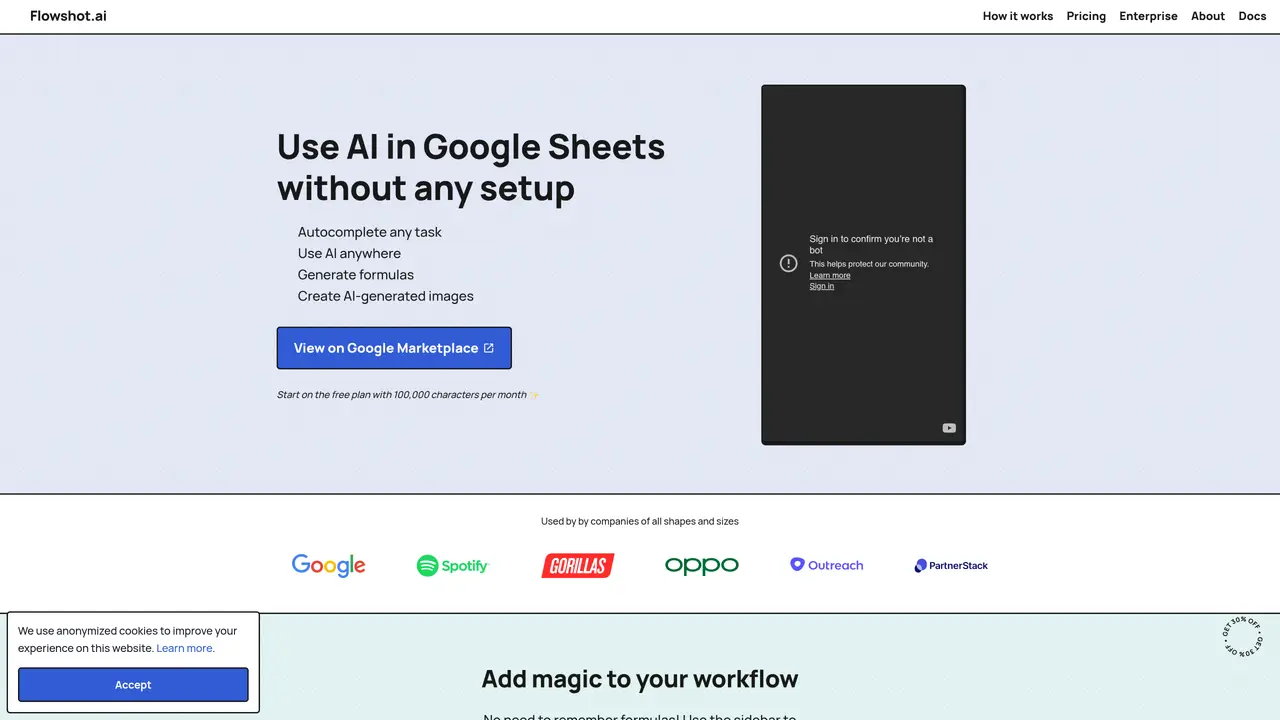
Flowshot is an AI-powered platform that enables users to build custom AI models without requiring any coding knowledge. It allows individuals and teams to automate repetitive tasks, generate formulas, and create AI images directly within Google Sheets, eliminating the need for complex setups or API keys. The tool is designed to enhance productivity by teaching AI to autocomplete tasks, train custom models, and streamline workflows through natural language prompts. Flowshot is particularly suited for non-technical users who want to integrate AI capabilities into their existing spreadsheet workflows without the overhead of technical implementation. It supports a range of use cases, from automating data entry and analysis to generating dynamic content and formulas based on user-defined instructions. The platform emphasizes ease of use, enabling users to leverage AI for tasks such as data processing, report generation, and creative content creation. By bridging the gap between AI and everyday productivity tools, Flowshot aims to make advanced automation accessible to a broader audience.
Flowshot is an AI toolkit that integrates directly with Google Sheets to enable users to automate tasks, generate formulas, create AI images, and leverage AI capabilities without writing code or managing API keys.
Flowshot is designed for individuals and businesses looking to streamline their workflows in Google Sheets, including non-technical users who want to automate repetitive tasks and power users who need advanced AI formulas.
Users can get started by installing Flowshot from the Google Workspace Marketplace, which provides a free plan with a monthly character allowance to begin using the tool immediately.
Flowshot offers AI formulas such as =COMPLETE, =AI, =FORMULA, and =IMAGINE, which allow users to automate tasks, generate formulas, and create AI images directly within Google Sheets.
Yes, Flowshot includes an =IMAGINE formula that enables users to generate AI images based on text prompts directly within their Google Sheets.
Yes, Flowshot's AI formulas are designed to work seamlessly with native Google Sheets features such as absolute references and named ranges.
We use essential cookies to run aitoolnavio™, and optional cookies to analyze traffic and measure our marketing. You choose what we use — optional cookies stay off unless you turn them on. See our Privacy Policy.
One short email a week: fresh tools worth trying, honest takes and the updates that actually matter. No spam, unsubscribe any time.
Scales efficient language processing with open-source accessibility.
Collaboration and version control platform for software development and AI model hosting.
Tesla’s AI stack powers Full Self-Driving, Optimus humanoid robots, and real-world autonomy with neural networks, custom hardware, and Dojo-scale training.
Integrates AI into Airtable to analyze data, summarize insights, draft content, and automate workflows without prior AI experience.
AI-powered website builder that generates a professional site in under a minute and includes tools for content, SEO, and analytics.
Unified platform to access and switch between hundreds of AI models like ChatGPT, Claude, and Gemini via a single API.
xAI builds Grok frontier AI models for reasoning, coding, voice, images, video, enterprise workflows, and developer APIs.
Meta AI enhances machine learning, NLP, and computer vision capabilities.
Crowdsourced platform for blind, side-by-side AI model comparisons with a public leaderboard.
Customize, deploy, and control AI models securely.
Independent benchmarks comparing AI models on quality, speed, and cost across multiple capabilities.
Chat, build, and explore with open AI models.
Matched on what this tool does — grouped by the job you would be replacing.
matches Build custom AI models without code · Train custom models
Build no-code AI agents to automate sales, support, marketing, and creative tasks for small businesses.
Build, train, and deploy AI models effortlessly, automating model tasks and delivering high-quality results.
matches Autocomplete repetitive tasks · Teach AI to 'Autocomplete' repetitive tasks
matches Generate formulas and AI images · Use AI in Google Sheets without any setup or API keys
Generate emails, transform text instructions into formulas, and create programmatic SEO content effortlessly.
AiAssistWorks is an AI-powered tool that enhances Google Sheets & Docs by integrating 100+ AI models.
Automate spreadsheet tasks, streamline workflows, maximize ROI, analyze and visualize data easily.
AI assistant that brings ChatGPT directly into Google Sheets and Docs to generate, analyze, and transform content.
The AI agent for Excel and Sheets with advanced add-ons for Google Workspace and Microsoft Office.
Automate complex Excel formulas, generate accurate equations with 44,000+ formulas.
Automates spreadsheet tasks with AI-driven formulas and insights.
Free AI tool that generates custom Excel and Google Sheets formulas from plain-language prompts.