Summarizes, extracts, and rewrites content from files.
89M visits/mo+8.7%#2 Productivity & Office

Instantly serve GitHub-hosted Markdown as modern documentation with AI features
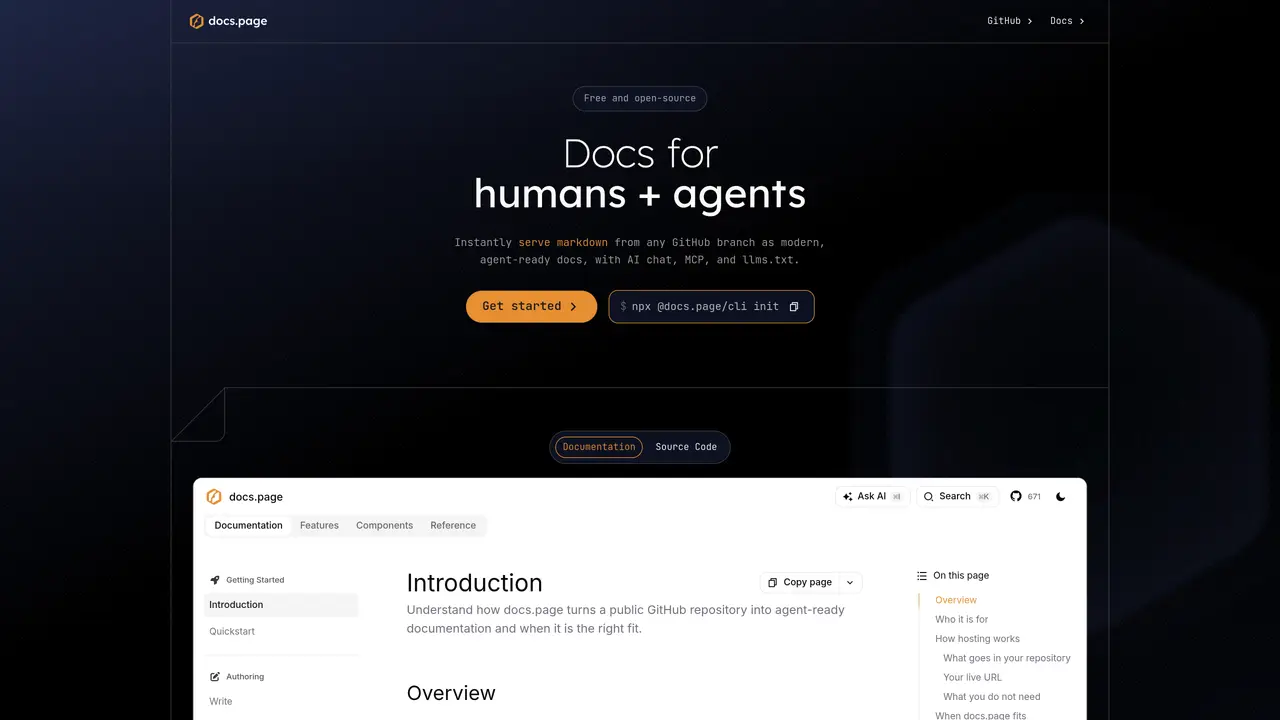
docs.page converts Markdown files stored in any GitHub branch into a live documentation site without requiring build pipelines or hosting configuration. The service automatically indexes content and provides an embedded AI chat interface for instant search, eliminating the need for third-party tracking scripts or external setup. Documentation can be published directly from a public GitHub repository, with updates reflected immediately after commits. Built-in MCP servers and llms.txt files enable AI agents to query documentation context directly, making the site compatible with agent workflows. Interactive components can be added using MDX for richer experiences beyond standard Markdown. Version control is supported through branches, tags, and releases, allowing distinct documentation sites for different versions or staging previews. The interface follows shadcn/ui design standards, enabling customization to match brand identity.
docs.page converts Markdown files stored in any GitHub branch into a live documentation site without requiring build pipelines or hosting configuration. It provides an embedded AI chat interface for instant search and supports agent-ready features like MCP servers and llms.txt files.
The tool is designed for developers and teams who want to publish and maintain documentation directly from GitHub. It is particularly useful for open-source projects and products that require versioned documentation or agent-compatible content.
Users can initialize a documentation site by running the command `npx @docs.page/cli init` in their terminal. The tool integrates seamlessly with GitHub repositories for deployment and updates.
Yes, docs.page allows serving any Git branch, tag, or release as a distinct documentation site. This enables seamless organization of versions and live staging previews.
Yes, the interface follows shadcn/ui design standards, enabling easy customization of components to match brand identity.
Yes, users can add interactive components to their docs using MDX, which provides richer experiences than standard Markdown.
docs.page · third-party estimates from Similarweb
Last 4 months · grows by one month every month
Share of visits by channel
No measurable traffic from Paid Referrals.
Share of visits · estimated visits
Other countries: 44.7%
How people reach this site from other AI tools
6 a month
Productivity & Office · Sep 2026
Traffic figures are third-party estimates, good for scale and trends; they can differ from a company's own numbers. Updated monthly.
We use essential cookies to run aitoolnavio™, and optional cookies to analyze traffic and measure our marketing. You choose what we use — optional cookies stay off unless you turn them on. See our Privacy Policy.
One short email a week: fresh tools worth trying, honest takes and the updates that actually matter. No spam, unsubscribe any time.
Summarizes, extracts, and rewrites content from files.
Automate citation and reference management, aid research with text and data mining, and securely store and share documents.
Capture, organize, and share ideas, notes, and documents effortlessly.
Headless CMS that lets developers manage structured content and deliver it anywhere via flexible APIs and real-time collaboration tools.
Efficiently create and manage cases, streamline workflows, securely store and share documents, and collaborate with colleagues.
Access files, collaborate, and secure your data with unbeatable customizable system.
An AI-powered PDF editor and converter for editing, OCR, signing, annotating, merging, and chatting with documents across devices.
Browser-based PDF editor that edits, signs, converts, merges, compresses, and shares files, with AI for form filling, document chat, and PDF creation.
Securely store, access, and search documents from any device with ease.
Create and customize legal documents, consult lawyers, and access legal guides all in one platform.
Centralize brand assets, automate approvals, and collaborate with external partners in a single digital asset management platform.
AI diagramming and documentation tool for engineering teams to create and update cloud architecture, ERDs, and flowcharts from prompts, code, and CI/CD workflows.
Matched on what this tool does — grouped by the job you would be replacing.
matches GitHub-based publishing · Direct updates from GitHub commits · Branch and version management
Generate code documentation instantly, customize with notes, tags, diagrams, and save time.
Zero-config docs framework that turns Markdown into a production-grade site with built-in AI features and automatic navigation.
An AI documentation platform that turns screen-recorded demos into self-organizing docs, chatbots, updates, and customer insights for product teams.
matches Embedded AI chat for search · llms.txt support · MCP servers support
Visually build, test, and deploy AI agents, RAG workflows, MCP servers, and LLM apps with drag-and-drop flows and reusable components.
Transform your documentation into an intelligent Q&A chatbot, search widget, and FAQs for enhanced user support.