Generate content, correct spelling, suggest synonyms to enhance writing.
173M visits/mo+0.1%#1 Productivity & Office

ExcelMatic turns spreadsheets into insights by letting users analyze and visualize Excel data through natural-language chat.
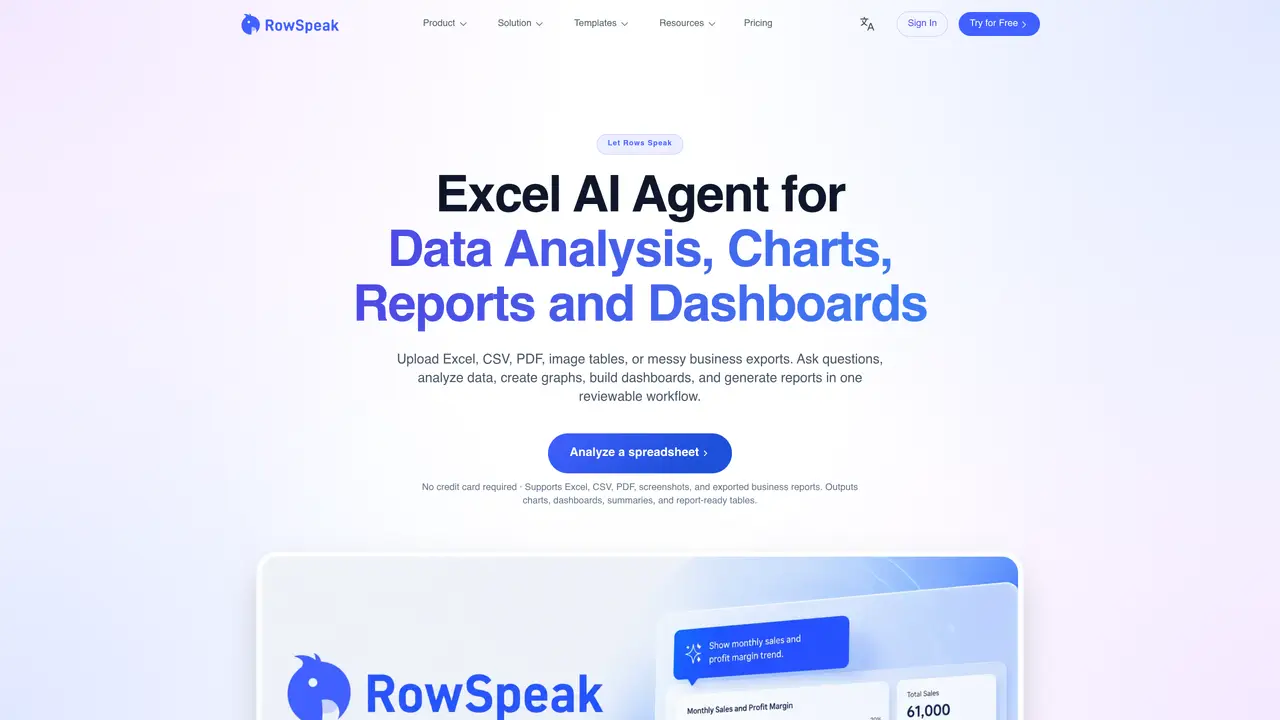
Excelmatic is an AI-powered assistant that transforms how users interact with Excel spreadsheets. By uploading files, users can ask questions in plain English and receive instant results such as cleaned datasets, generated formulas, and dynamic visualizations. The tool combines natural language processing with intelligent type recognition to interpret user intent accurately. It automates repetitive tasks like data cleaning, anomaly detection, and chart recommendations, reducing manual effort and minimizing common Excel errors. Excelmatic also supports image-to-Excel conversion, enabling users to extract structured data from screenshots or photos. Designed for both technical and non-technical users, it makes advanced analytics accessible without requiring deep knowledge of Excel functions or formulas. Teams and individuals use it to accelerate reporting, uncover trends, and derive actionable insights from their data more efficiently than traditional spreadsheet workflows allow.
ExcelMatic is an AI-powered assistant that transforms spreadsheets by allowing users to upload files and ask questions in plain English to generate cleaned datasets, formulas, visualizations, and reports. It supports Excel, CSV, PDF, and image inputs.
ExcelMatic is designed for teams and individuals who work extensively with spreadsheets, including finance, marketing, sales, operations, and leadership teams seeking faster analysis and cleaner reporting.
ExcelMatic supports Excel, CSV, PDF, and image files, enabling users to upload raw data, screenshots, or exported reports for analysis and conversion into editable spreadsheets.
Yes, ExcelMatic can convert spreadsheets into interactive dashboards and generate report-ready summaries, variance notes, and management updates using natural language prompts.
No, ExcelMatic uses natural language processing to interpret user intent, allowing users to perform advanced analytics and create outputs without deep knowledge of Excel functions.
Common use cases include automated financial workflows, AI-powered marketing automation, inventory tracking, sales forecasting, executive reporting, and revenue prediction.
excelmatic.ai · third-party estimates from Similarweb
Last 4 months · grows by one month every month
Share of visits by channel
Share of visits · estimated visits
Other countries: 71.5%
Productivity & Office · Sep 2026
Traffic figures are third-party estimates, good for scale and trends; they can differ from a company's own numbers. Updated monthly.
We use essential cookies to run aitoolnavio™, and optional cookies to analyze traffic and measure our marketing. You choose what we use — optional cookies stay off unless you turn them on. See our Privacy Policy.
One short email a week: fresh tools worth trying, honest takes and the updates that actually matter. No spam, unsubscribe any time.
Generate content, correct spelling, suggest synonyms to enhance writing.
Turn messy team ideas into actionable plans with Miro's visual workspace.
Leverage analytics, automate tasks, share documents, and coordinate projects.
Integrates AI into Airtable to analyze data, summarize insights, draft content, and automate workflows without prior AI experience.
Cloud accounting software that automates bookkeeping, invoicing, and financial reporting for small and growing businesses.
Streamline teamwork, manage projects, automate tasks efficiently.
Automate code, research, and documents using agents.
AI assistant for safe, reliable productivity with code, collaboration, and integrations.
Create customizable tables, databases, and spreadsheets, share data securely with team members.
Easy-to-use CRM platform that automates lead capturing, prioritizes tasks, and provides sales pipeline analytics for businesses of all sizes.
Transforms thoughts into actions, enhancing productivity and efficiency.
Write & run code in 50+ languages, auto-complete with AI, and code faster with an intuitive interface.
Matched on what this tool does — grouped by the job you would be replacing.
Paid placement · similar tools from listings that support aitoolnavio™
Instant lead response for home-service pros: your phone rings on every new lead, plus 14 days of follow-up
matches Natural-language chat for data analysis and visualization · Automated data cleaning and anomaly detection · Formula generation from plain-English prompts
Automates spreadsheet tasks with AI-driven formulas and insights.
AI-Powered Excel Data Analysis and Visualization
AI-powered platform that turns Excel or CSV data into reports, dashboards and PowerPoint files
An AI data analytics platform that turns spreadsheets and databases into instant analyses, visualizations, forecasts, and shareable reports.