Generate content, correct spelling, suggest synonyms to enhance writing.
173M visits/mo+0.1%#1 Productivity & Office

A local-first desktop gallery for AI-generated images that indexes and lets you search, filter, tag, and manage generation metadata offline.
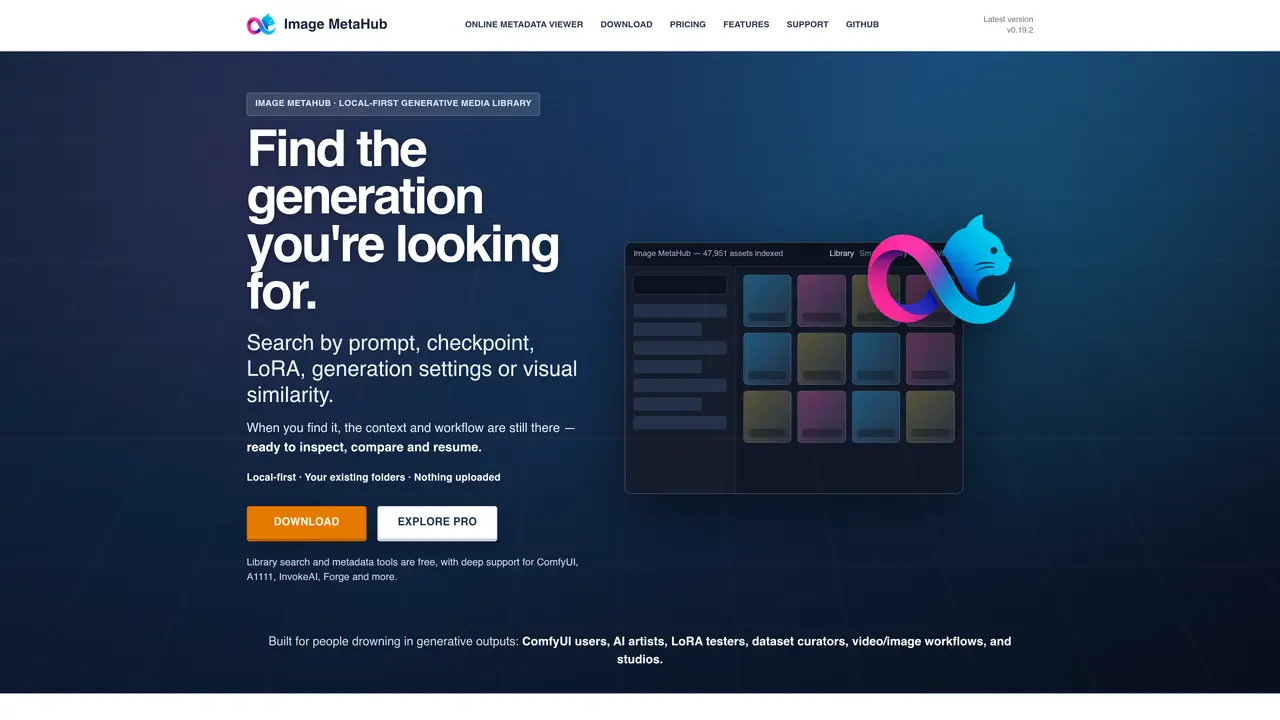
Image MetaHub is a local-first desktop application designed to organize, search, and manage large collections of generative media files. It indexes and parses embedded metadata from AI-generated images, videos, audio files, and 3D models, allowing users to search by prompts, models, LoRAs, seeds, samplers, and other generation parameters. The tool provides smart library views, visual comparison modes, and workflow analytics while maintaining complete privacy by keeping all data on the user’s local machine. Image MetaHub integrates directly with popular AI generation tools like ComfyUI and Automatic1111, enabling users to send parameters and queue jobs directly from the interface. It supports mixed media libraries and offers features like automated folder watching, lineage tracking, and embedded metadata preservation. The application is particularly valuable for AI artists, researchers, and production teams who need to efficiently manage and reuse their generative outputs without relying on cloud services. The free version provides core functionality for building searchable local libraries, while the Pro version unlocks advanced workflow tools for daily professional use. Users can inspect generation context, compare variations using multiple comparison modes, and organize files with tags, ratings, and collections. The tool also includes a built-in editor for safe adjustments that preserves original metadata, and supports a wide range of file formats and generation ecosystems.
Image MetaHub is a desktop application that indexes and organizes generative media files locally, allowing users to search, filter, compare, and manage their AI-generated content using embedded metadata without uploading files to the cloud.
The tool is designed for AI artists, researchers, dataset curators, and production teams who work with generative media and need efficient ways to search, compare, and reuse their outputs while maintaining privacy.
Yes, it supports major generative AI ecosystems including ComfyUI, Automatic1111, InvokeAI, Forge, SD.Next, Fooocus, and others, with direct integration for workflow management.
The tool supports images (PNG, JPG, WEBP, GIF), video (MP4, WEBM, MKV, MOV, AVI), audio (MP3, WAV, FLAC, OGG, M4A), and 3D models (GLB, GLTF, OBJ, FBX, STL) with embedded metadata parsing.
Image MetaHub offers a free version with core functionality for building searchable local libraries, while the Pro version provides advanced workflow tools for users who need deeper integration and daily professional use.
Yes, the tool is designed to integrate seamlessly with existing workflows by reading and preserving metadata from various AI generation tools, allowing you to resume and compare previous work.
imagemetahub.com · third-party estimates from Similarweb
Last 4 months · grows by one month every month
Share of visits by channel
Share of visits · estimated visits
Productivity & Office · Sep 2026
Traffic figures are third-party estimates, good for scale and trends; they can differ from a company's own numbers. Updated monthly.
We use essential cookies to run aitoolnavio™, and optional cookies to analyze traffic and measure our marketing. You choose what we use — optional cookies stay off unless you turn them on. See our Privacy Policy.
One short email a week: fresh tools worth trying, honest takes and the updates that actually matter. No spam, unsubscribe any time.
Generate content, correct spelling, suggest synonyms to enhance writing.
Turn messy team ideas into actionable plans with Miro's visual workspace.
Leverage analytics, automate tasks, share documents, and coordinate projects.
Integrates AI into Airtable to analyze data, summarize insights, draft content, and automate workflows without prior AI experience.
Cloud accounting software that automates bookkeeping, invoicing, and financial reporting for small and growing businesses.
Streamline teamwork, manage projects, automate tasks efficiently.
Automate code, research, and documents using agents.
AI assistant for safe, reliable productivity with code, collaboration, and integrations.
Create customizable tables, databases, and spreadsheets, share data securely with team members.
Easy-to-use CRM platform that automates lead capturing, prioritizes tasks, and provides sales pipeline analytics for businesses of all sizes.
Transforms thoughts into actions, enhancing productivity and efficiency.
Write & run code in 50+ languages, auto-complete with AI, and code faster with an intuitive interface.
Matched on what this tool does — grouped by the job you would be replacing.
Paid placement · similar tools from listings that support aitoolnavio™
Instant lead response for home-service pros: your phone rings on every new lead, plus 14 days of follow-up
matches Local-first desktop gallery for AI-generated images · Parses and indexes metadata (prompts, models, seeds, samplers, CFG, LoRAs) · Instant search, filter, tag, compare, and manage large collections offline
Professional visual AI engine for node-based image, video, 3D, audio and generative workflows with full control over models and outputs.
RunComfy lets artists and hobbyists run ComfyUI workflows in the cloud without local setup, using on-demand GPUs and optional autoscaling serverless endpoints.