Generate content, correct spelling, suggest synonyms to enhance writing.
173M visits/mo+0.1%#1 Productivity & Office

Boost productivity & creativity, answer questions, unlock AI's power to stay ahead.
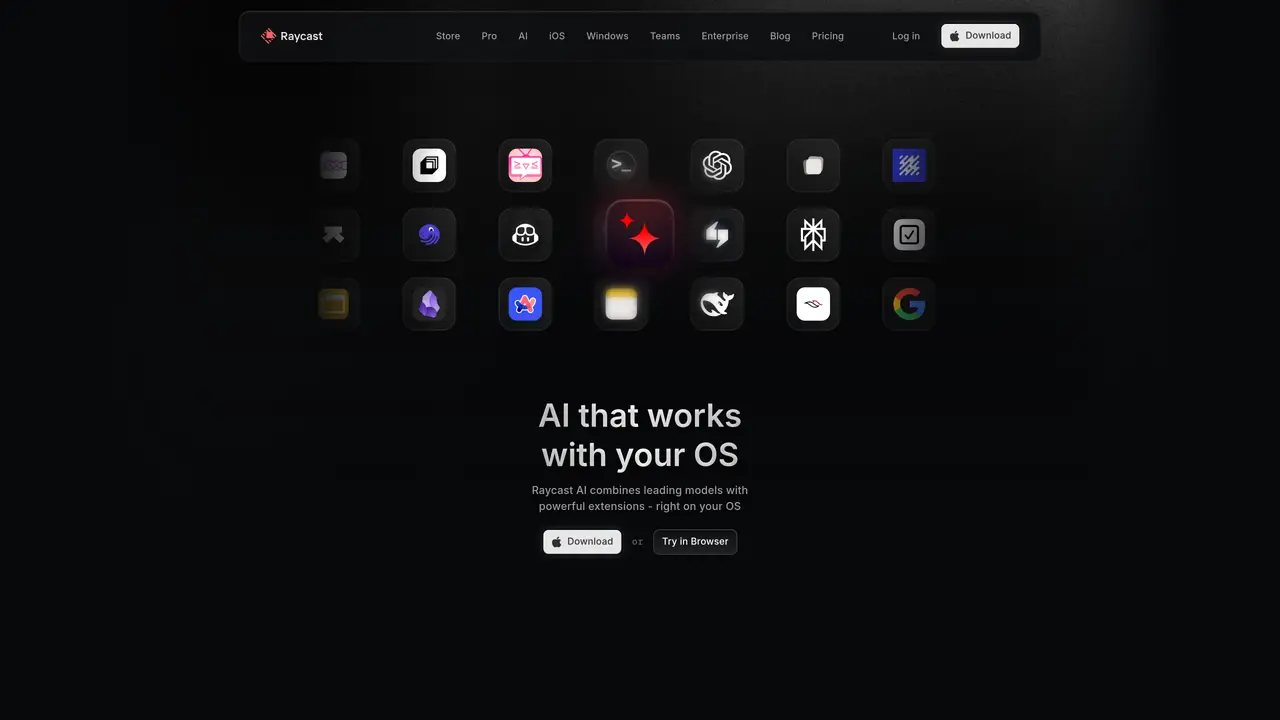
Raycast Al is a powerful artificial intelligence (AI) platform designed specifically for Mac users. With Mac AI, you can unlock the power of AI to maximize your productivity, creativity, and efficiency. It enables you to write smarter and code faster, so you can get more done in less time. Plus, you can use Mac AI to answer questions quickly and accurately, so you don’t get stuck trying to figure out a problem. With Mac AI, you can make smarter decisions and explore new possibilities, as well as stay ahead of the competition. All of this is made possible by the most advanced AI technology, giving you the edge you need to stay on top of your work. Unlock the power of AI on your Mac and become a smarter, more productive, and more efficient Mac user today.
Raycast AI integrates leading AI models with a unified interface on your operating system, enabling users to interact with AI through natural language commands and extensions. It combines chat-based assistance with OS-level actions, allowing tasks like file management, app control, and data retrieval directly from the desktop.
Raycast AI is designed for Mac users seeking to enhance productivity through AI-powered workflows. It suits developers, designers, project managers, and general users who want to streamline tasks like coding, research, scheduling, and document analysis using AI.
Users can download Raycast AI from the official website and install it on their Mac. After installation, they can access AI features via a hotkey or the Raycast interface, where they can start chatting with AI models, use extensions, or perform OS-level actions.
Yes, Raycast AI supports extensions that connect with popular apps like Linear, Calendar, and others through its open-source Extension Store. Users can create custom workflows or leverage pre-built extensions to interact with their favorite tools.
Raycast AI supports over 32 different AI models, including fine-tuned presets for specific tasks like coding, market research, or project assistance. Users can switch between models mid-chat to find the best response for their needs.
Yes, Raycast AI allows users to attach and chat with PDFs, CSV files, or other documents directly within the interface. This feature enables context-aware assistance for tasks like summarizing documents or extracting key information.
We use essential cookies to run aitoolnavio™, and optional cookies to analyze traffic and measure our marketing. You choose what we use — optional cookies stay off unless you turn them on. See our Privacy Policy.
One short email a week: fresh tools worth trying, honest takes and the updates that actually matter. No spam, unsubscribe any time.
Generate content, correct spelling, suggest synonyms to enhance writing.
Turn messy team ideas into actionable plans with Miro's visual workspace.
Leverage analytics, automate tasks, share documents, and coordinate projects.
Integrates AI into Airtable to analyze data, summarize insights, draft content, and automate workflows without prior AI experience.
Cloud accounting software that automates bookkeeping, invoicing, and financial reporting for small and growing businesses.
Streamline teamwork, manage projects, automate tasks efficiently.
Automate code, research, and documents using agents.
AI assistant for safe, reliable productivity with code, collaboration, and integrations.
Create customizable tables, databases, and spreadsheets, share data securely with team members.
Easy-to-use CRM platform that automates lead capturing, prioritizes tasks, and provides sales pipeline analytics for businesses of all sizes.
Transforms thoughts into actions, enhancing productivity and efficiency.
Write & run code in 50+ languages, auto-complete with AI, and code faster with an intuitive interface.
Matched on what this tool does — grouped by the job you would be replacing.
Paid placement · similar tools from listings that support aitoolnavio™
Instant lead response for home-service pros: your phone rings on every new lead, plus 14 days of follow-up
matches Quickly answer questions with AI-powered solutions · Boost productivity & creativity
matches Write smarter and code faster · Boost productivity & creativity
matches Make smarter decisions and explore new possibilities · Unlock the power of AI to stay ahead of the competition
Browser extension AI assistant for in-page summarization, translation, drafting, and cited web search.
A Chrome extension that supercharges textboxes with AI-powered writing and productivity features.
Boost productivity with macOS and AI integration.
Access a powerful language model instantly, find answers effortlessly, and enjoy chatGPT's capabilities on your Mac.
Generate content, correct spelling, suggest synonyms to enhance writing.
AI-powered writing assistant for grammar, style, and tone improvements across documents and emails.
AI-powered writing tool for paraphrasing, summarizing, and enhancing writing effortlessly.
Automate appointment scheduling, answer questions, and provide tailored responses using natural language processing.
Access data and insights, leverage predictive analytics, compare scenarios to make smarter business decisions.
Ai Intern automates research, creates quality content faster, streamlines workflows, and boosts productivity with AI-driven capabilities.