Open-source control plane for orchestrating multiple coding agents
703K visits/mo+93.9%#52 Automation & Agents
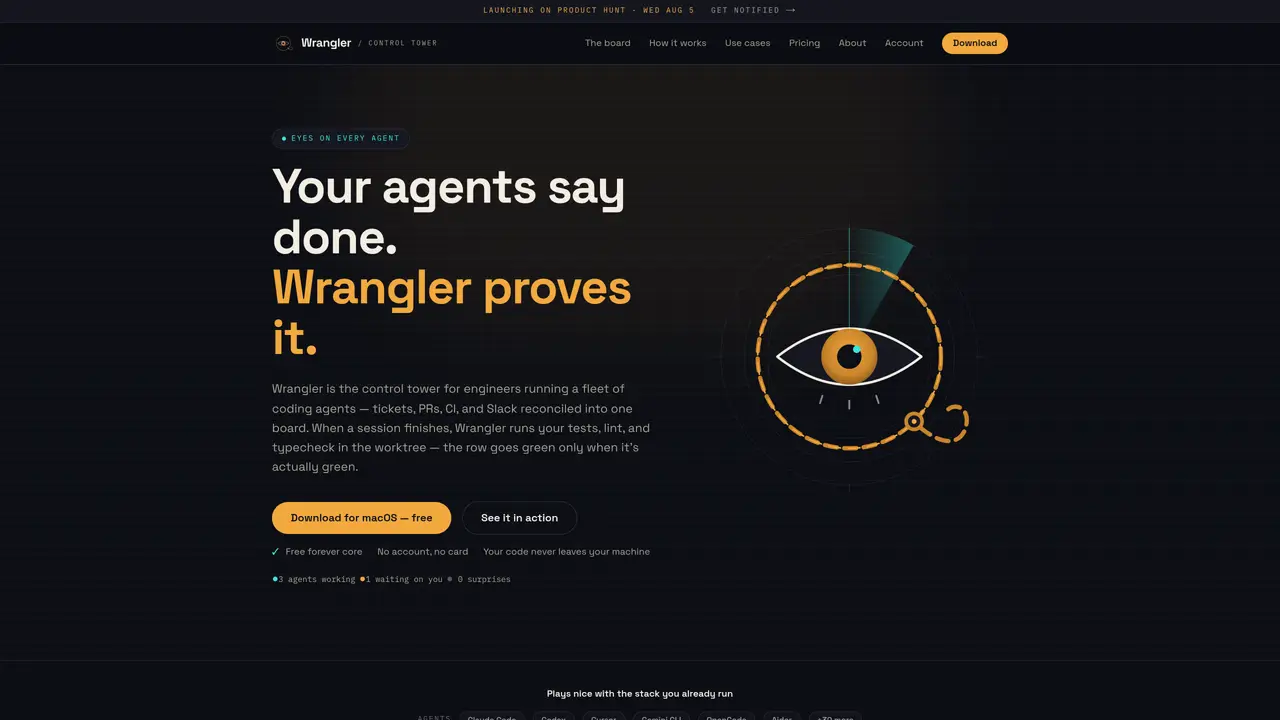
Wrangler is a desktop application that serves as a control tower for engineers managing multiple coding agents. It consolidates tickets, pull requests, CI pipelines, and Slack threads into a single board, reconciling their statuses into one view. When an agent session completes, Wrangler automatically runs tests, linting, and type checking in an isolated git worktree, updating the status only when all checks pass. The tool integrates with existing workflows by connecting to platforms like GitHub, Linear, Jira, and Slack, while keeping code and tokens local to the user’s machine. It supports over 30 coding agents including Claude Code, Cursor, and Gemini, and provides real-time notifications for sessions that require user input or have failed checks. The interface prioritizes minimizing context switching by surfacing only what needs attention, with a ‘Needs you now’ queue for blocked sessions. Users can review and approve changes directly within the app, with options to re-run CI or reply in Slack without leaving the workflow.
Wrangler is a desktop control tower for engineers managing multiple coding agents. It consolidates tickets, pull requests, CI pipelines, and Slack threads into a single board, designed for developers who run parallel agent sessions and need to reconcile their statuses efficiently.
Wrangler connects to platforms like GitHub, Linear, Jira, Slack, Coralogix, and LaunchDarkly using existing credentials stored locally in the OS keychain. It does not replace existing tools but orchestrates them, handling isolation and interruptions.
When a session finishes, Wrangler automatically runs tests, linting, and type checking in an isolated git worktree. The status updates only when all checks pass, ensuring the board reflects an accurate health status.
Wrangler sends native notifications and chimes when a session finishes or requires input. It also maintains a 'Needs you now' queue that ranks blocked sessions by urgency, surfacing the longest-waiting first.
Yes, users can review diffs, attach line comments, and approve changes directly in the app. The review queue allows sweeping through open pull requests in one pass, with options to re-run CI or reply in Slack without leaving the workflow.
Wrangler offers a free core version with no account or card required. The tool is local-first, meaning your code and tokens never leave your machine. The core version supports up to three agents, with additional capabilities available in other tiers.
We use essential cookies to run aitoolnavio™, and optional cookies to analyze traffic and measure our marketing. You choose what we use — optional cookies stay off unless you turn them on. See our Privacy Policy.
One short email a week: fresh tools worth trying, honest takes and the updates that actually matter. No spam, unsubscribe any time.
Open-source control plane for orchestrating multiple coding agents
Open-source agent orchestration platform for managing teams of AI agents with org charts, goals, and governance in a self-hosted deployment.
Build teams of AI agents that collaborate, automate workflows, and complete complex tasks together.
Design, automate, and orchestrate complex workflows across systems with Camunda's AI-enabled process orchestration platform.
Orkes is a modern workflow orchestration platform designed to enhance how developers create, connect, and deploy applications across various environments.
Buda AI, a cloud-native workspace where AI agents collaborate to execute tasks and run companies 24/7.
A protocol for tokenized AI agents that autonomously generate services, products, and trade onchain with humans or other agents.
Open-source tool to orchestrate multi-agent workflows that decompose complex tasks into parallel sub-agents with sandboxed execution and persistent memory.
Open meta-harness for composing, sandboxing, and collaborating on AI agent sessions across multiple platforms.
A reasoning-focused AI agent that plans, executes, and self-improves complex multi-step workflows with auditability and verification.
A Tool OS for AI agents that discovers, routes, and executes third-party services via a single OpenAI-SDK-compatible API.
Declarative runtime for running agentic tasks at scale with sandboxing and state management
Matched on what this tool does — grouped by the job you would be replacing.
matches Single board reconciling tickets, PRs, CI, and Slack threads · Automated verification of agent outputs in isolated worktrees · Real-time 'Needs you now' queue for blocked sessions
Define and run cloud agents in YAML with API control for automation and code review
Centralize and govern coding agents shipping work.
Shared workspace for teams of AI coding agents
Native desktop cockpit to run and coordinate multiple AI coding agents on a local machine
matches Automated verification of agent outputs in isolated worktrees · Support for over 30 coding agents (Claude Code, Cursor, Gemini, etc.)
Parallel AI coding agent IDE that runs multiple agents side by side in isolated git worktrees for faster, comparative development.
Private cloud computer for AI agents to collaborate on coding and research tasks
A macOS workspace for running and managing parallel AI coding agents with isolated shells and automatic git worktrees.
Local desktop app that consolidates multiple coding agents into one window