




Automate tasks on websites with Browser-Use's AI browser control.
855K visits/mo+134.2%#45 Automation & Agents

Antidetect browser for managing multiple online accounts with AI-generated fingerprints
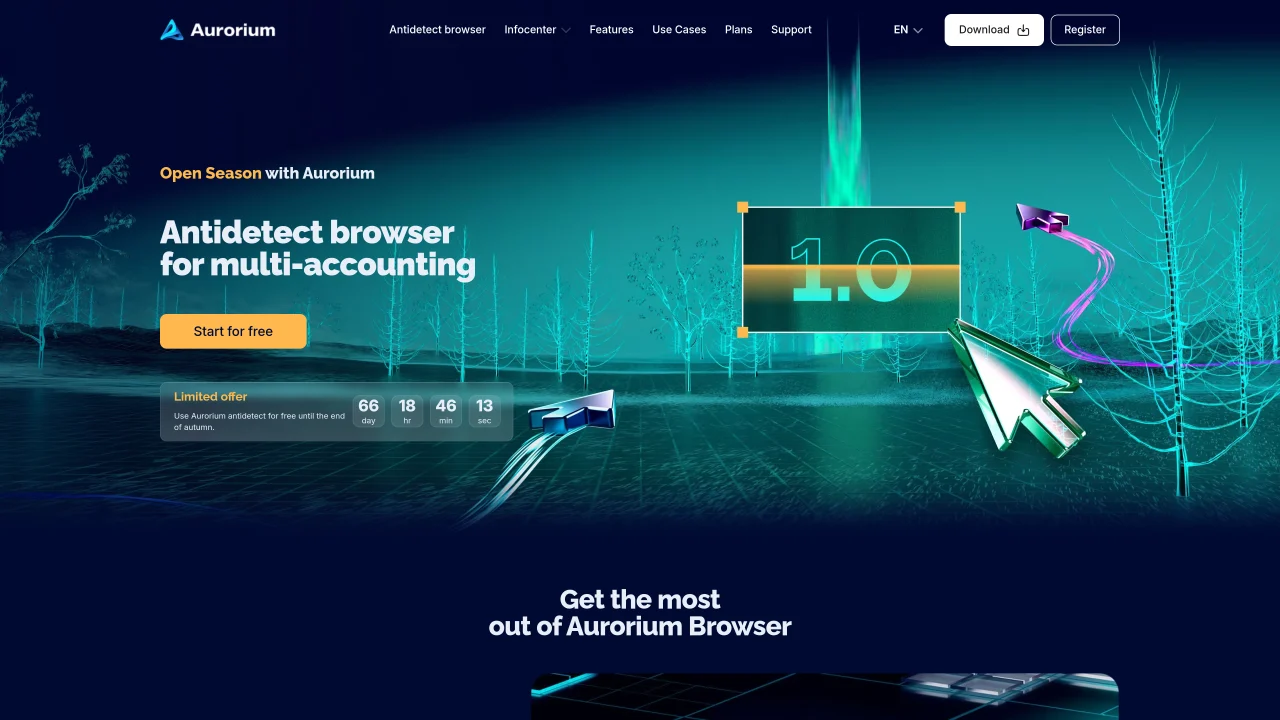
Aurorium Browser is a privacy-focused browser designed for multi-accounting and automation. It generates AI-based browser fingerprints that mimic real devices, allowing users to operate multiple accounts without detection. The tool supports GEO targeting, demographic customization, and income-level selection to create realistic profiles. It includes features for bulk profile creation, cookie synchronization, and API integration for workflow automation. A mobile app provides 24/7 access to manage tasks and teams remotely. The browser incorporates a built-in messenger for team communication and a CRM system for task tracking and reminders. Security is emphasized with independent audits by Cure53, ensuring stable operation and data protection under load. Plans range from a free tier for basic use to enterprise options with unlimited profiles and personalized support.
Aurorium Browser is an antidetect browser designed for multi-accounting and automation. It generates AI-based browser fingerprints that mimic real devices, allowing users to operate multiple accounts without detection. The tool supports GEO targeting, demographic customization, and income-level selection to create realistic profiles.
Aurorium Browser is suitable for specialists, professionals, and large teams who need to manage multiple accounts securely, automate workflows, or collaborate on tasks. It is commonly used for traffic arbitrage, advertising, and multi-account workflows.
Yes, Aurorium Browser offers a free plan called Blink, which includes basic features such as 5 profiles, notifications, messenger, support, AI, automation, and CRM. Additional profiles can be purchased separately.
Yes, Aurorium Browser supports API integration for workflow automation. It also includes features like bulk profile creation, cookie synchronization, and a built-in messenger and CRM system for team collaboration.
Aurorium Browser emphasizes security with independent audits by Cure53, which verified the stability, data protection, and resilience of its client, mobile app, authentication system, backend services, and API. The architecture is designed to handle load and protect user data.
Yes, Aurorium Browser offers a mobile app that provides 24/7 access to manage tasks, distribute workload, and communicate with your team remotely. The app ensures full access to the Aurorium ecosystem even when away from a desktop.
We use essential cookies to run aitoolnavio™, and optional cookies to analyze traffic and measure our marketing. You choose what we use — optional cookies stay off unless you turn them on. See our Privacy Policy.
One short email a week: fresh tools worth trying, honest takes and the updates that actually matter. No spam, unsubscribe any time.
Automate tasks on websites with Browser-Use's AI browser control.
Sigma Browser is an AI Agent & AI Browser that reimagines web browsing with a powerful suite of integrated AI tools.
BrowserBase automates web workflows with secure, scalable browser instances for tasks like scraping and testing.
Cloud-hosted browser automation platform for engineers and teams building AI agents that navigate authenticated websites and run scalable workflows via API.
AI Chrome extension builder that turns plain English descriptions into working Manifest v3 extensions with one-click .zip export.
A no-code AI tool that lets users create custom Chrome extensions and browser automations by describing needs in plain language.
Browser extension that reads pages, extracts data and automates tasks using local or cloud LLMs
AI-powered browser autopilot that automates web tasks like form-filling, research, and job applications using plain English commands.
Nextbrowser is an AI-powered browser agent that automates web tasks like clicking, typing, and data extraction using plain-language instructions.
Browser extension that runs an AI agent inside Chrome to read pages, fill forms and work across tabs
Agent-driven browser that performs web tasks while you watch and can be controlled mid-process
Browser that integrates with Claude Code and Codex agents for on-page task execution
Matched on what this tool does — grouped by the job you would be replacing.
matches AI fingerprint generation · Real device fingerprint matching · Bulk profile creation
Hosted Chromium API that maintains persistent, authenticated browser sessions for AI agents and automation scripts.
Local-first desktop workspace for managing multiple AI agents with policy controls
matches Built-in messenger · Built-in CRM system
Unified AI platform that automates CRM, workflows, and customer interactions in a single workspace.
Unified AI-first business platform combining CRM, sales, HR and more