
Create accurate 3D floor plans and interior visualizations with drag-and-drop tools, no design expertise required.
554K visits/mo+13.9%#112 Image & Design
AI tool that redesigns interior rooms from photos while preserving architecture
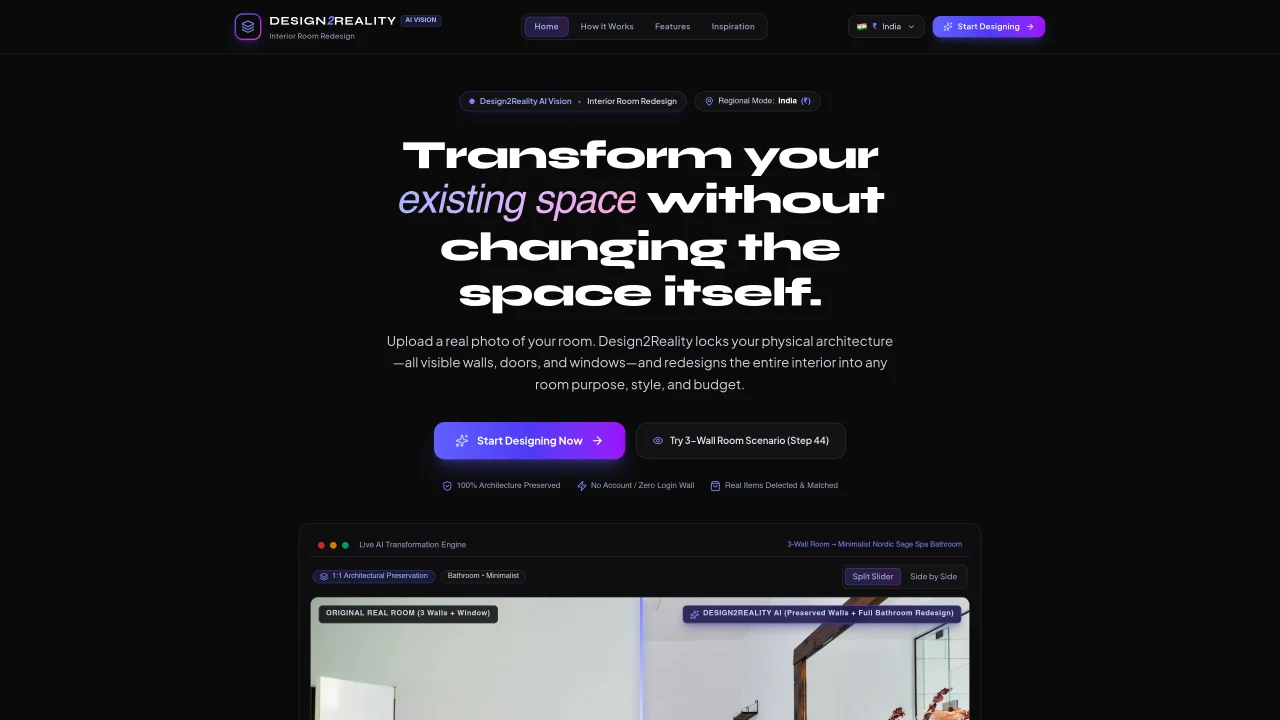
Design2Reality AI Vision Interior Room Redesign transforms interior spaces by uploading a real photo of a room. The tool preserves the physical architecture—visible walls, doors, windows, floor levels, ceiling height, and camera perspective—while redesigning the entire visible interior to match a specified purpose, style, and budget. It detects and matches real furniture items in the generated redesign with local retailers, providing a practical build roadmap for implementation. The process begins with selecting a region and currency, uploading a photograph, and defining the room’s new purpose and aesthetic. The AI then generates a complete interior transformation that maintains 1:1 architectural integrity, followed by dynamic item detection and localized shopping integration. Sessions are private and isolated, requiring no account or login, and designs are strictly confined to the active browser session.
Design2Reality AI Vision Interior Room Redesign transforms interior spaces by uploading a real photo of a room. It preserves the physical architecture—such as walls, doors, windows, floor levels, ceiling height, and camera perspective—while redesigning the entire visible interior to match a specified purpose, style, and budget.
The tool is designed for homeowners, interior designers, real estate professionals, and anyone looking to visualize and plan interior redesigns without altering the original room’s structure. It suits users who want a practical, actionable roadmap for implementing their redesign.
To get started, select a region and currency, upload a photograph of the room, and define the room’s new purpose and aesthetic. The AI then generates a complete interior transformation while maintaining the room’s architectural integrity.
Yes, the tool detects and matches real furniture items in the generated redesign with local retailers, offering a practical build roadmap for implementation. This helps users find and purchase items to bring their redesigned space to life.
Yes, sessions are private and isolated, requiring no account or login. Designs are strictly confined to the active browser session, ensuring confidentiality and convenience for users.
Yes, the tool preserves the physical architecture of the room, including visible walls, doors, windows, floor levels, ceiling height, and camera perspective, while redesigning the interior to match the specified style and purpose.
We use essential cookies to run aitoolnavio™, and optional cookies to analyze traffic and measure our marketing. You choose what we use — optional cookies stay off unless you turn them on. See our Privacy Policy.
One short email a week: fresh tools worth trying, honest takes and the updates that actually matter. No spam, unsubscribe any time.
Create accurate 3D floor plans and interior visualizations with drag-and-drop tools, no design expertise required.
A powerful AI tool for generating realistic and coherent text-based descriptions of rooms and spaces.
Generate architectural plans, customize floor plans, and create 3D walkthroughs in minutes.
AI-driven reality capture and analytics for construction sites.
Create a moodboard, get a shopping list, and connect with an interior designer for design ideas and expert advice.
Generate personalized furniture recommendations, create detailed visualizations, and streamline room design process.
Generate custom designs, choose colors/textures/furniture/accessories, access pre-designed room plans.
Generates exterior home designs and visualizes paint colors from photos
Floor Plan Maker helps you design and visualize spaces with AI.
A browser-based AI 3D home design tool for architects, interior designers, and DIY planners to create floor plans, visualize rooms, and share designs via URL.
Collaborative browser-based BIM for architects and interior designers.
A platform for architects and designers to create, customize, and share 3D architectural models and materials efficiently.
 Decor8 AISubscription
 RoomagineFreemium
 RoomvanaFreemium
 AI Room Design ToolFreemium
Matched on what this tool does — grouped by the job you would be replacing.
matches 100% architectural preservation of walls, doors, and windows · Full-room redesign from floor to ceiling · Dynamic AI vision for furniture detection and matching
Transforms room photos into photorealistic interior redesigns across 35+ styles with AI-powered decor suggestions and mood boards.
AI interior design tool that restyles rooms from a single photo or sketch
AI interior design tool that redesigns real rooms from a single photo
Generates realistic room makeovers from a photo while preserving real architecture
matches Custom build roadmaps for implementation · Preset floor plan templates · Drag-and-drop floor plan creation
Create accurate 3D floor plans and interior visualizations with drag-and-drop tools, no design expertise required.
AI-powered floor plan tool that converts images to CAD/DXF and generates new layouts from text prompts.
AI tool that converts text prompts or images into editable 2D and 3D floor plans
Design custom floor plans with drag-and-drop items and 3D visualization.